Try ShortPoint now
TL;DR: The ShortPoint Templates Library sorts its ready-made designs into categories so you can find the right one quickly. The Pages tab holds complete page designs in 9 categories, such as Home Page, News, Onboarding and Team Hubs. The Sections tab holds single building blocks in 12 categories, such as Header, Contact, Team and Footer. Use a page template to build a new page at once, or a section template to add one part to a page. To see every template, select All or search by name.
Struggling to find the perfect template for your page? To help you, we've sorted every template into a category. This article explains the difference between Page Templates and Section Templates, then walks you through every category in each one.
TABLE OF CONTENTS
- Prerequisites
- Page Templates vs. Section Templates
- Page Template Categories
- Section Template Categories
- Frequently Asked Questions
- What's the difference between a Page Template and a Section Template?
- Can I use a Page Template and Section Templates on the same page?
- Can a template appear in more than one category?
- Can I customize a template after I insert it?
- Do I need a special license to use these templates?
- Are new templates added to the library?
Prerequisites
- You must have the latest version of ShortPoint SPFx installed.
- You must be a ShortPoint Designer with an active license.
- You must have a modern SharePoint page. The Templates Library is only available for modern pages. If you're using a classic page, check out How to Convert Classic Pages to Modern.
Page Templates vs. Section Templates
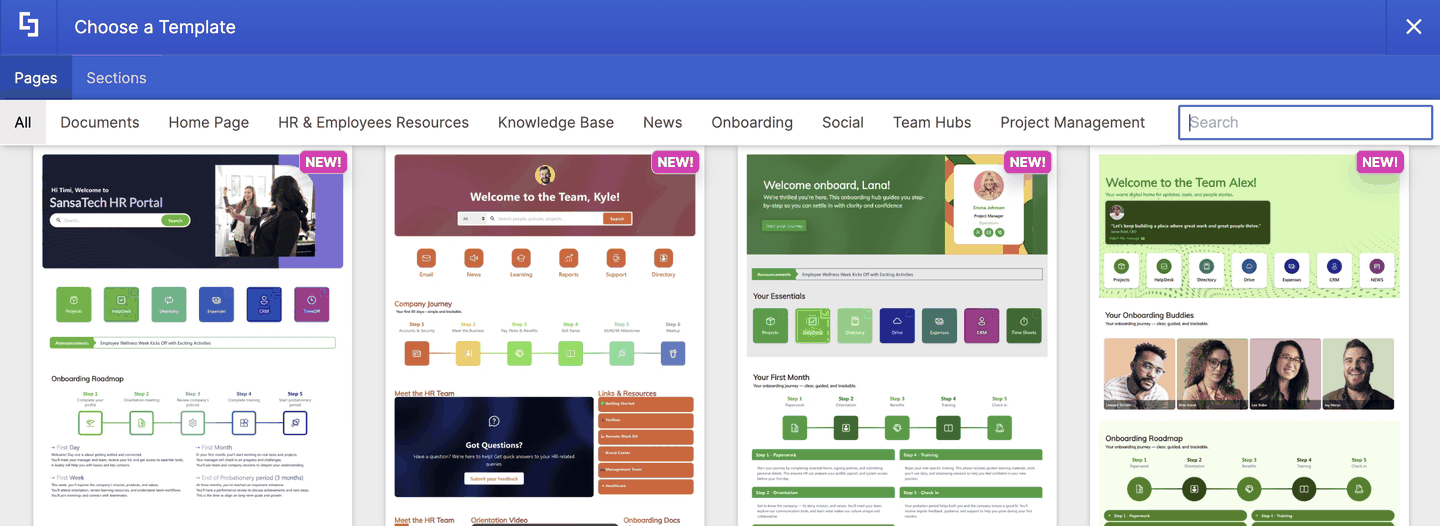
When you open the Templates Library, you'll see two tabs at the top: Pages and Sections. Both hold ready-made designs, but they work for different purposes.
Page Templates
A Page Template is a complete, full-page design. It includes everything a page needs, from the header at the top to the footer at the bottom, with news, links, people, documents, and events in between. Insert one, and you have a finished page that you only need to fill with your own content.
Use a Page Template when you're building a new page from scratch, such as an intranet homepage, an HR portal, or an onboarding hub.
Section Templates
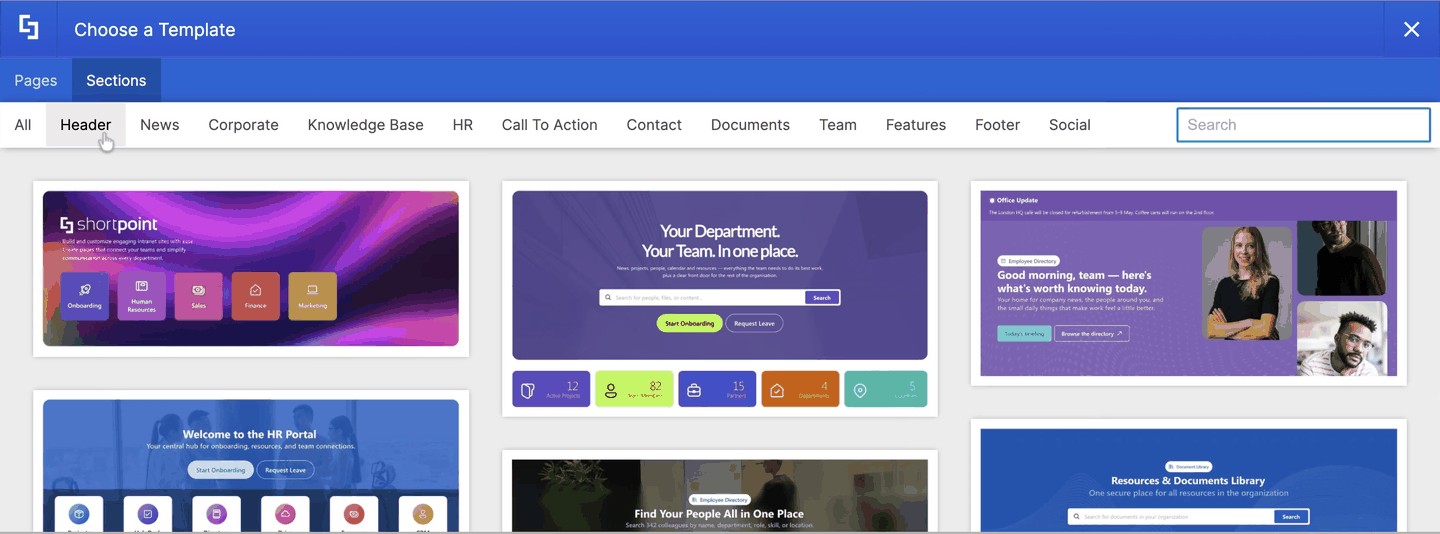
A Section Template is a single building block, such as a header, an FAQ, a team directory, or a footer. It fills one part of a page, not the whole thing. You can mix and match Section Templates to build your own layout, or add one to an existing page to fill a gap.
Use a Section Template when you already have a page and want to add or replace one part of it, or when you'd rather assemble a page piece by piece.
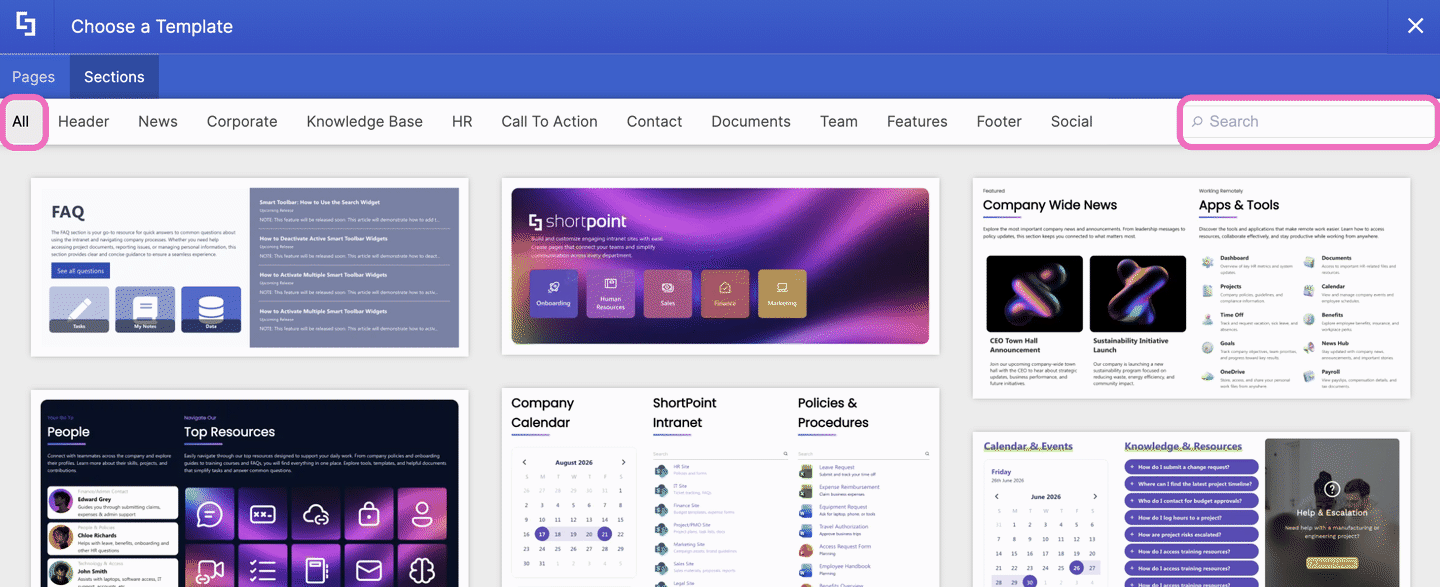
TIPUse the All filter in either tab to browse every template at once, or type a keyword in the Search box to find a template by name.
Page Template Categories
The Pages tab has nine categories. Here's what you'll find in each one.
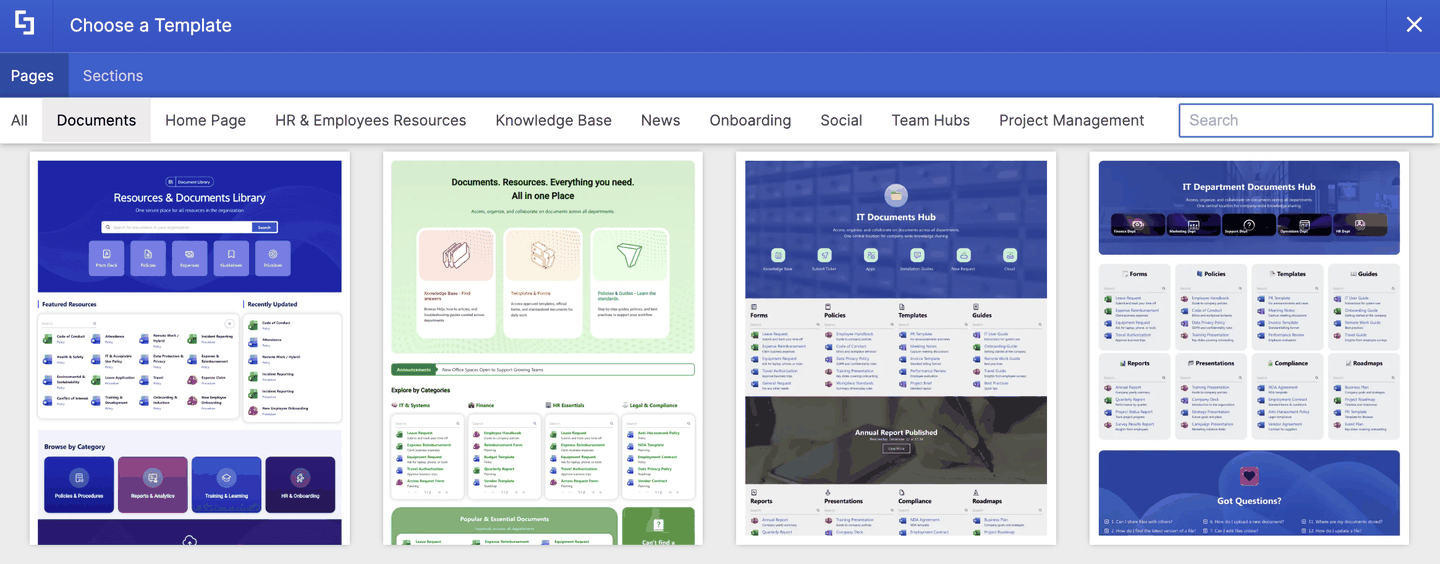
Documents
The Documents tab houses templates that help employees find, browse, and share files. Most include search bars, browse-by-category tiles, and recently updated lists.
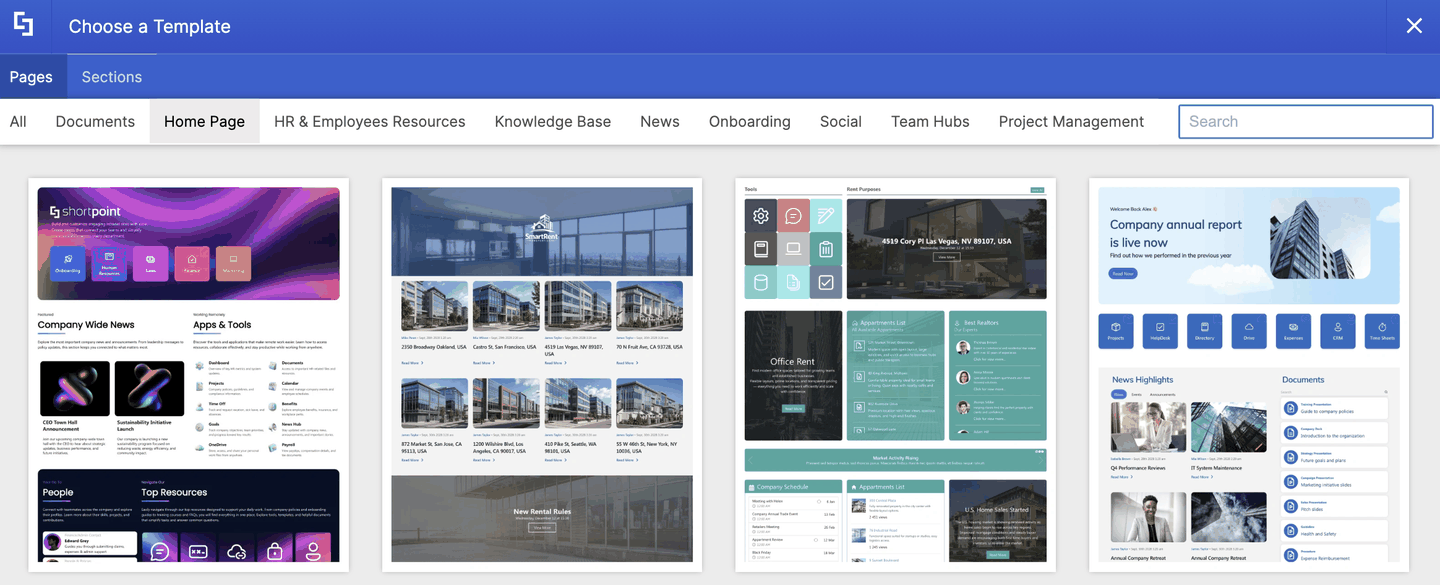
Home Page
In Home Page tab, you can find templates that act as the front door to your company. They bring news, quick links, people, and events together on one page.
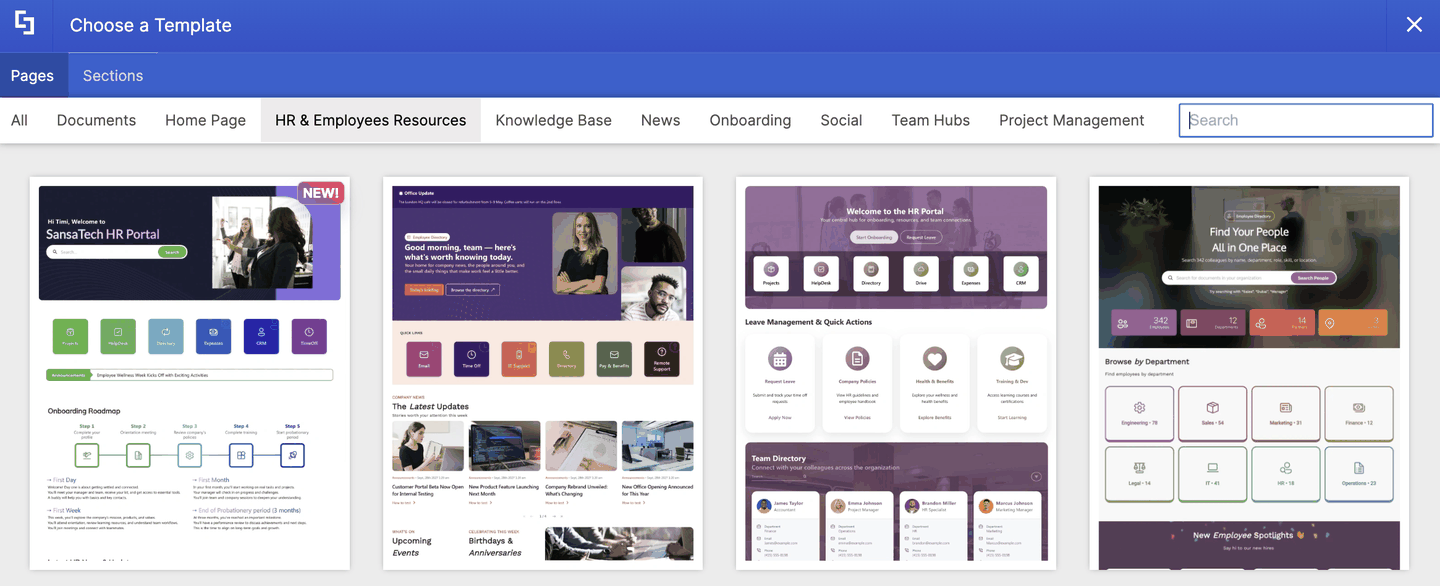
HR & Employees Resources
This tab opens up HR portals that connect employees with policies, benefits, forms, and people. Great for self-service HR and for celebrating your team.
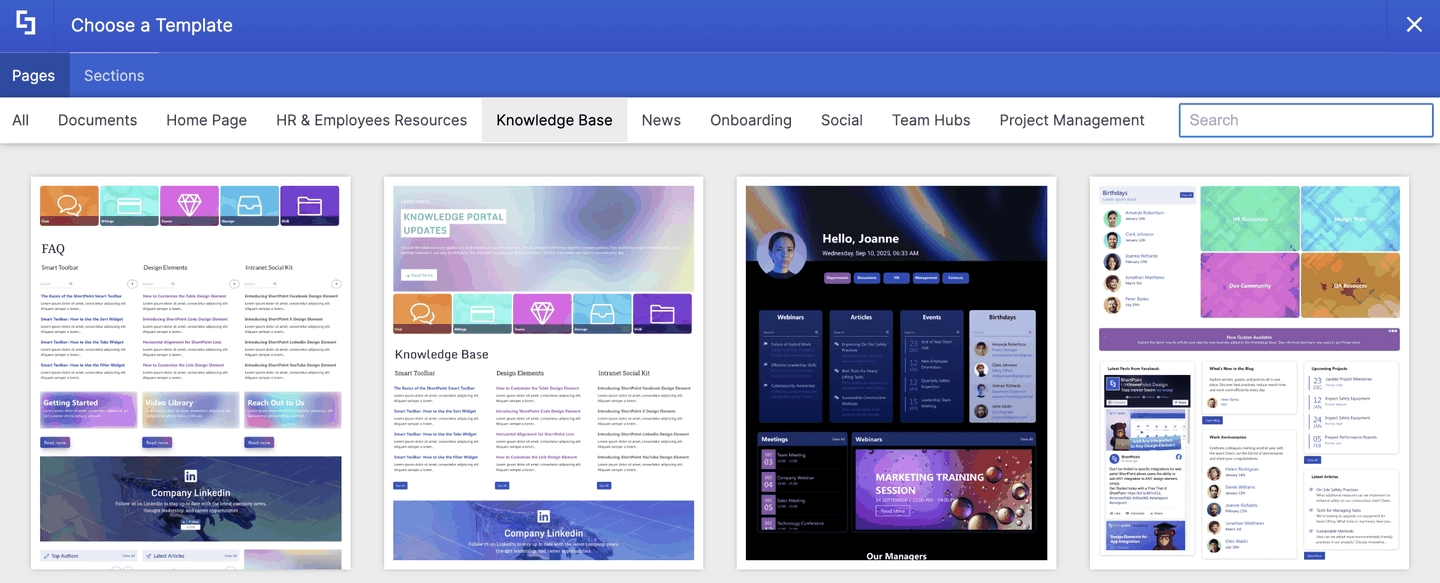
Knowledge Base
The Knowledge Base tab brings you self-service help centers where employees can find guides, FAQs, and how-to articles without having to ask.
News
Here, you'll find news portals for sharing company announcements, stories, and updates in engaging, magazine-style layouts.
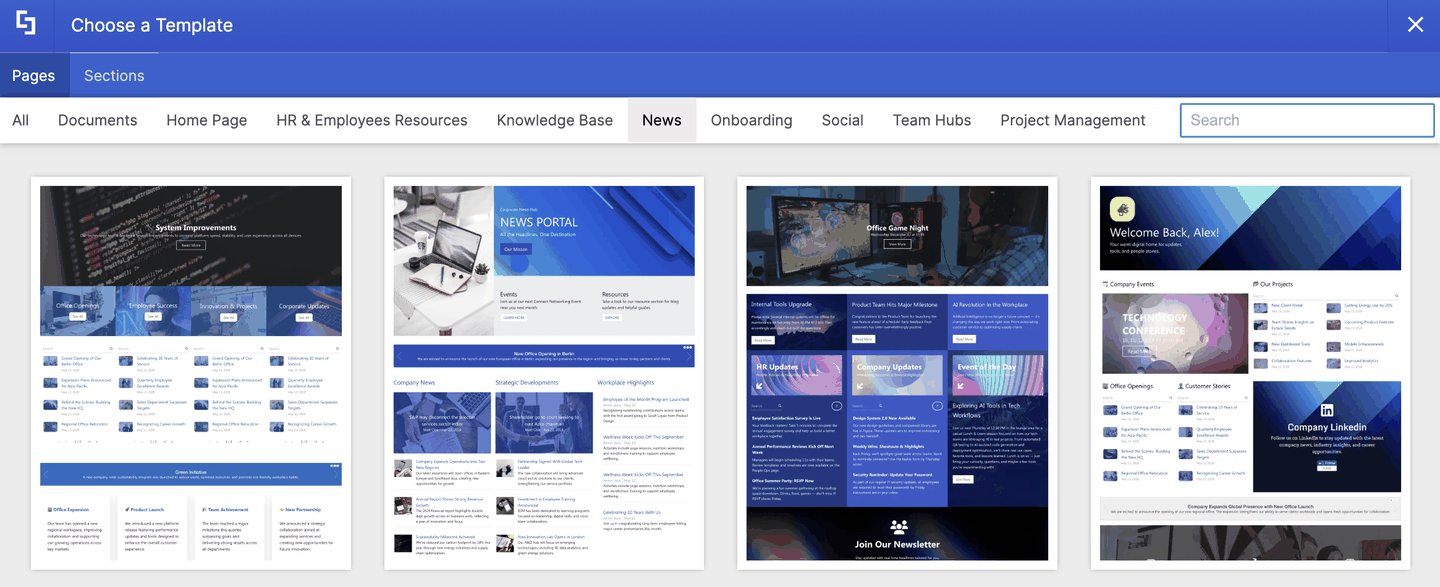
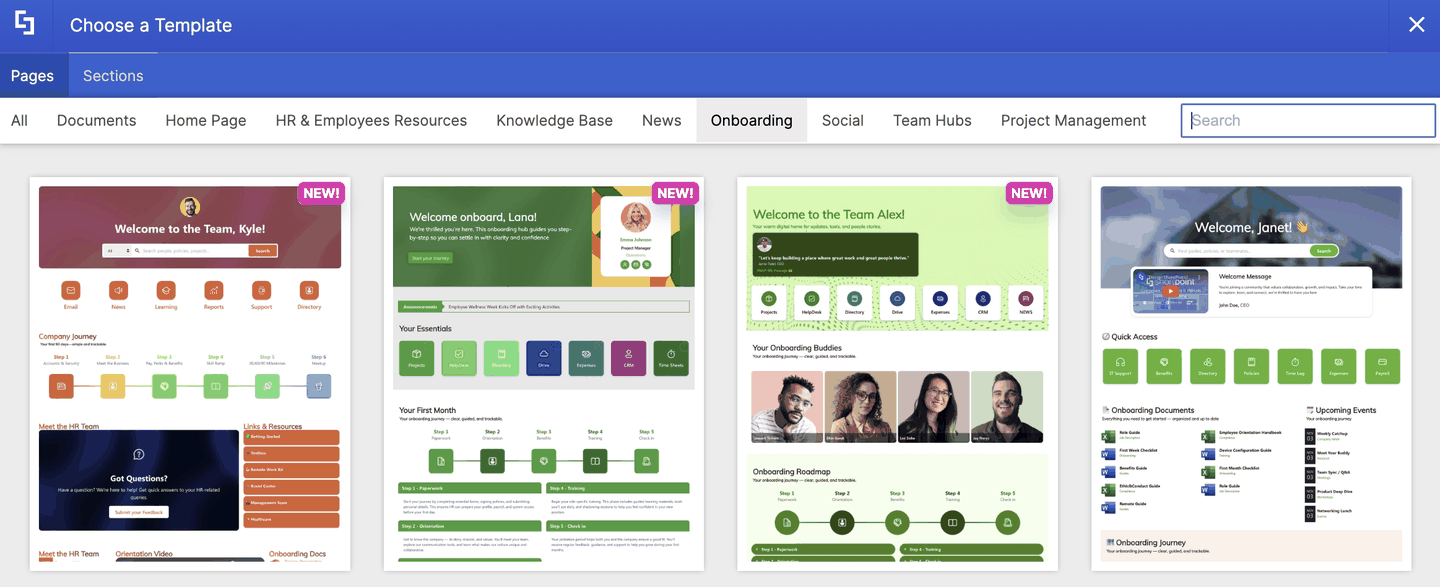
Onboarding
Onboarding hubs that guide new hires through their first days, with roadmaps, checklists, and the people they'll work with.
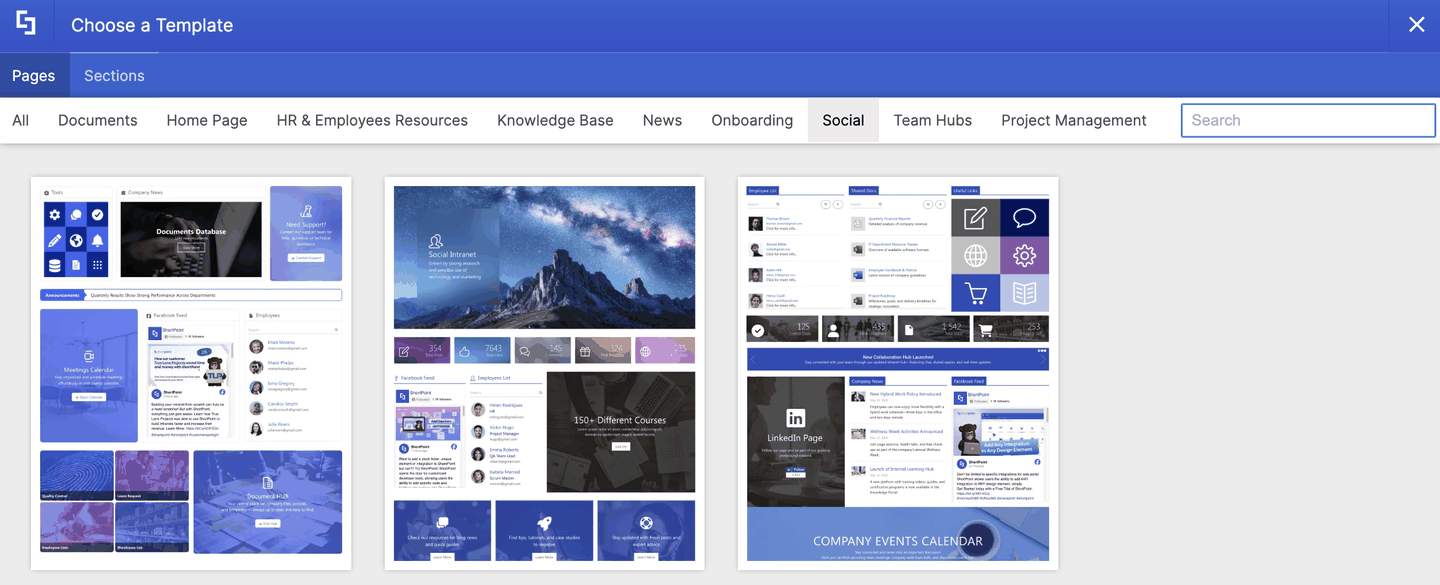
Social
Social intranet pages that bring your company's social feeds, posts, and engagement stats onto SharePoint.
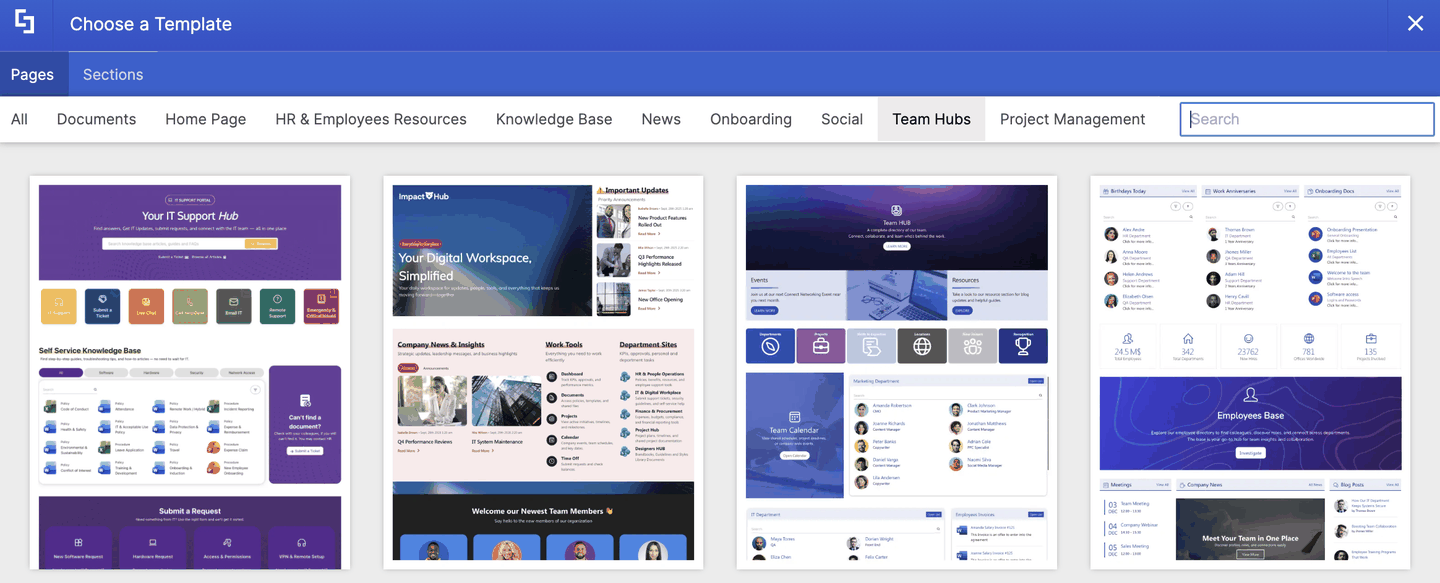
Team Hubs
Team and department sites that give a group its own space for links, people, documents, and events.
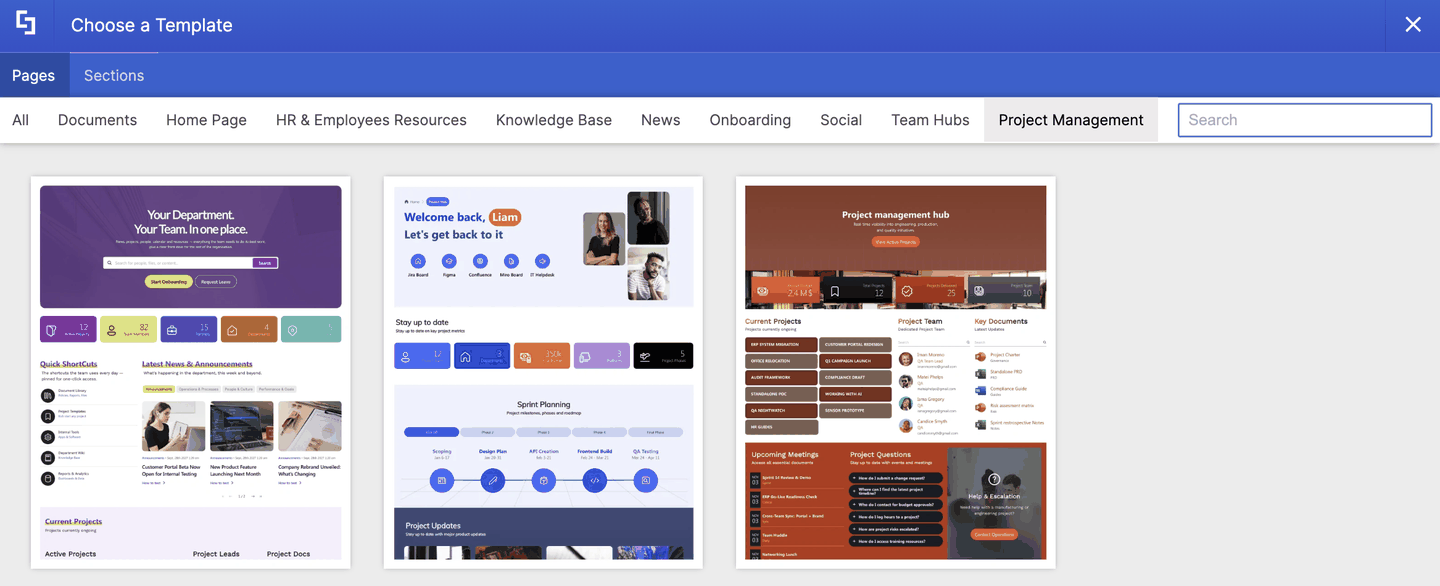
Project Management
Project hubs for tracking work, sharing key documents, and keeping everyone up to date on progress.
Section Template Categories
The Sections tab has twelve categories. Each one holds a different kind of building block for your page.
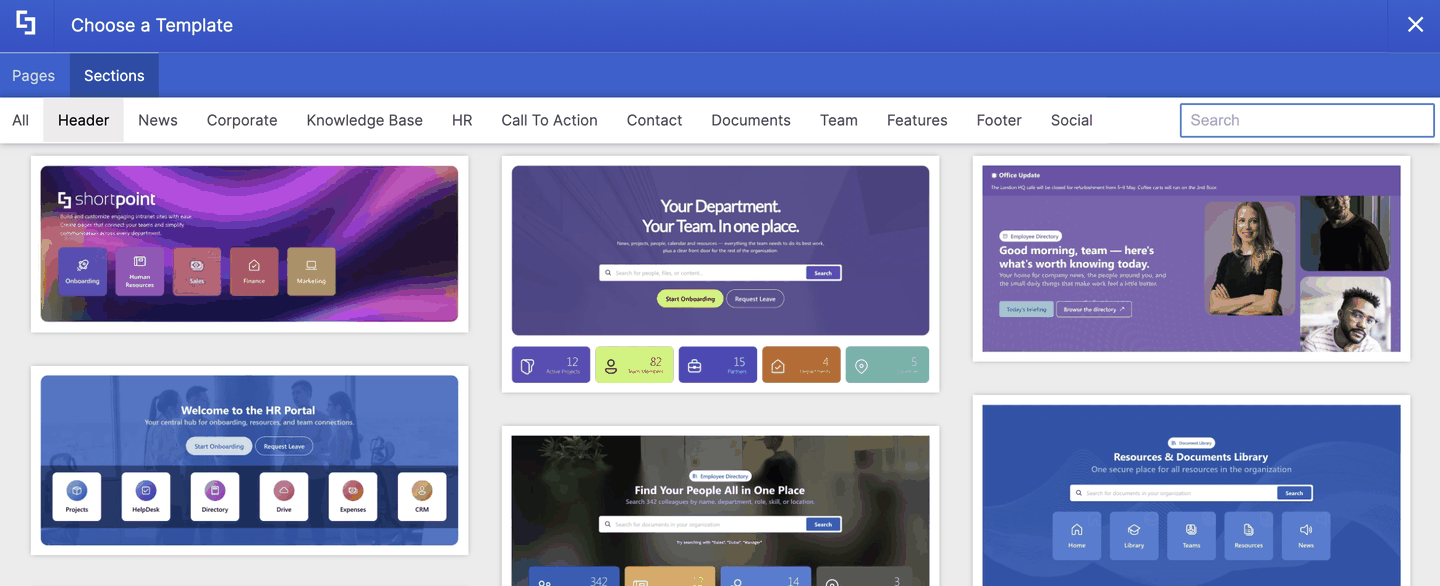
Header
Banners for the top of your page. Headers usually include a welcome message, a search bar, and shortcut icons to popular tools.
News
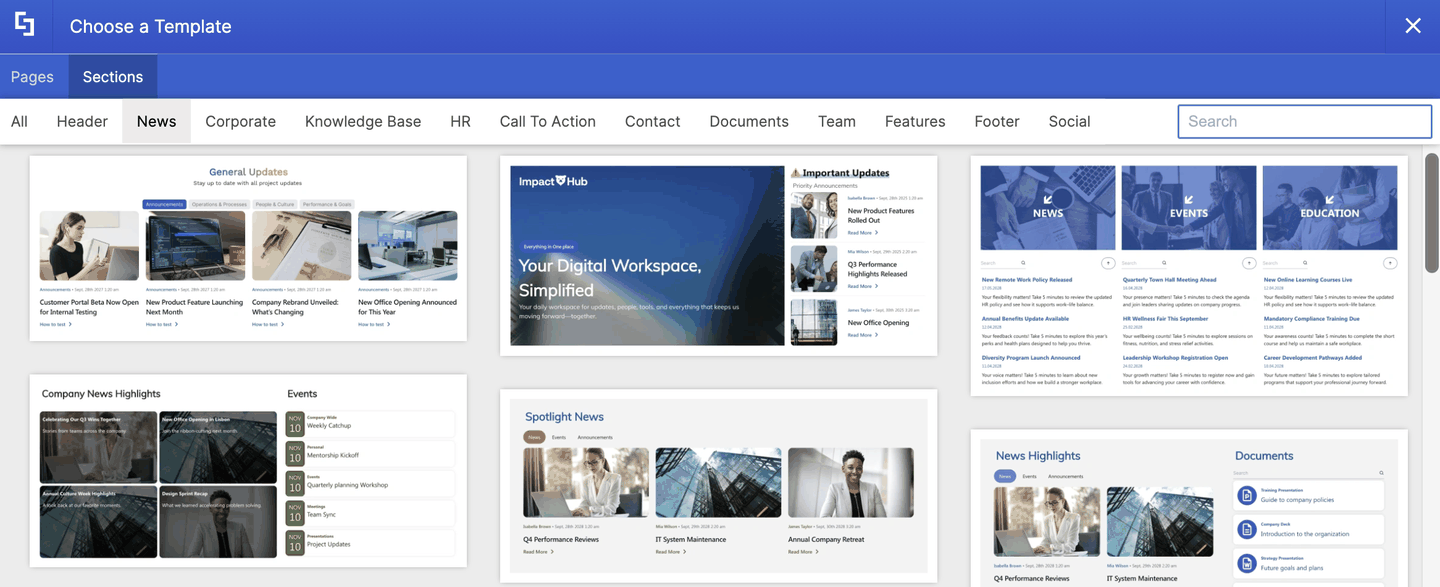
Blocks for sharing announcements and stories, from simple news lists to image-rich news grids.
Corporate
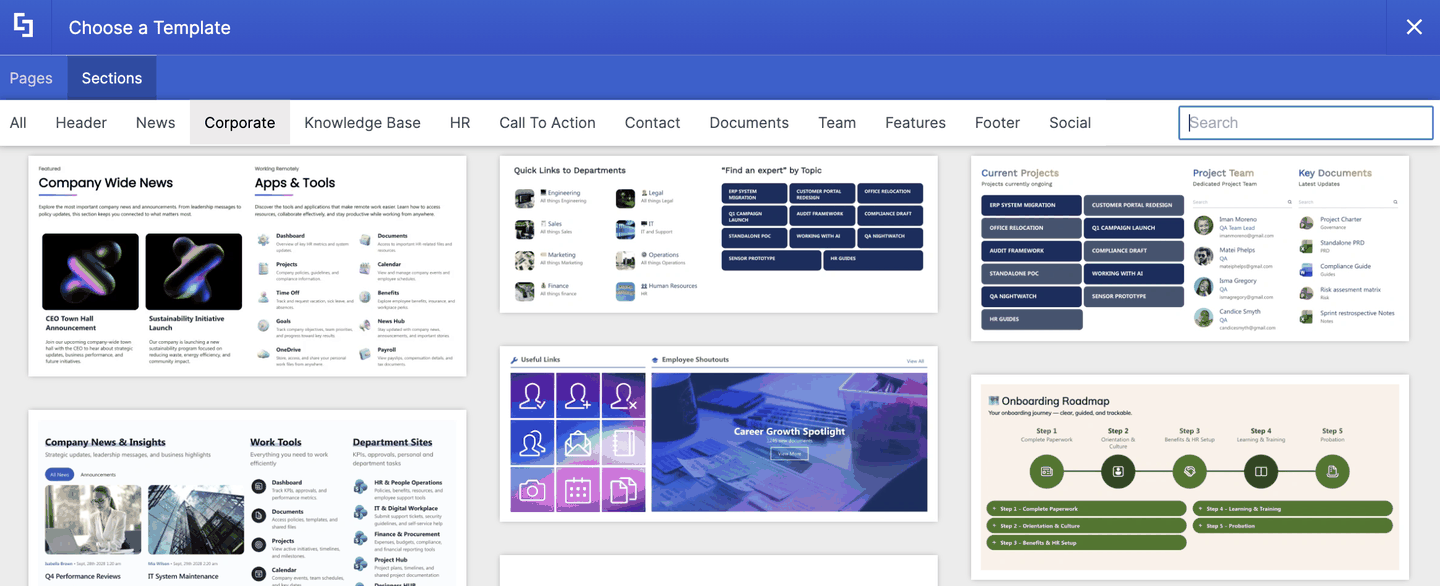
Company-wide blocks for apps and tools, policies, projects, events, and department links.
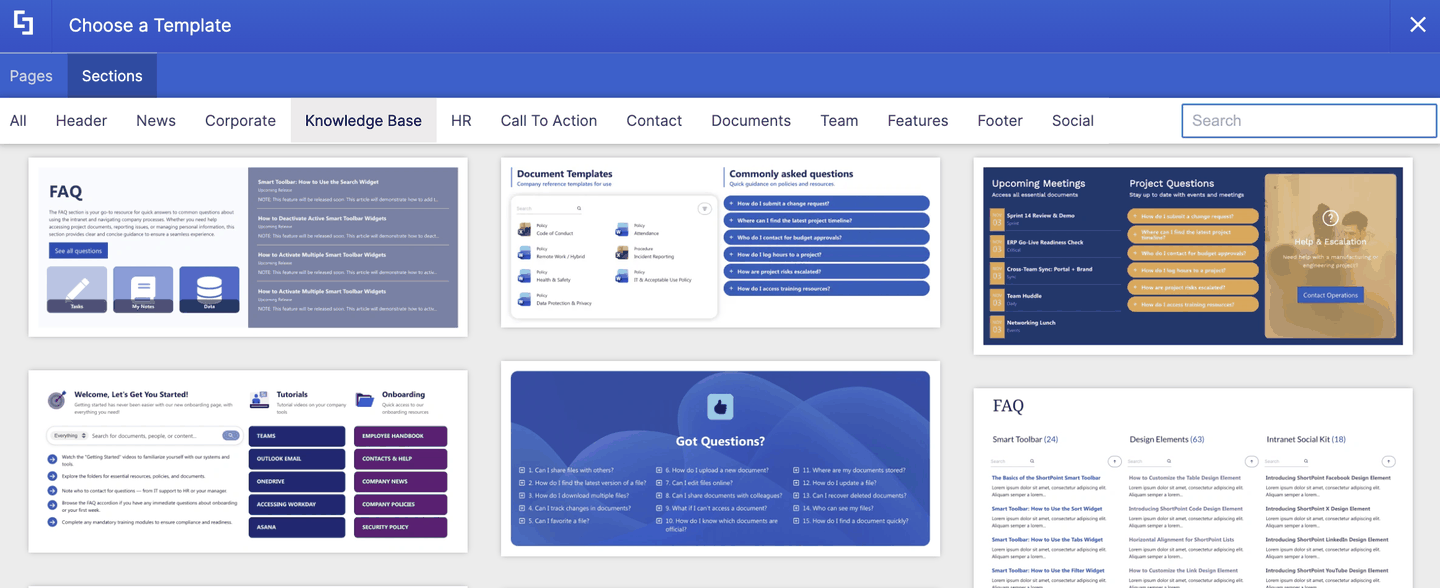
Knowledge Base
Help-center blocks such as FAQs, help cards, and article lists.
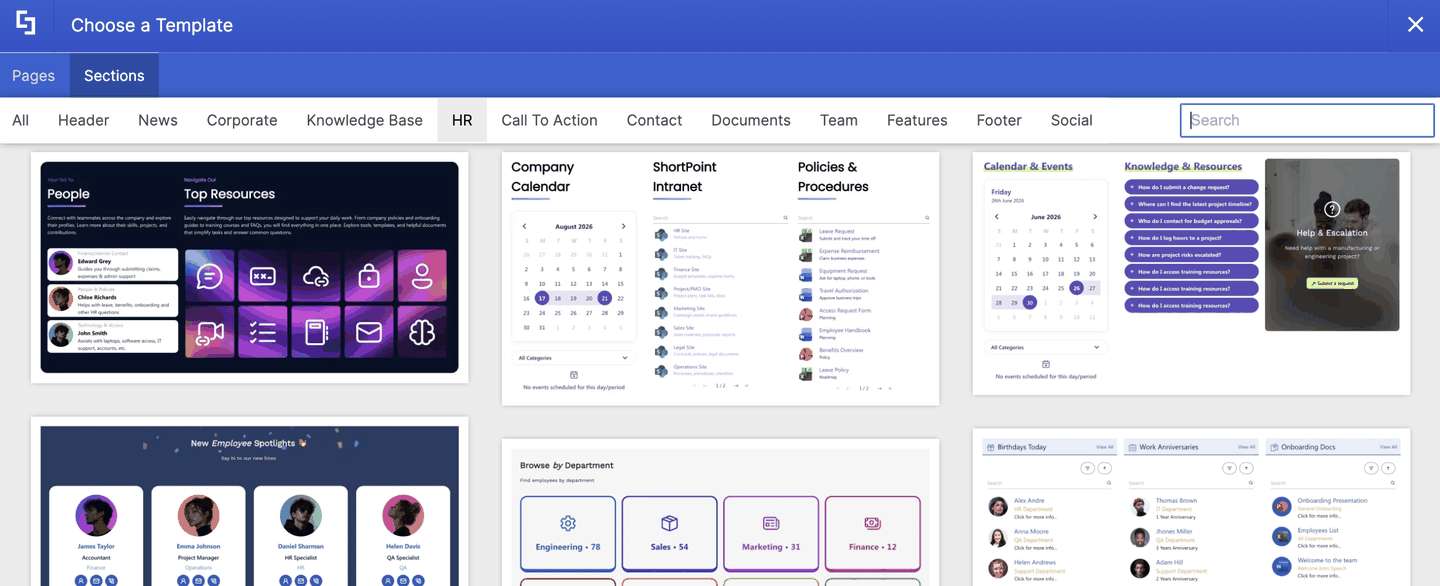
HR
People-focused blocks for calendars, departments, spotlights, and HR resources.
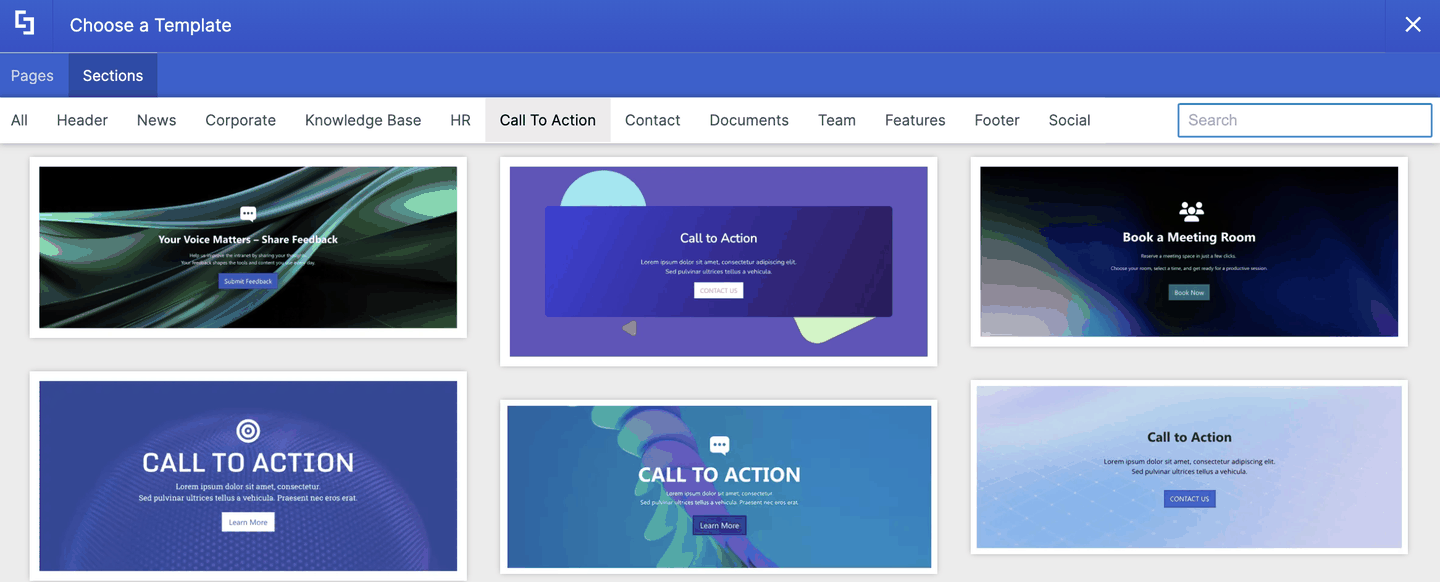
Call To Action
Banners that prompt readers to do something, such as contact a team, give feedback, or sign up.
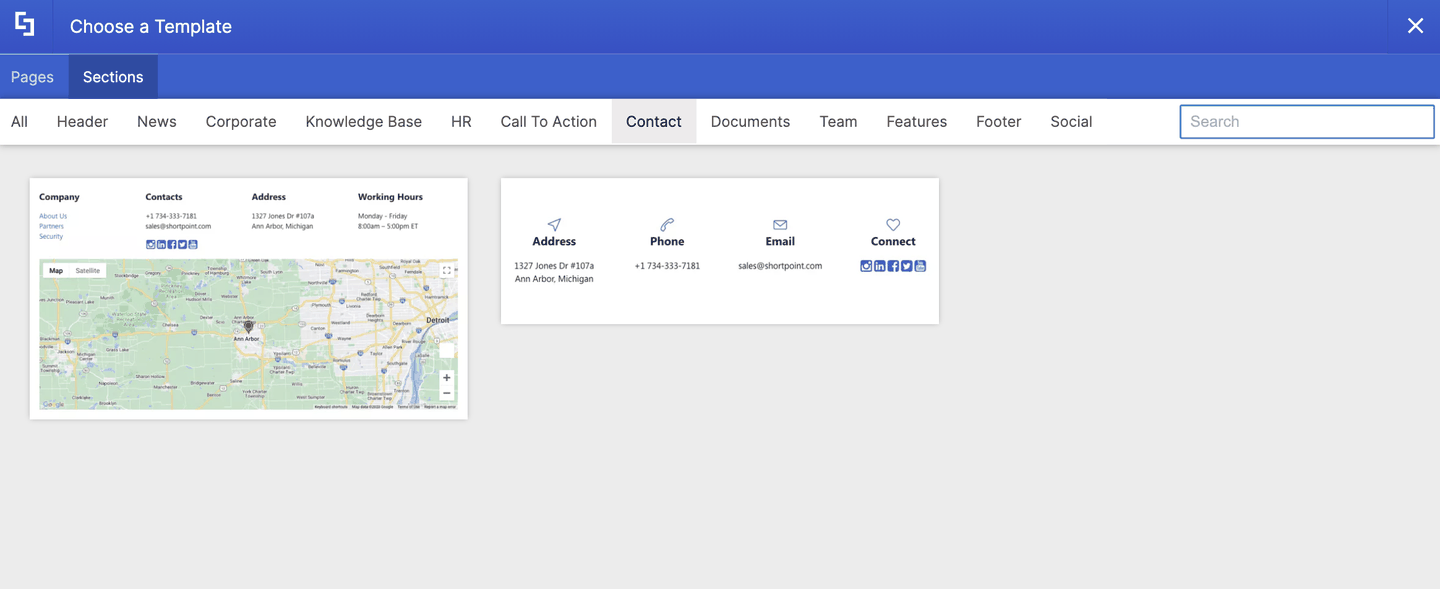
Contact
Blocks for sharing your company's address, phone, email, and social links.
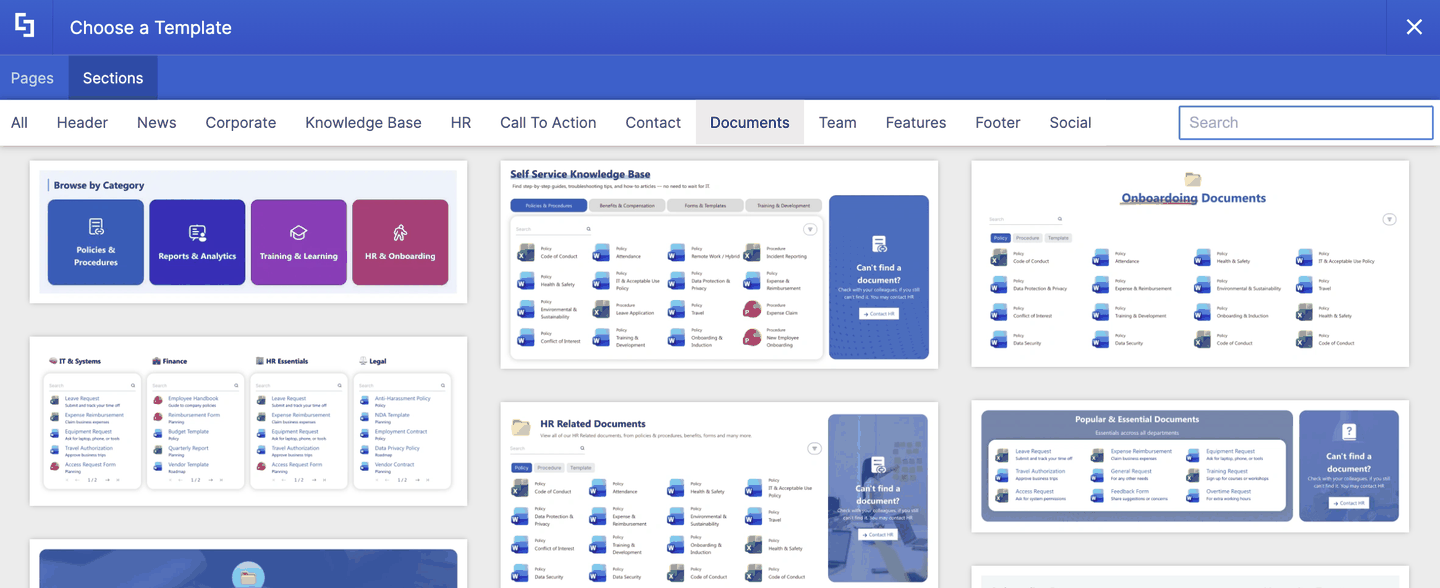
Documents
Blocks that help people find and browse files, from category tiles to searchable document lists.
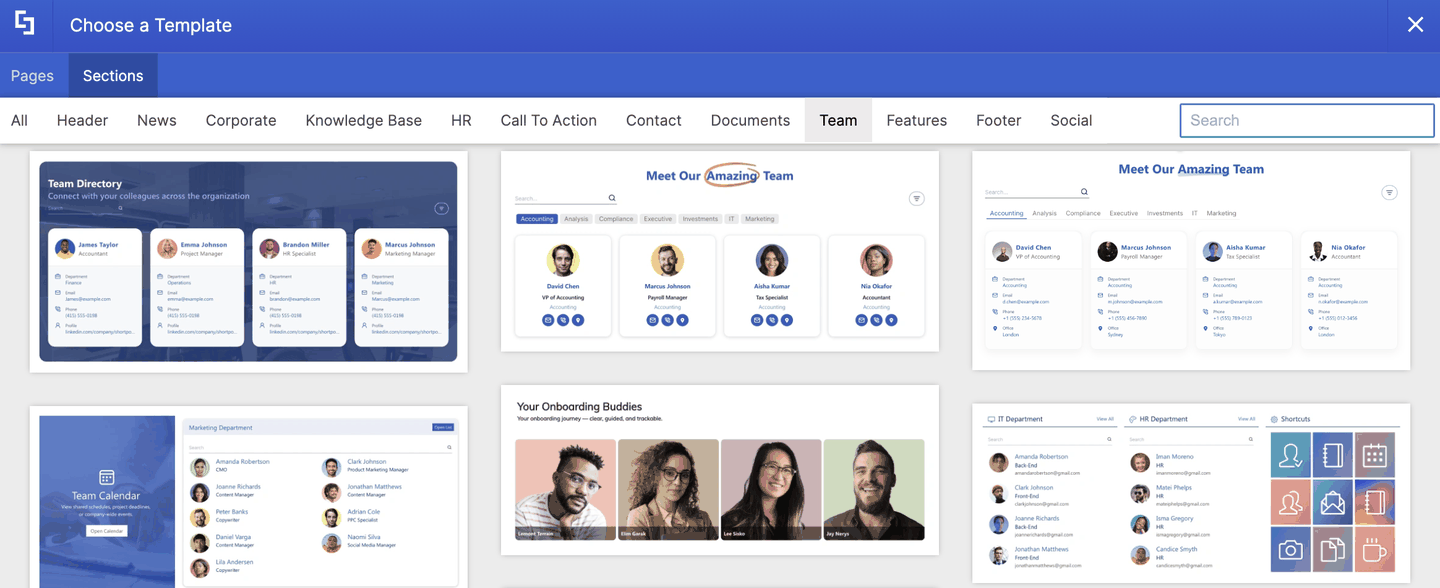
Team
Blocks for introducing people, such as team grids, directories, and team dashboards.
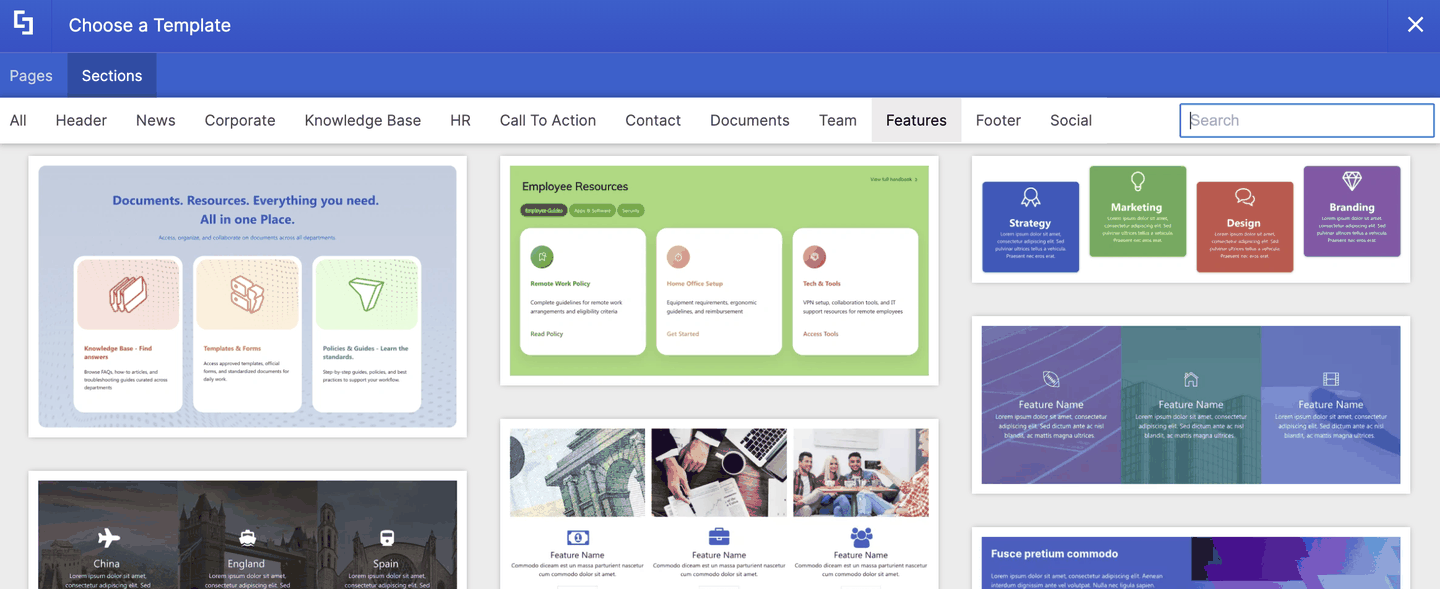
Features
Blocks for highlighting services, resources, or key features with icons, images, and buttons.
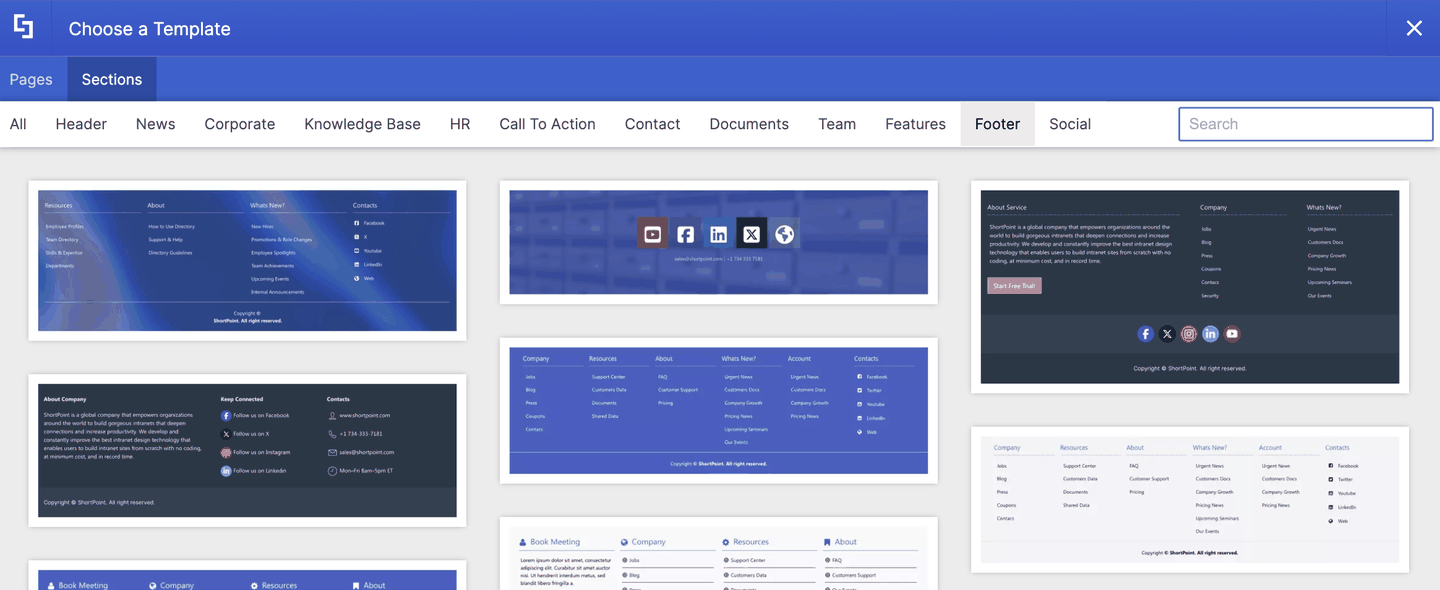
Footer
Blocks for the bottom of your page, with link columns, contact details, and social icons.
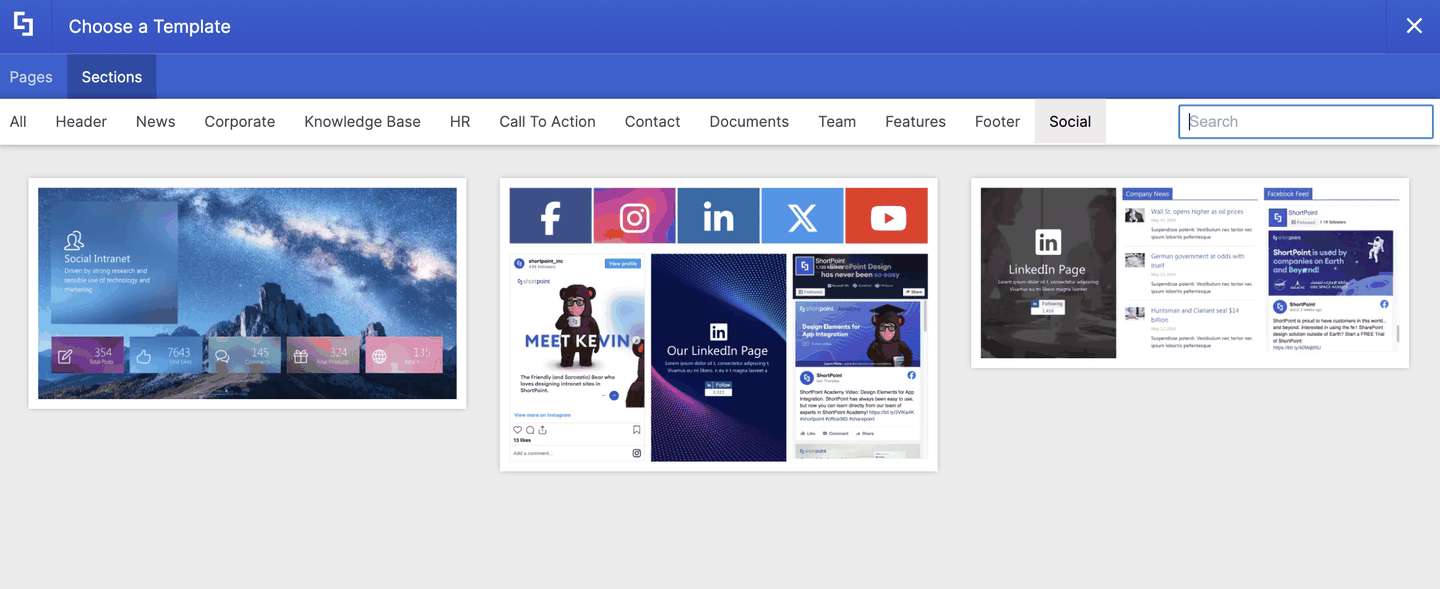
Social
Blocks that bring social media feeds and engagement stats onto your page.
Frequently Asked Questions
What's the difference between a Page Template and a Section Template?
A Page Template is a complete page, with everything from the header to the footer. A Section Template is a single block, like a header, FAQ, or footer, that fills one part of a page.
Can I use a Page Template and Section Templates on the same page?
Yes. You can insert a Page Template and then add Section Templates above or below it. Just add a new, empty ShortPoint Section for each template you want to insert.
Can a template appear in more than one category?
Each template belongs to one category, but you'll see every template when you select All. If you can't find a template in the category you expected, select All or use the Search box.
Can I customize a template after I insert it?
Yes. Every template is fully editable. You can change text, images, links, colors, and layout just like any other ShortPoint design, or use AI Designer to adapt a template for you.
Do I need a special license to use these templates?
No. Every Page Template and Section Template is included with your ShortPoint license. There are no extra fees per template.
Are new templates added to the library?
Yes. The ShortPoint team adds new templates regularly. Look for the New badge on the ShortPoint templates page to see the latest designs.
Related articles: