Try ShortPoint now
ShortPoint is taking a major leap forward in streamlining how ShortPoint Designers design and edit their SharePoint pages. To deliver a faster, more intuitive, and visually unified page-building journey, Grid Mode (GM), ShortPoint’s traditional wireframe editing experience, is now officially discontinued.
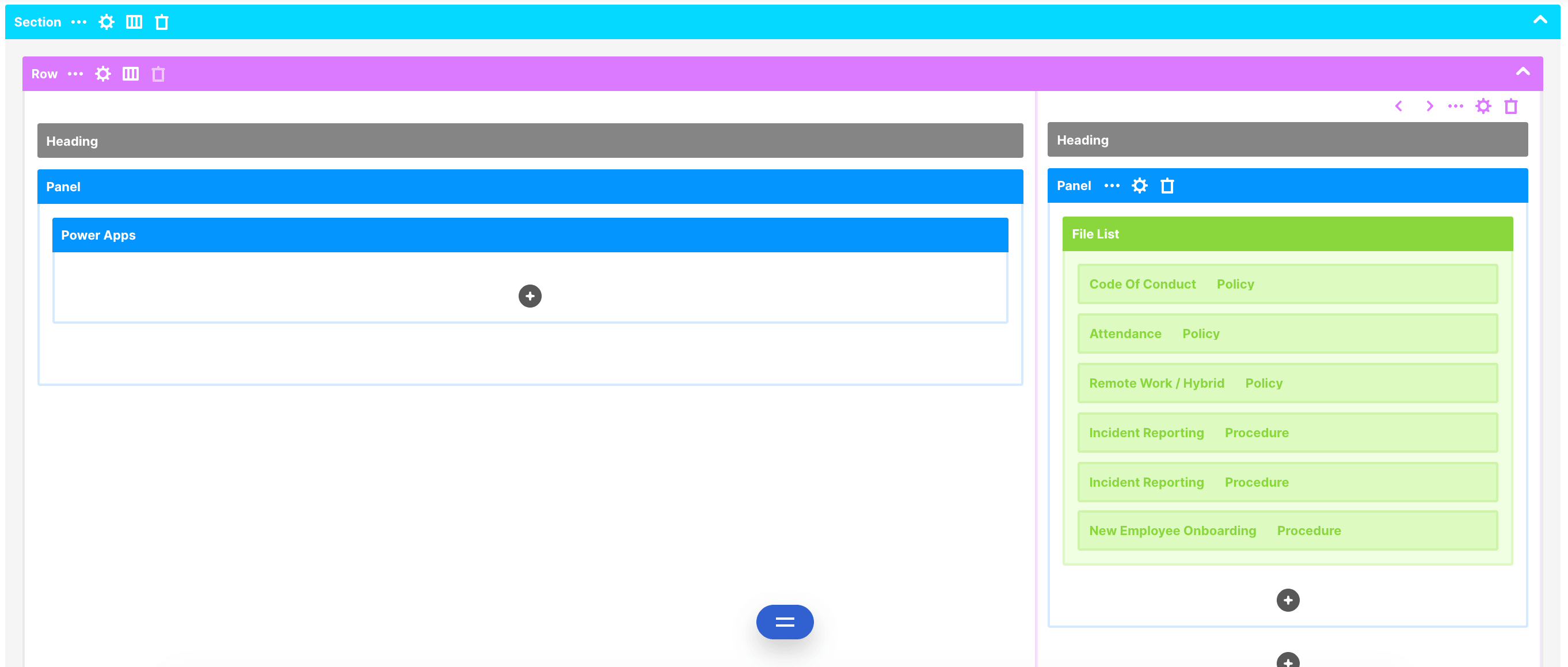
Grid Mode’s removal starts with ShortPoint SPFx version 9.5.0.0 onwards. All design and editing capabilities will transition entirely to Live Mode (LM). By consolidating our editor into a single, high-performance environment, ShortPoint Designers can build, edit, and manage pages in real time with zero switching friction.
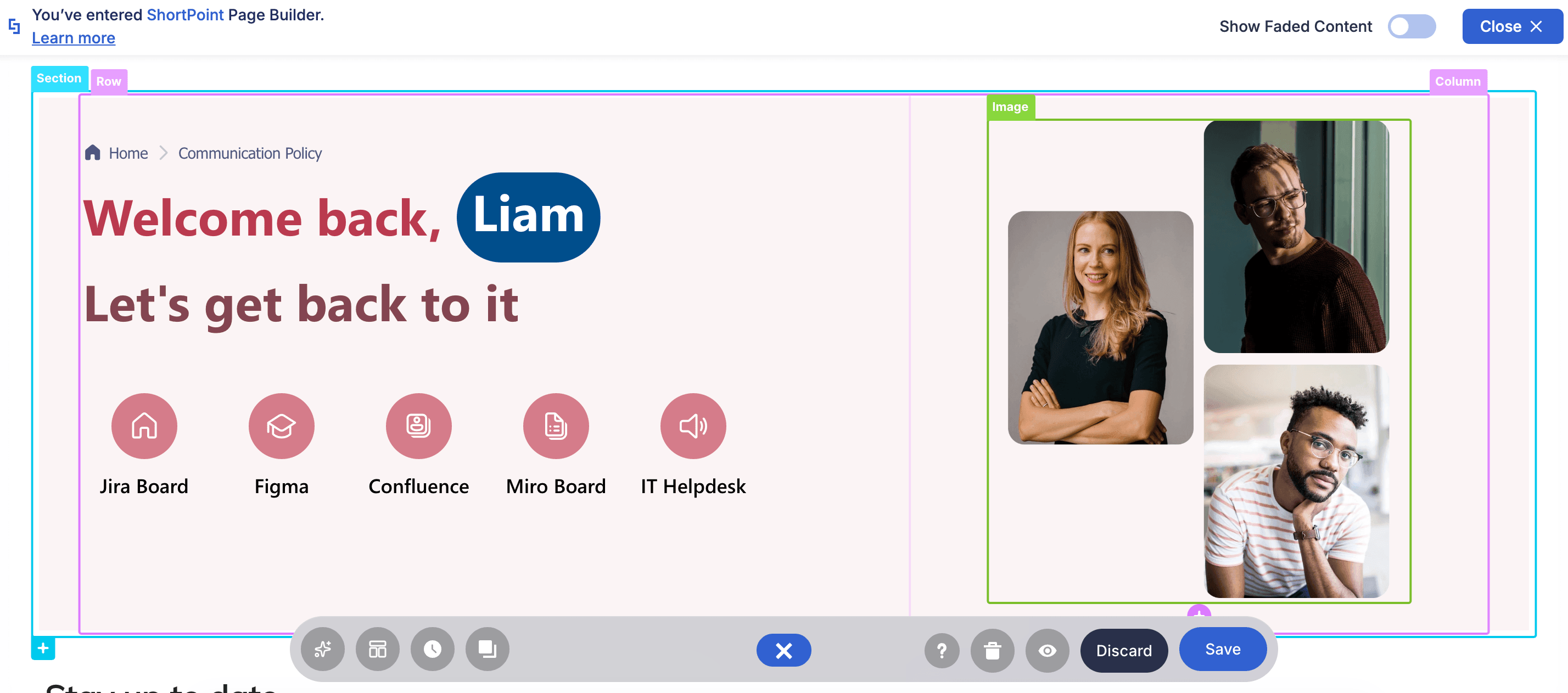
Here is a full breakdown of what’s new, expanded, and sunsetted in this landmark update.
TABLE OF CONTENTS
What’s New & Upgraded in Live Mode
With Grid Mode gone, Live Mode will receive extensive enhancements to handle complex site design tasks natively and dynamically.
Grid Mode switch removed
Previously, you could switch between Live Mode and Grid Mode using the Action Toolbar. To streamline your design experience, we’ve removed the Grid Mode toggle, giving you a cleaner, faster workflow in Live Mode. Rest assured, all your other favorite Action Toolbar buttons are right where you left them!

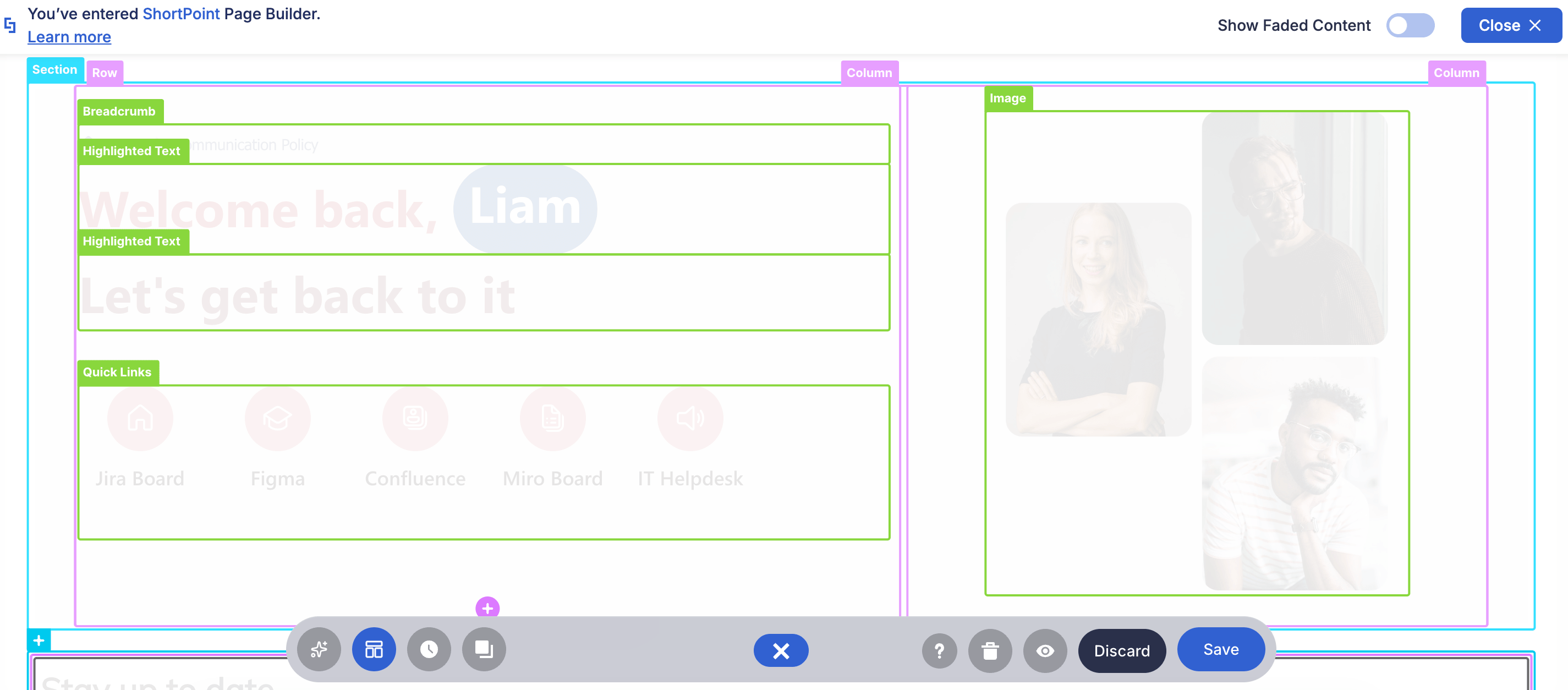
New Wireframe Experience
Used to editing your page in Grid Mode? Great news! Grid Mode may be gone, but the familiar wireframe experience is still here to stay (just with a better editing interface). You still see the colorful frames, but this time you can actually see what you’re editing!
Key Integrations Are Now Native to Live Mode
Wondering what happens to your Power Apps or Power BI connections when Grid Mode gets removed? You can breathe easy! Live Mode will fully support visual editing for all your essential integrations:
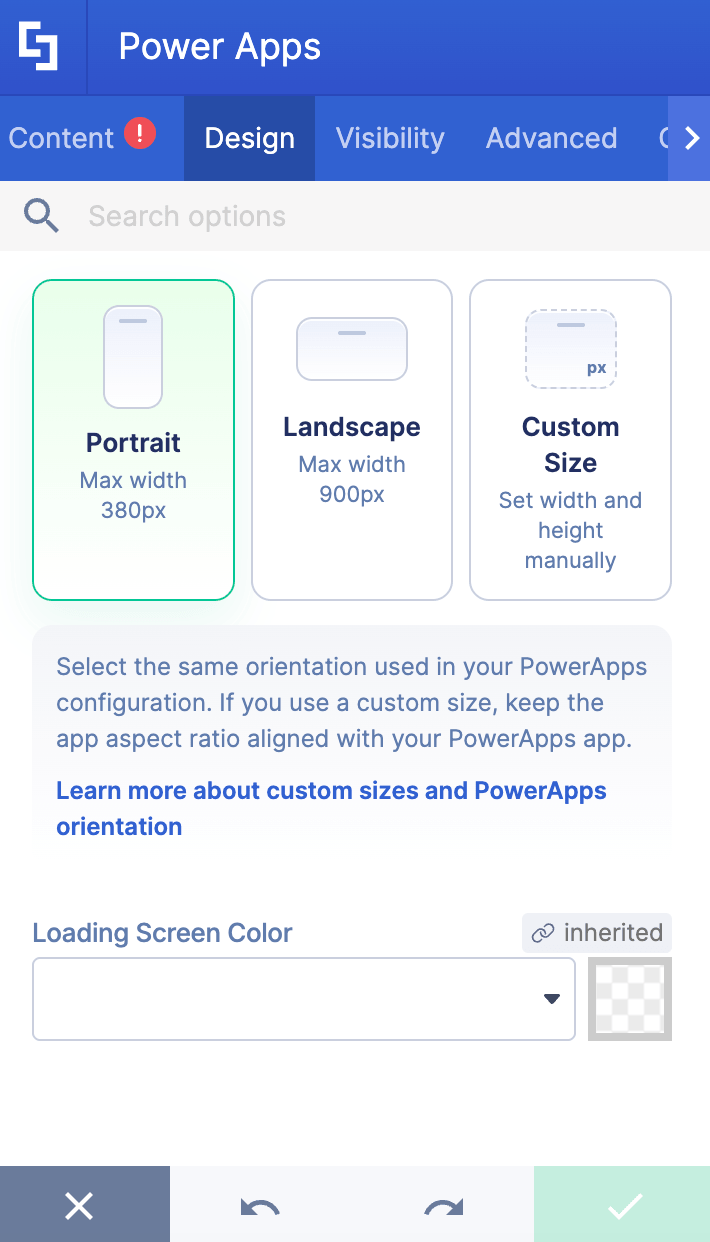
- Power Apps: Embed and customize your custom Power Apps directly on the live page layout without needing to switch views. Learn More
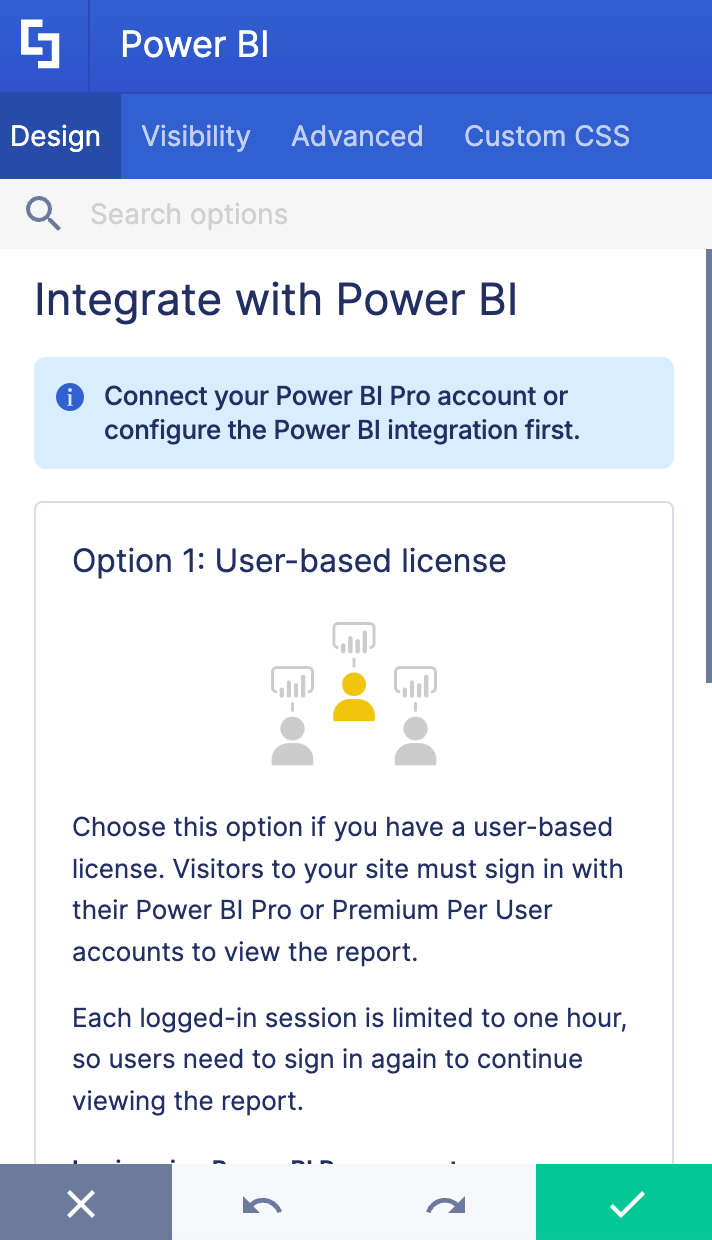
- Power BI: Display and adjust real-time dashboard analytics seamlessly alongside your other content. Learn More
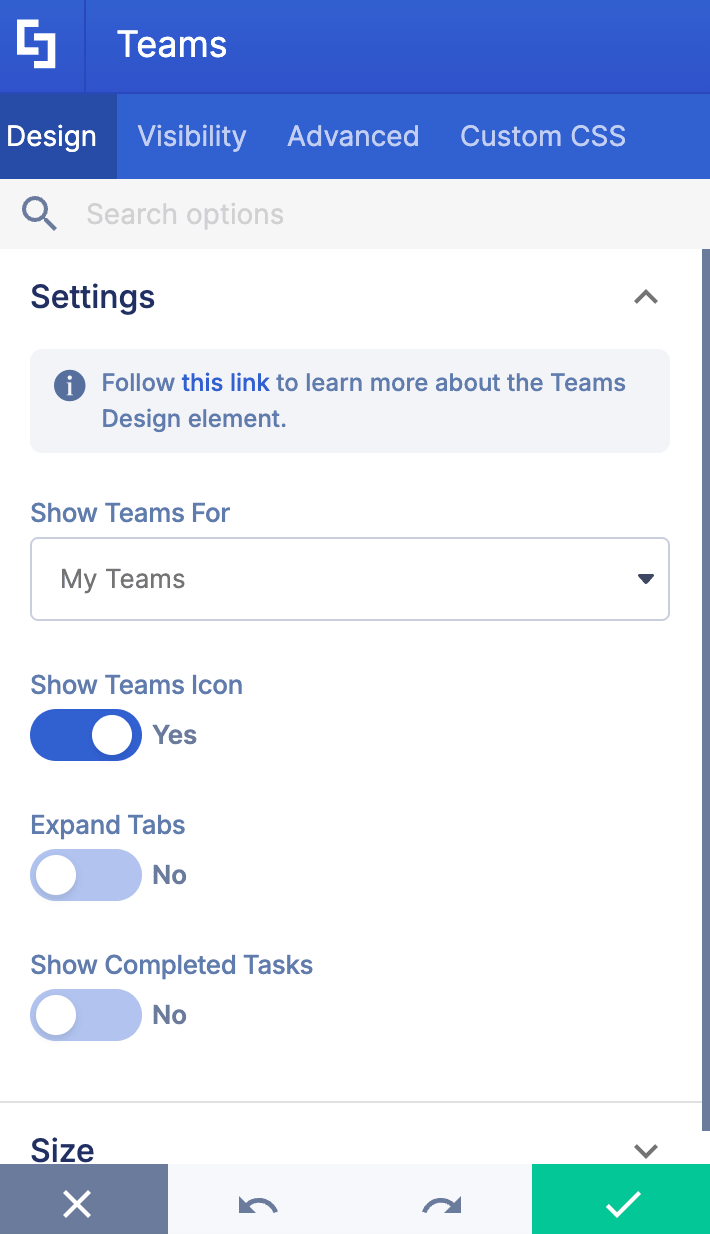
- Teams: Showcase your Teams channels with full visual control right on the live canvas. Learn More
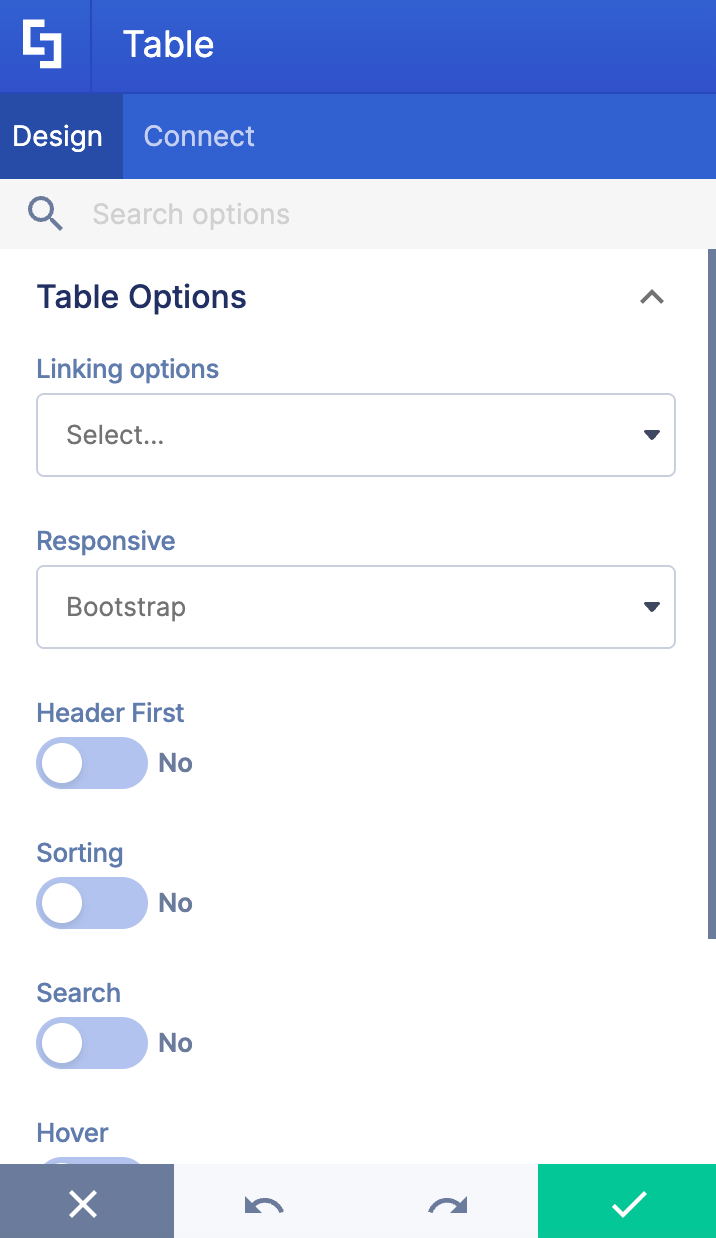
- Table: Format, organize, and style structured data tables dynamically while seeing your changes instantly. Learn More
Advanced Generator Experience
Managing Generator elements is smoother than ever because it’s now fully powered by Live Mode! You get total visual control over your content structures in real time, making it effortless to build new generator elements or fine-tune existing ones right on the page canvas. Learn More
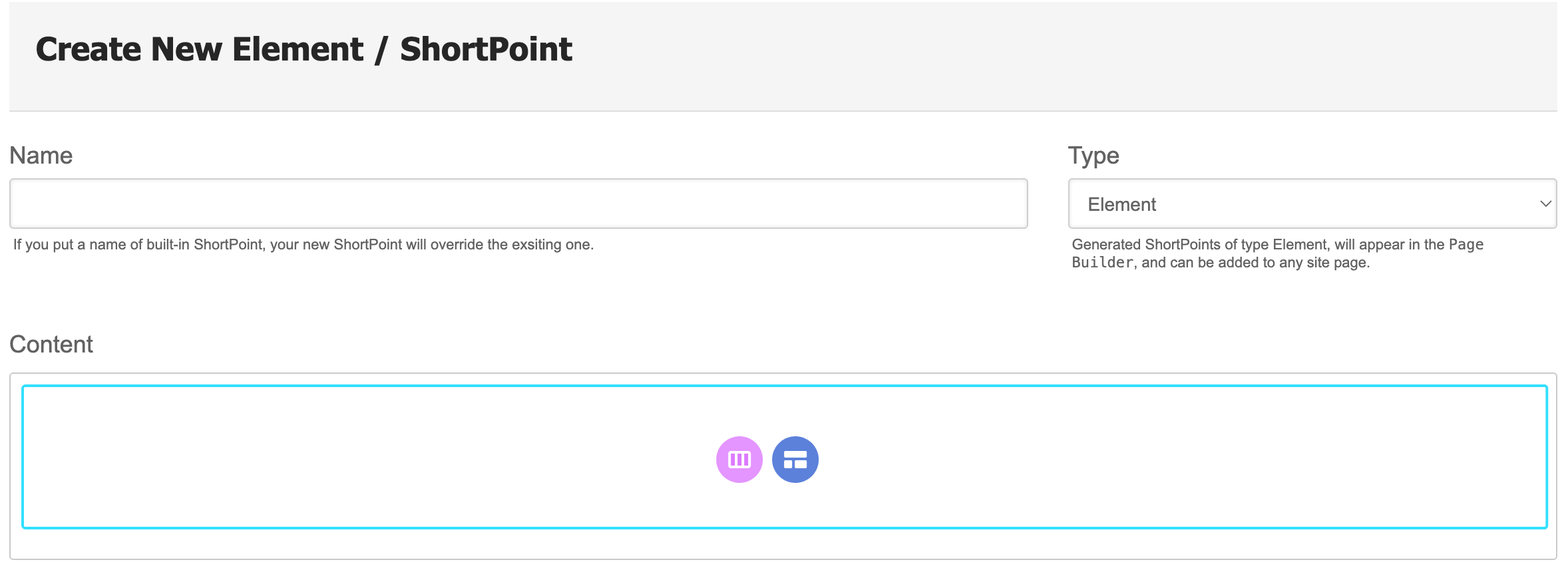
A Better, More Beautiful Visual Experience
ShortPoint Live Mode now offers even more flexibility thanks to the newly improved spacing experience. You now have intuitive ways to add the perfect amount of breathing room between your Design Elements, complete with upgraded hot actions and precise spacing controls. Learn More
And of course, all the Live Mode features you already know and love are right where you left them to keep your design process running smoothly. Want to brush up on the essentials? Check out our guide: Getting Started: The Basics of ShortPoint Live Mode.
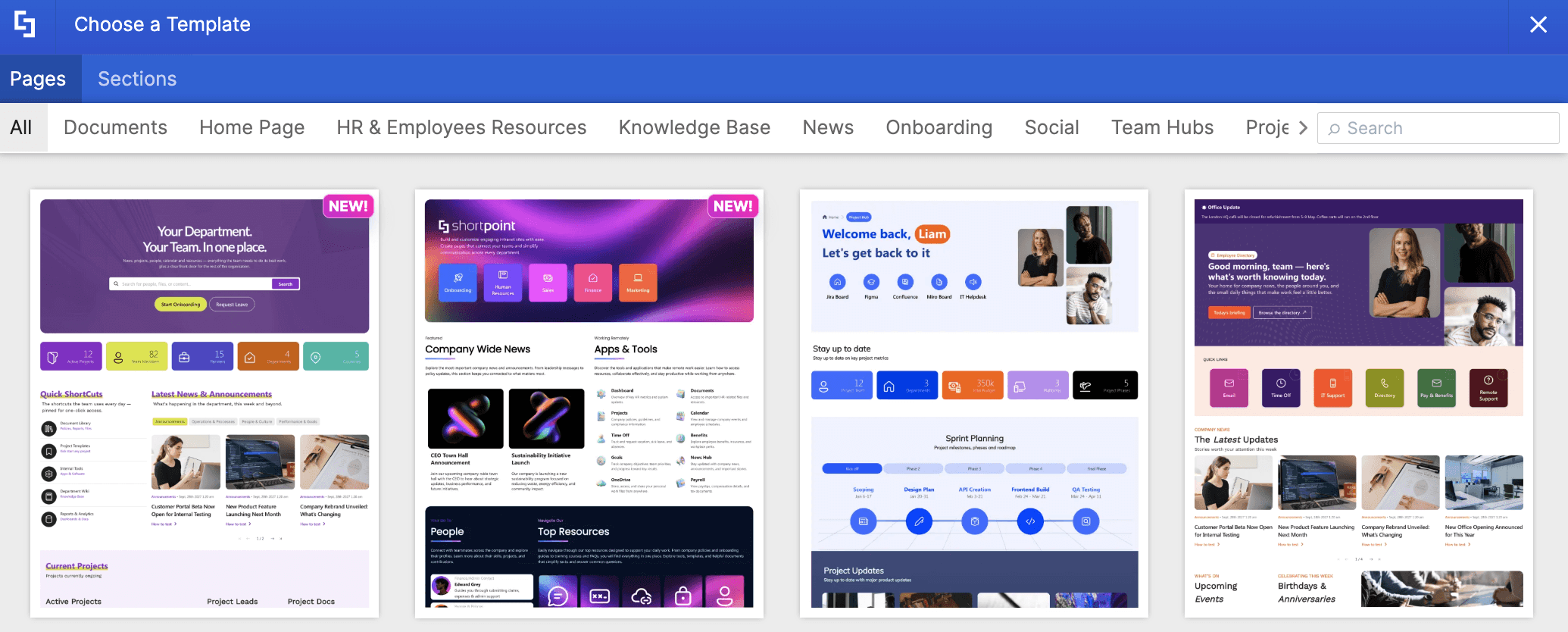
Wide Selection of Page and Section Templates
ShortPoint offers hundreds of beautiful templates to match your every need, from HR portals to creative dashboards. The best part? It is readily accessible in Live Mode. Simply select a template, and you're ready to go. Check out our Templates page to see an overview of each one.
Theme Builder will be Fully Modern
Starting in version 9.5.0.0 onwards, Classic Theme Builder for Classic SharePoint Pages will also be deprecated. So, to keep enjoying ShortPoint Theme Builder and all its features, we highly recommend converting your Classic SharePoint pages to Modern pages. To learn how, go to How to Convert Your SharePoint 2019/SE Classic Pages to Modern.
ShortPoint Connect & Visibility Now in Live Mode
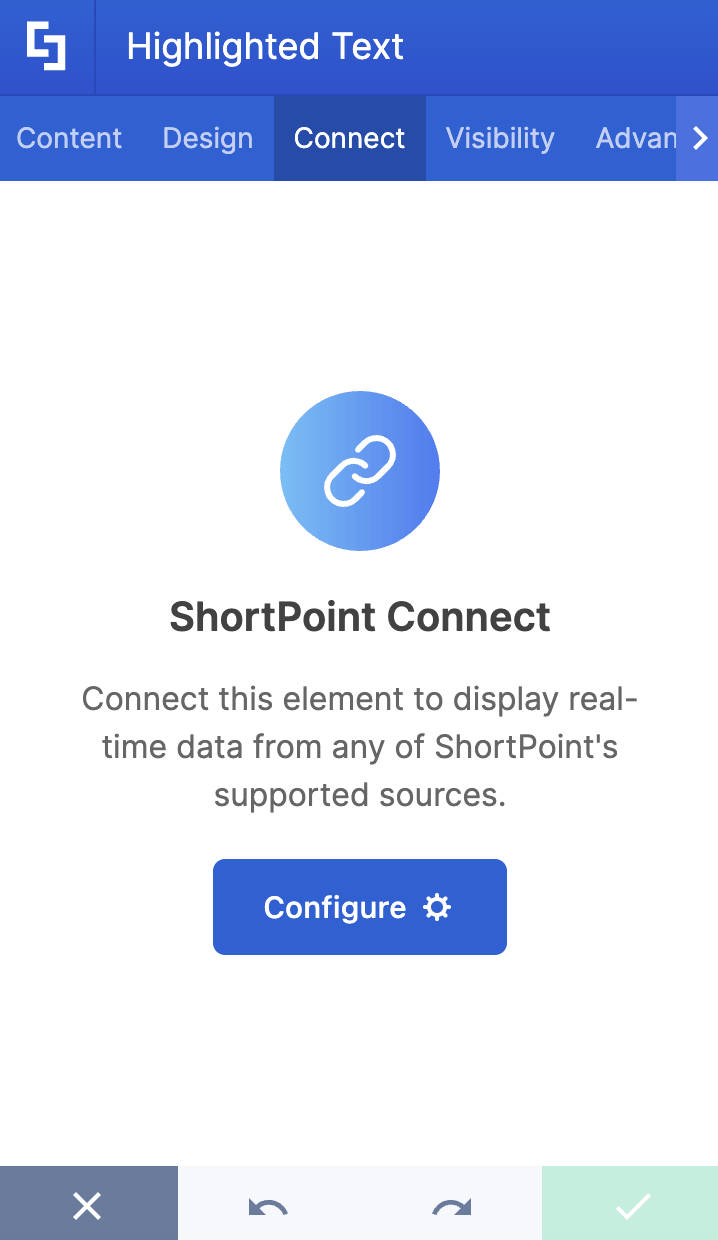
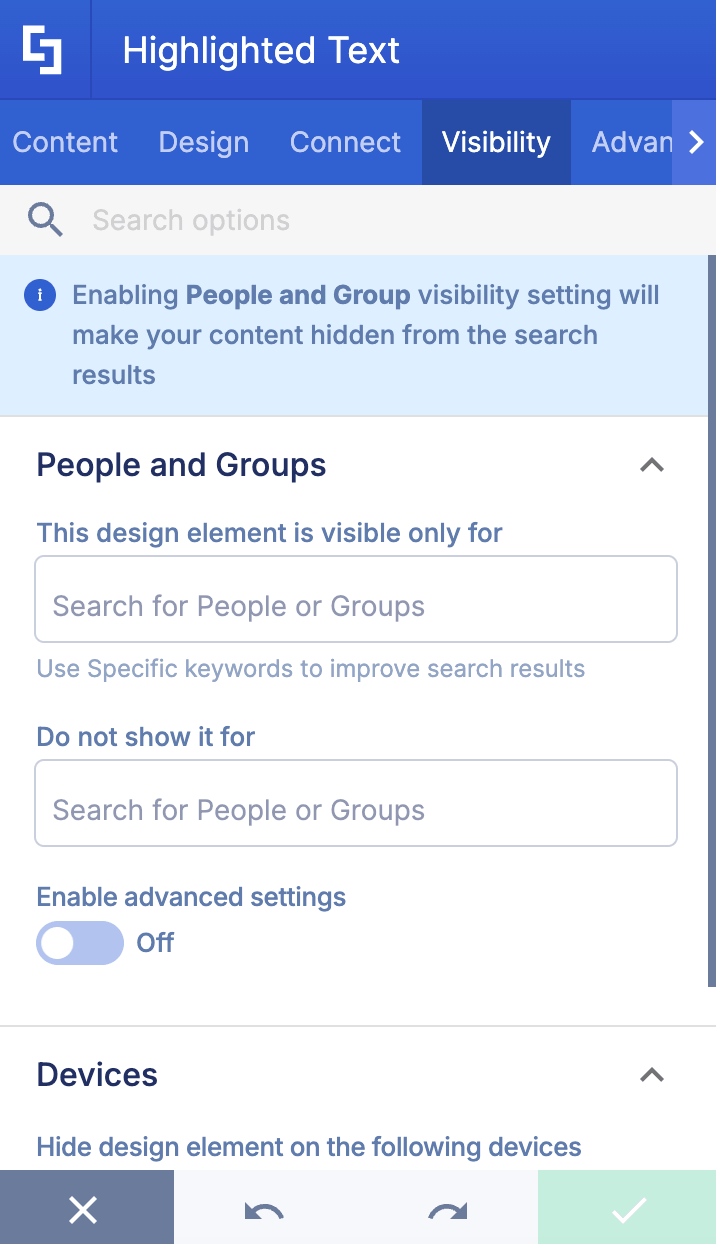
Designing dynamic content is now much simpler and far more intuitive! Live Mode lets you instantly preview your data connections and visibility rules right on the page as you configure them. You can see exactly how your content behaves in real time. Say goodbye to toggling back and forth between Live Mode and Grid Mode just to check your work!
Check out the following articles to learn more:
- Basic Tutorial: How to Establish Seamless SharePoint Connection with ShortPoint Connect
- Introducing the New User Experience for ShortPoint Visibility
 |  |
Smarter Upgrades for Discontinued Elements
To help you build cleaner, more modern SharePoint pages, we’ve retired a few older elements and replaced them with vastly superior alternatives.
NOTEUsing any of these Design Elements on your SharePoint pages? No worries! If you already have them on your page, they will remain functional and editable even after the release. Just note that you won't be able to add new ones to your pages moving forward.
TOC Content & TOC Navigation
The old TOC elements required cumbersome setups and created clunky navigation panels. The brand-new Table of Contents Design Element replaces both, offering a fast, intuitive setup that builds clean page navigation in seconds.
Template
Instead of being restricted to a small list of basic designs, you can now access the full Templates Library, giving you instant access to hundreds of professionally crafted designs for every common SharePoint use case.
Animate
Basic, rigid animation effects are a thing of the past. With the Lottie Design Element, you can effortlessly bring your page to life using thousands of high-quality, fully customizable animations from LottieFiles.com.
Ready to Go 100% Live?
If you're using SharePoint Online / Microsoft 365 and you have auto-update on, you're already good to go. You now have access to all the features mentioned, and so much more is coming.
If you're on SharePoint 2019/SE, check out Preparing for ShortPoint Modern (SPFx Version 9.5.0.0 Onwards): A Guide for SharePoint 2019 & SE Designers for a detailed guide on what comes next.