Try ShortPoint now
Yes you can easily integrate individual parts of a design without having to import an entire page template.
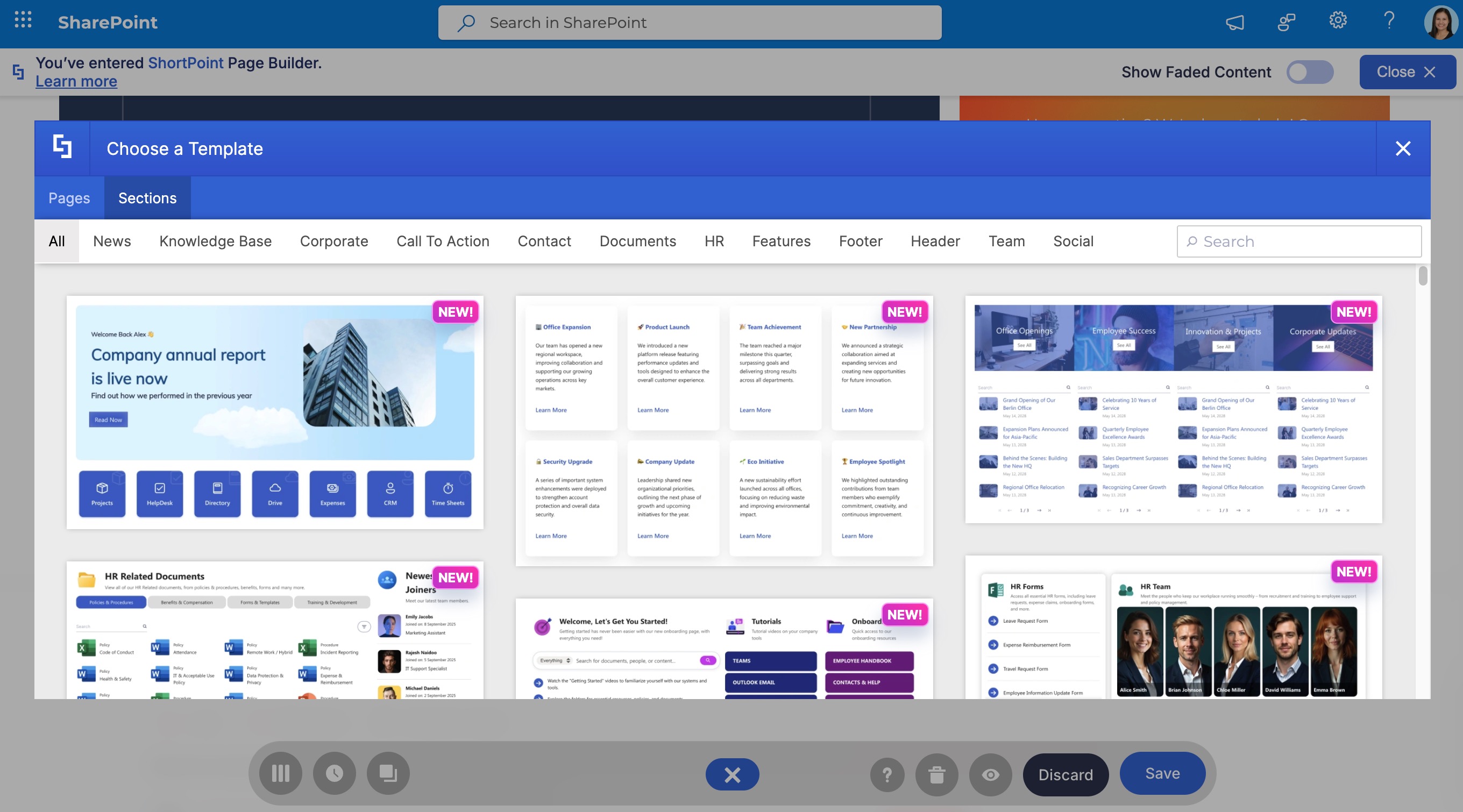
Using Section Templates
The ShortPoint Template Library makes it easy to browse & insert Section Templates - pre-designed blocks made for specific purposes like Hero sections, FAQs, Call-to-action, or Footers. This is great because it lets you pick and choose different styles to build a unique page layout that really suits your needs - you're not stuck with just one full-page design.
Copy and Paste From Templates
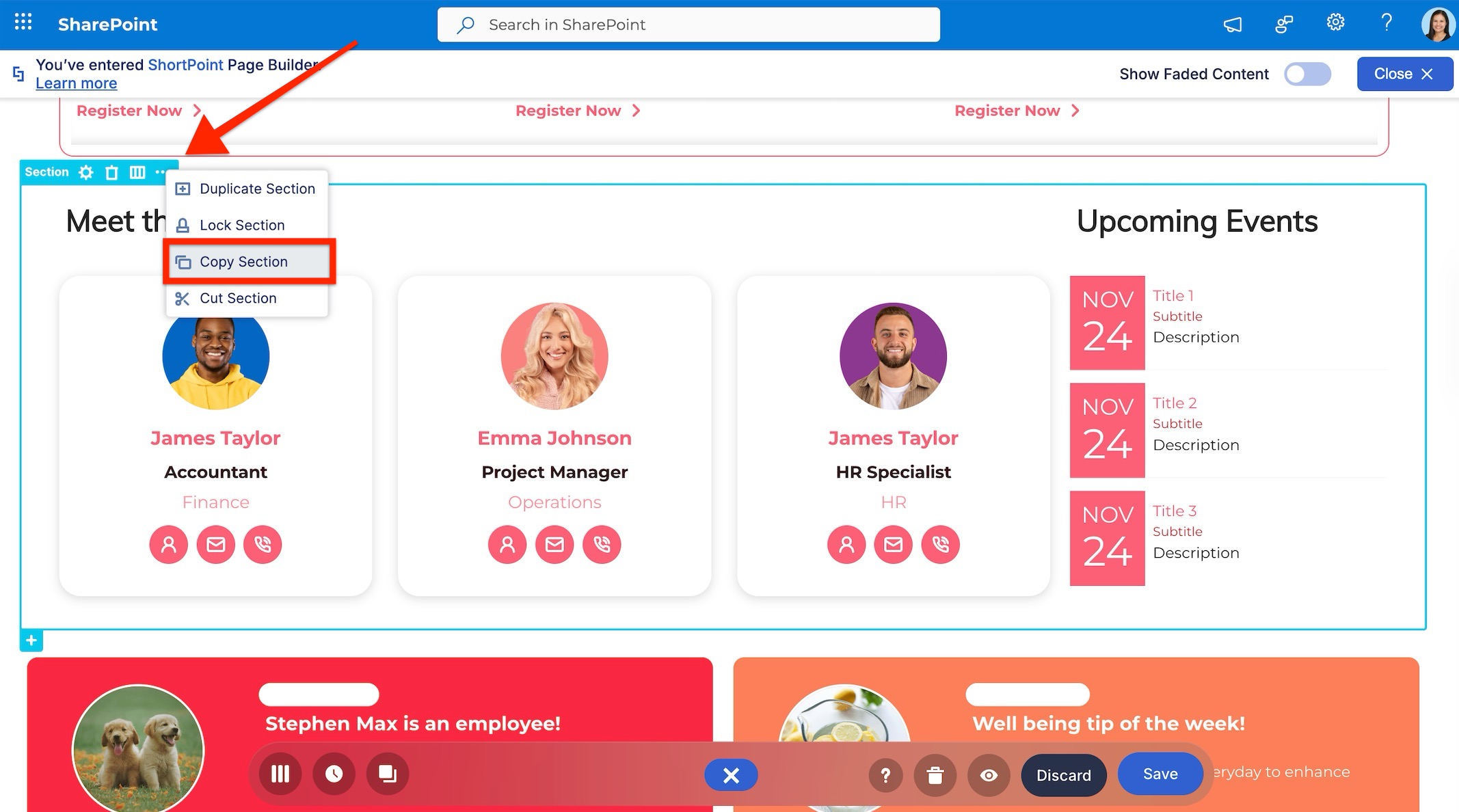
If you see a section or a Design Element in a full page template that you'd like to use on its own, you can use the ShortPoint Copy & Paste feature. Just import the Template onto a staging page or a temporary spot, copy out the specific element that you want, and then paste it straight into your live production page. This gives you super granular control - lets you grab individual bits like widgets or rows from any template in our system.
Learn more about copying and pasting in ShortPoint by checking out our article on How to Copy and Paste in Live Mode.