 Try ShortPoint now
At ShortPoint, securing data is more than just a feature; it's at the heart of everything we do. From our dedicated team to the processes we follow and the innovative technology we develop, security remains our top priority. We embrace a "Security by Design" philosophy, meaning we prioritize protecting data right from the start, not as an afterthought.
NOTEShortPoint does not access, store, or process customer content or data from your SharePoint environment.
TABLE OF CONTENTS
- Your Data Stays in Your Space
- How ShortPoint Actually Works In SharePoint Servers
- Managing Security: Protecting You Against Security Threats
- Your Data is Safe with ShortPoint
- Frequently Asked Questions
- How does ShortPoint ensure the security of my data?
- Does ShortPoint store or access my SharePoint content externally?
- What security measures are incorporated in ShortPoint’s software development lifecycle?
- How does ShortPoint handle user authentication and permissions in SharePoint?
- Does ShortPoint support both SharePoint Online and SharePoint on-premises?
- What kind of data does ShortPoint collect?
- Is ShortPoint compliant with Microsoft 365 and SharePoint security best practices?
Your Data Stays in Your Space
Here's the most important thing you need to know about ShortPoint's security: your content always stays within your SharePoint environment.
When you install ShortPoint, it operates entirely inside your own SharePoint Online system. To put it simply, think of it like installing an app on your phone. It uses your data, but the data stays on your phone. ShortPoint works the same way with your SharePoint sites.
We built ShortPoint on Microsoft's SharePoint Framework. It is designed to maintain the highest level of security by ensuring it never accesses, modifies, or stores your content. This means that your sensitive data remains fully protected.
SharePoint applies architectural separation to keep SharePoint users' sensitive information secure. Think of it like a well-organized modular system. Aside from housing your data securely within your SharePoint environment, our supporting services (licensing, updates, and APIs) are also hosted separately in secure, isolated areas. This clear separation ensures your sensitive data remains protected, maintaining data integrity and preventing unauthorized sharing and access, all while leveraging SharePoint security features.
How ShortPoint Actually Works In SharePoint Servers
When you use a ShortPoint Design Element on your page, here's what happens behind the scenes in your SharePoint Online environment:
ShortPoint works directly with SharePoint security features. This means that we don't create any new pages or complicated structures. For example, when you add a Design Element to your SharePoint sites, ShortPoint simply saves some plain text code. This code serves as a set of instructions that the ShortPoint engine reads to display the beautiful Design Element you added. As a result, when someone views your page, they can see the amazing designs you've created.
ShortPoint is fully compliant with Microsoft 365 and SharePoint security best practices. It uses SharePoint Client Side and REST APIs to make calls to existing site content. Because it uses SharePoint's built-in security features and site permissions system, all your existing security settings automatically apply. Think of it like this: if someone doesn't have user permissions to see something in SharePoint, they won't see it through ShortPoint either.
Managing Security: Protecting You Against Security Threats
ShortPoint’s security design incorporates multiple layers of control to protect you against common security risks. These practices are aligned with SharePoint security best practices and secure coding standards.
Controlling What Goes In
Security best practices are built into ShortPoint to keep user-provided inputs safe. Every place where you can enter information in ShortPoint has security built in:
- ShortPoint is a SharePoint extension. Authentication and authorization are controlled by SharePoint, and the client is responsible for managing them. ShortPoint always works in the context of the permissions the logged-in user has.
- ShortPoint has a security mechanism for dynamic data, which is loaded from SharePoint or external sources.
- ShortPoint Designers have the ability to add scripts to their SharePoint sites, as it is one of the built-in features.
Software Development Life Cycle: How We Build Secure Software
ShortPoint's commitment to SharePoint security best practices extends throughout the software development lifecycle (SDLC). We believe that security isn't just about the final product, it's about how we create it:
- Every single code change goes through a mandatory security review before it's added to the product.
- Our internal Security Committee reviews all new features early in the development cycle to spot potential risks before they even become problems.
- We follow structured development processes that include security requirements from day one.
- We continuously monitor and review our security practices to make sure we're following the best standards in the industry.
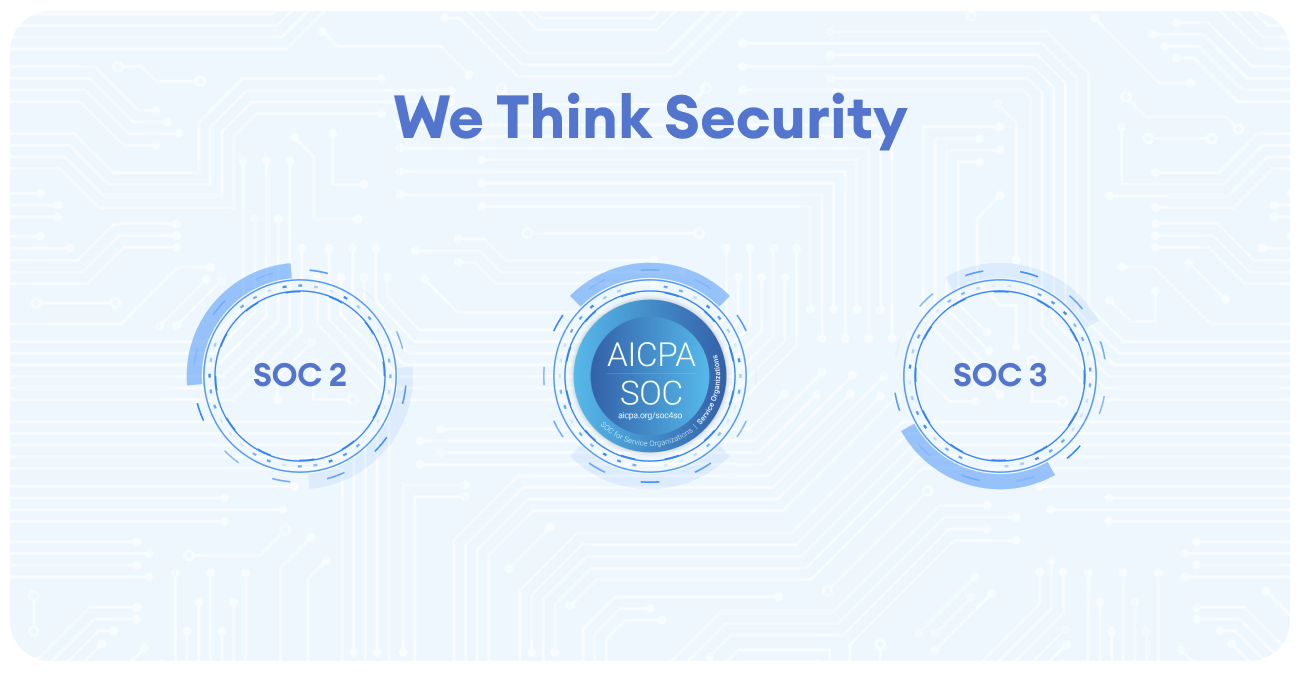
- We bring in independent auditors to verify our security measures. ShortPoint has completed SOC 2 Type II reporting, which involves rigorous examinations that confirm our security controls are properly designed and working effectively. To see the report firsthand, you can request a copy.
Your Data is Safe with ShortPoint
Security by design: that is ShortPoint's main philosophy when it comes to security. When you use ShortPoint, you're not just getting a tool that makes SharePoint look better; you're also getting a solution that's been carefully designed to keep your data (license and usage) safe. Your content stays in your SharePoint environment, your permissions stay in effect through SharePoint groups and security groups, and multiple layers of security work together to protect your SharePoint site.
The whole ShortPoint team takes security seriously. Our goal is to help you create great experiences for all your users while ensuring compliance with security policies and regulatory requirements.
Frequently Asked Questions
How does ShortPoint ensure the security of my data?
ShortPoint operates entirely within your SharePoint Online environment, leveraging SharePoint’s built-in security features and site permissions. This means your SharePoint content stays within your SharePoint sites, protected by existing security settings, preventing unauthorized users from gaining access.
Does ShortPoint store or access my SharePoint content externally?
No, ShortPoint does not access, modify, or store your SharePoint content outside your environment. It only collects basic licensing and usage data related to product activation and performance, ensuring your sensitive information remains secure.
What security measures are incorporated in ShortPoint’s software development lifecycle?
Security is integrated from day one in ShortPoint’s development process. Every code change undergoes mandatory security reviews, new features are assessed by an internal Security Committee, and independent audits like SOC 2 Type II and SOC 3 verify the effectiveness of security controls.
How does ShortPoint handle user authentication and permissions in SharePoint?
ShortPoint relies on SharePoint’s existing user authentication and permissions system. If a user does not have permission to view content in SharePoint, they won’t see it through ShortPoint, ensuring consistent enforcement of SharePoint permissions and preventing unauthorized sharing.
Does ShortPoint support both SharePoint Online and SharePoint on-premises?
Yes, ShortPoint runs in Microsoft 365 SharePoint Online, SharePoint Subscription Edition (SE), and On-Premise SharePoint 2019/2016/2013. Its architecture ensures security by design, aligning with SharePoint Online security best practices.
What kind of data does ShortPoint collect?
ShortPoint collects only essential licensing and usage data, such as your name, email, company name, SharePoint tenant URL, and usage statistics like how often you use features. It does not collect any of your SharePoint content.
Is ShortPoint compliant with Microsoft 365 and SharePoint security best practices?
Absolutely. ShortPoint uses Microsoft’s SharePoint Framework and REST APIs, adhering strictly to Microsoft 365 and SharePoint security best practices. It ensures your SharePoint environment remains protected while enhancing your intranet design capabilities.
Related articles:
- How ShortPoint Classifies and Encrypts Data
- Continuous Defense: ShortPoint’s Program for Proactive Data Security
- Zero Trust Access: How ShortPoint Keeps Data Safe with Smart Security
- Security in Software Development Life Cycle: How ShortPoint Keeps the Development Lifecycle Safe and Secure
- Organizational Resilience: How ShortPoint Ensures Business Continuity
- Creating a Company Culture for Security: How ShortPoint Builds a Culture of Compliance
- SOC Compliance: How ShortPoint is Committed to Validating its Security Measures
- Privacy by Design: How ShortPoint Complies with the General Data Protection Regulation
