 Try ShortPoint now
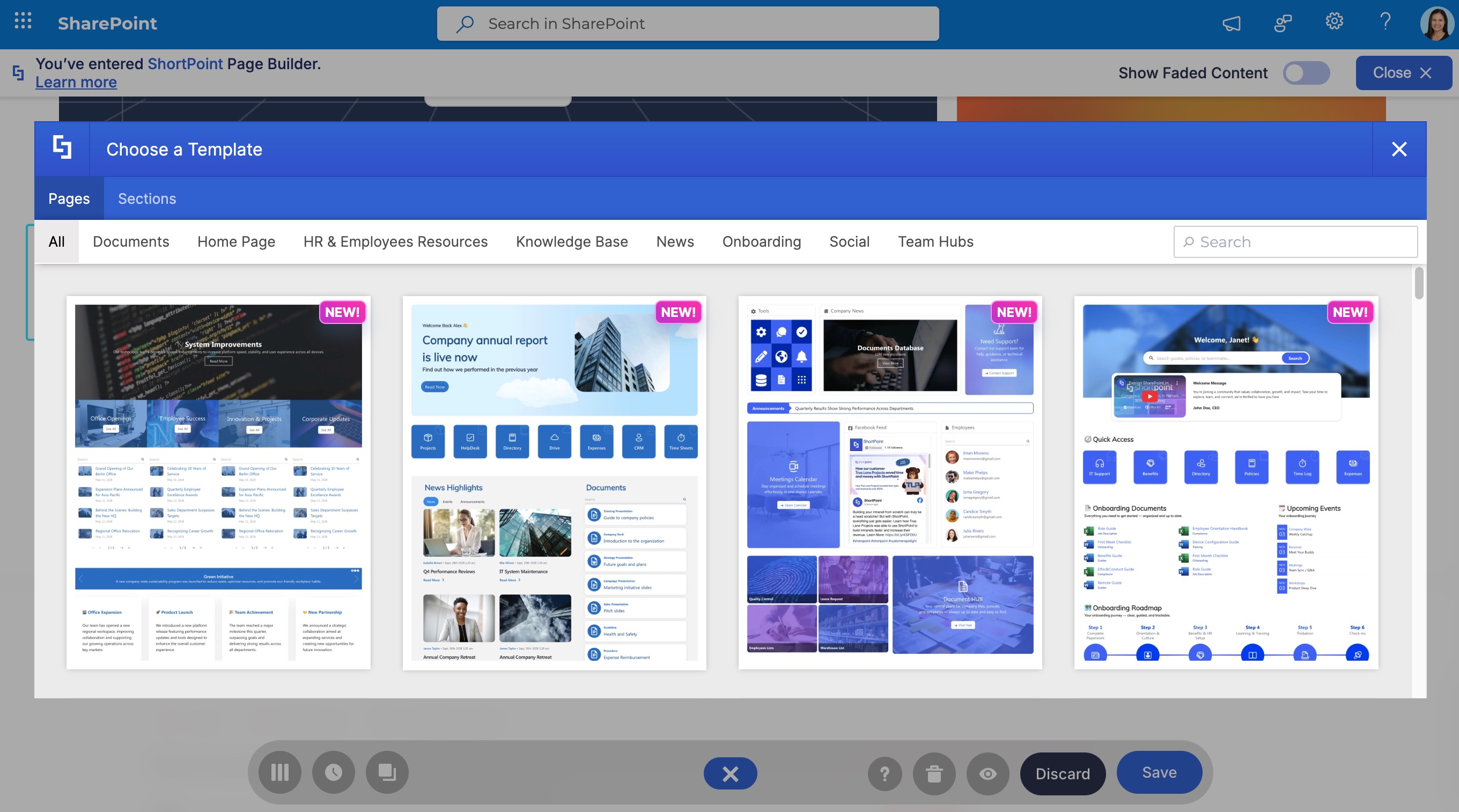
New templates are available only in the ShortPoint Templates Library. Designers cannot access this feature directly from a Classic page because it is built exclusively for the Live Mode interface, which is only available on Modern SharePoint pages. However, the templates themselves are generally cross-compatible (except for templates using the newly released design elements).
Workaround
If you need to use a new template design on a Classic page, you must use a workaround: Open a Modern page, insert the desired template using Live Mode, copy the web part or specific design elements, and then paste them into your Classic page using the Grid Mode.
Important Note: We strongly recommend building on Modern SharePoint pages whenever possible. Microsoft has begun deprecating support for custom scripting on Classic pages in Microsoft 365, which means ShortPoint (and other third-party tools) may stop functioning correctly on Classic sites in the near future. Using Modern pages ensures you have direct access to the Templates Library, full support for the latest features, and a future-proof intranet. Refer to our support article on How to Transform a Classic SharePoint Page into Modern to learn how to do this seamlessly.
