 Try ShortPoint now
By default, SharePoint doesn’t have the option to adjust the size of the logo in your Hub navigation, making it unnoticeable:
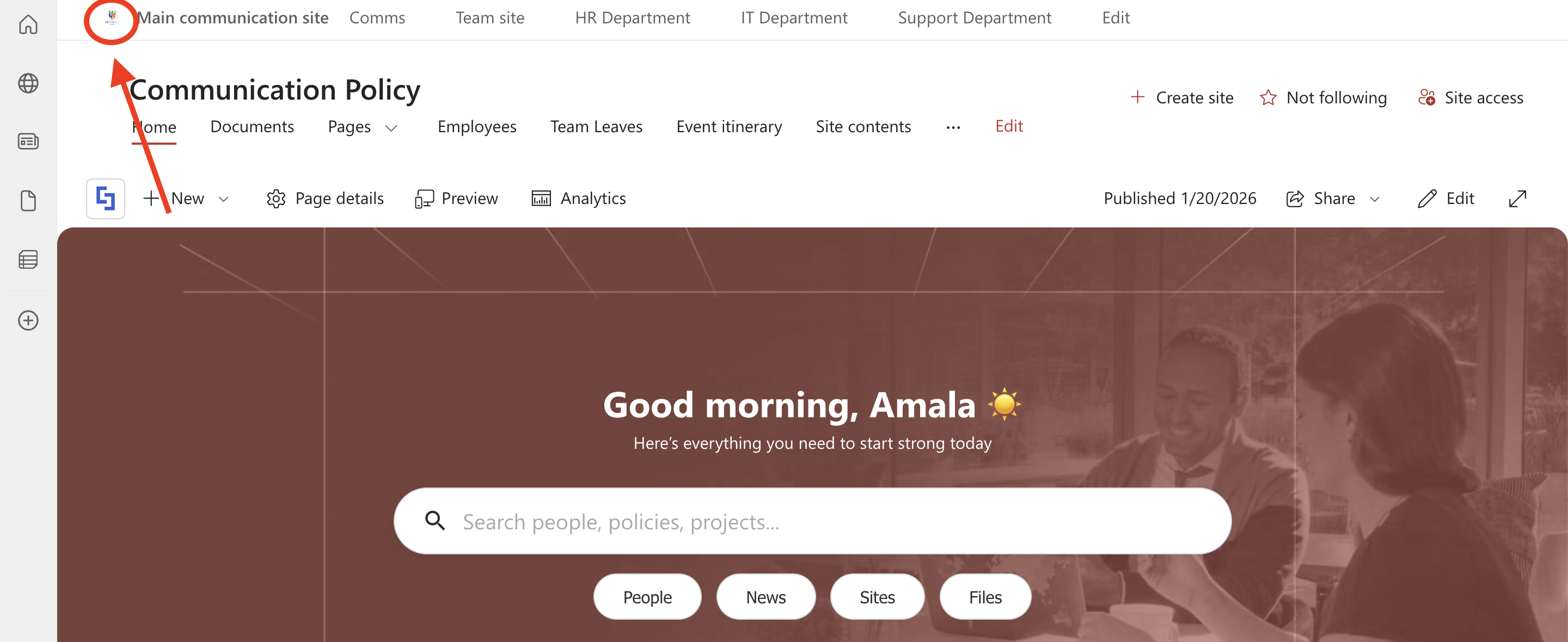
This article will demonstrate how to increase the logo size using ShortPoint Theme Builder:
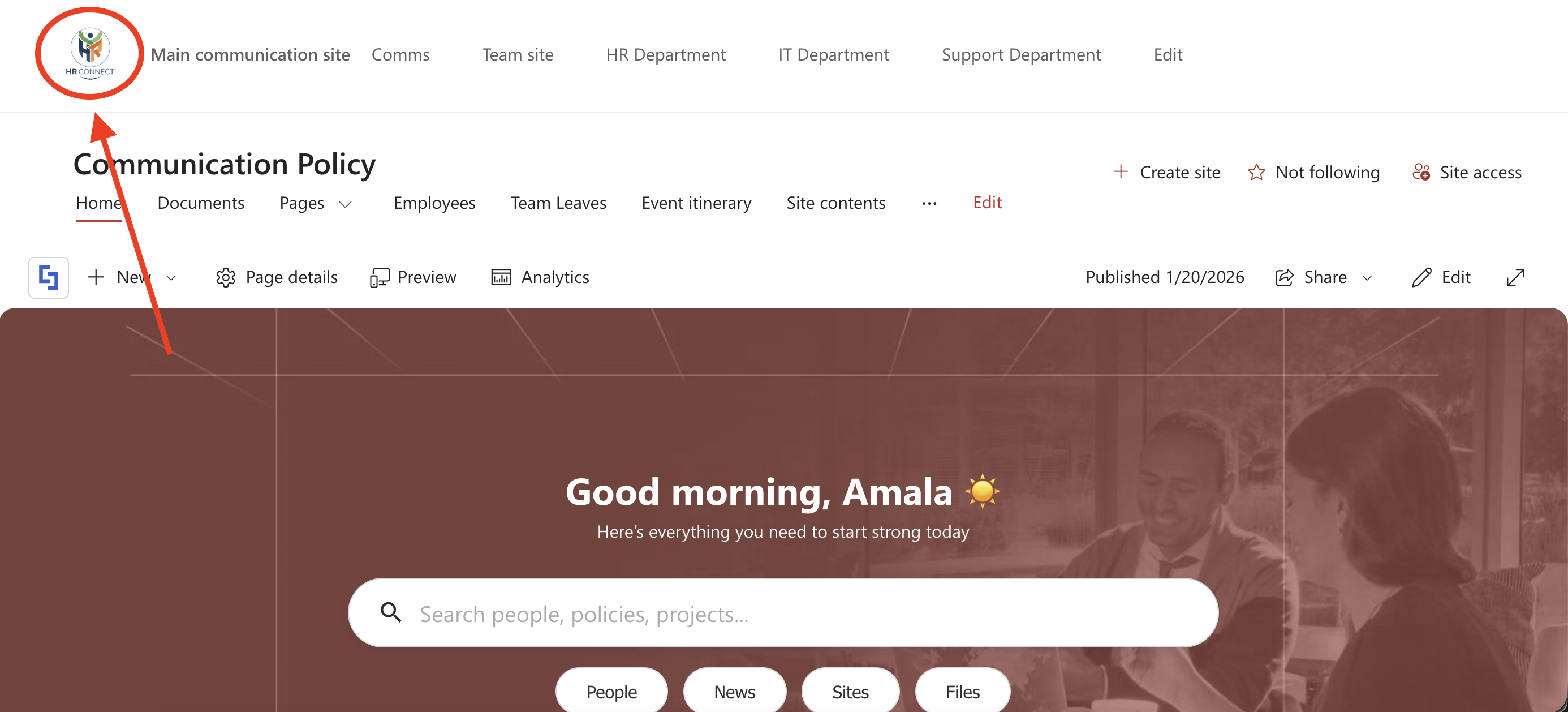
TABLE OF CONTENTS
Prerequisites
- You must have the latest version of ShortPoint SPFx installed in your SharePoint environment.
- You must already have a logo in your SharePoint Hub navigation.
- To add Custom CSS in Theme Builder, you must be a ShortPoint Designer with either a Pro or Enterprise License. For more details, check out Licensing Options.
Interactive Tutorial
Before starting the tutorial, copy the code below:
/* Increase Hub Logo Size */
.ms-HubNav-link img {
    max-height: 60px !important; /* Adjust height as needed */
    width: auto !important;
    height: auto !important;
    transition: all 0.3s ease;
}

/* Ensure the container expands to fit the larger logo */
.ms-HubNav-link {
    height: auto !important;
    padding-top: 5px !important;
    padding-bottom: 5px !important;
}

/* Optional: Adjust alignment if the logo looks off-center */
.ms-HubNav {
    align-items: center !important;
}
Step-by-step Tutorial
Follow the steps below for the detailed guide:
Step 1: Open the ShortPoint Theme Builder
- Click the ShortPoint logo:

- Select Theme Builder:

Step 2: Copy Code
- Copy the Custom CSS code below:
/* Increase Hub Logo Size */
.ms-HubNav-link img {
    max-height: 60px !important; /* Adjust height as needed */
    width: auto !important;
    height: auto !important;
    transition: all 0.3s ease;
}

/* Ensure the container expands to fit the larger logo */
.ms-HubNav-link {
    height: auto !important;
    padding-top: 5px !important;
    padding-bottom: 5px !important;
}

/* Optional: Adjust alignment if the logo looks off-center */
.ms-HubNav {
    align-items: center !important;
}
Step 3: Paste Code
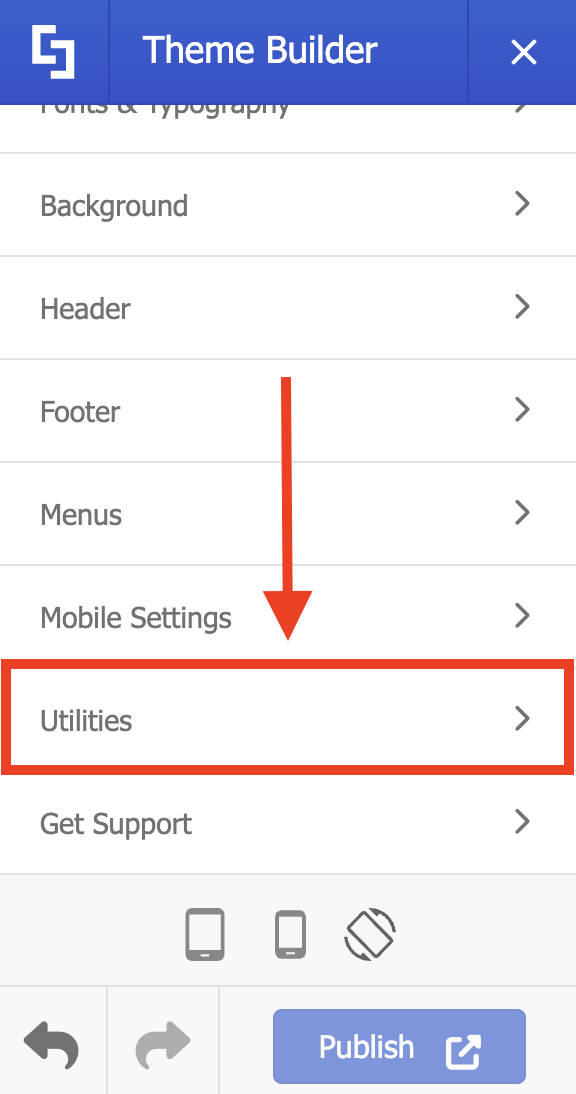
- Look for Utilities and select it:
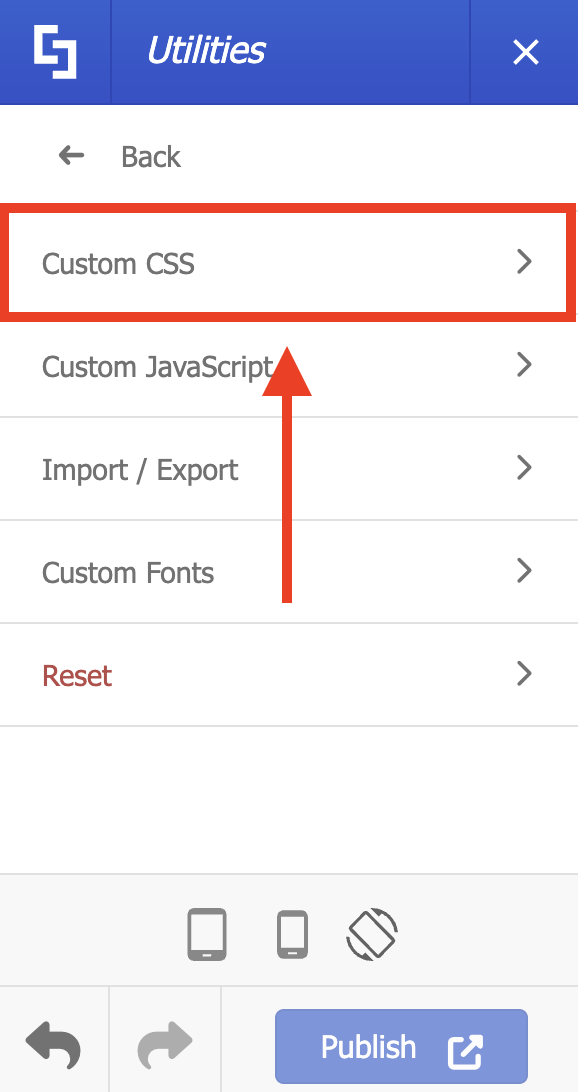
- Choose Custom CSS:
- Paste the code in the field provided.
- Customize the max-height value to your liking.
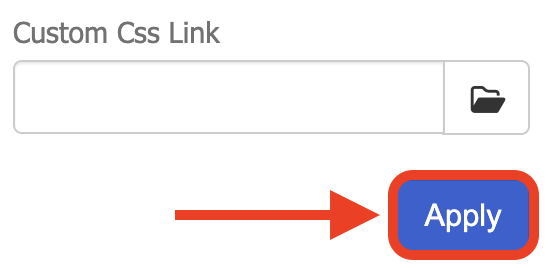
- Click Apply:
- Publish your changes.
Congratulations! You’ve successfully changed the size of the logo inside the Hub navigation.
Related articles:
