What will happen when my ShortPoint trial license expires?
Modified on:
Tue, 13 Jan, 2026 at 8:42 AM
- You will no longer be able to apply any changes you make to your SharePoint page using ShortPoint. Your completed designs will also be hidden from user view.
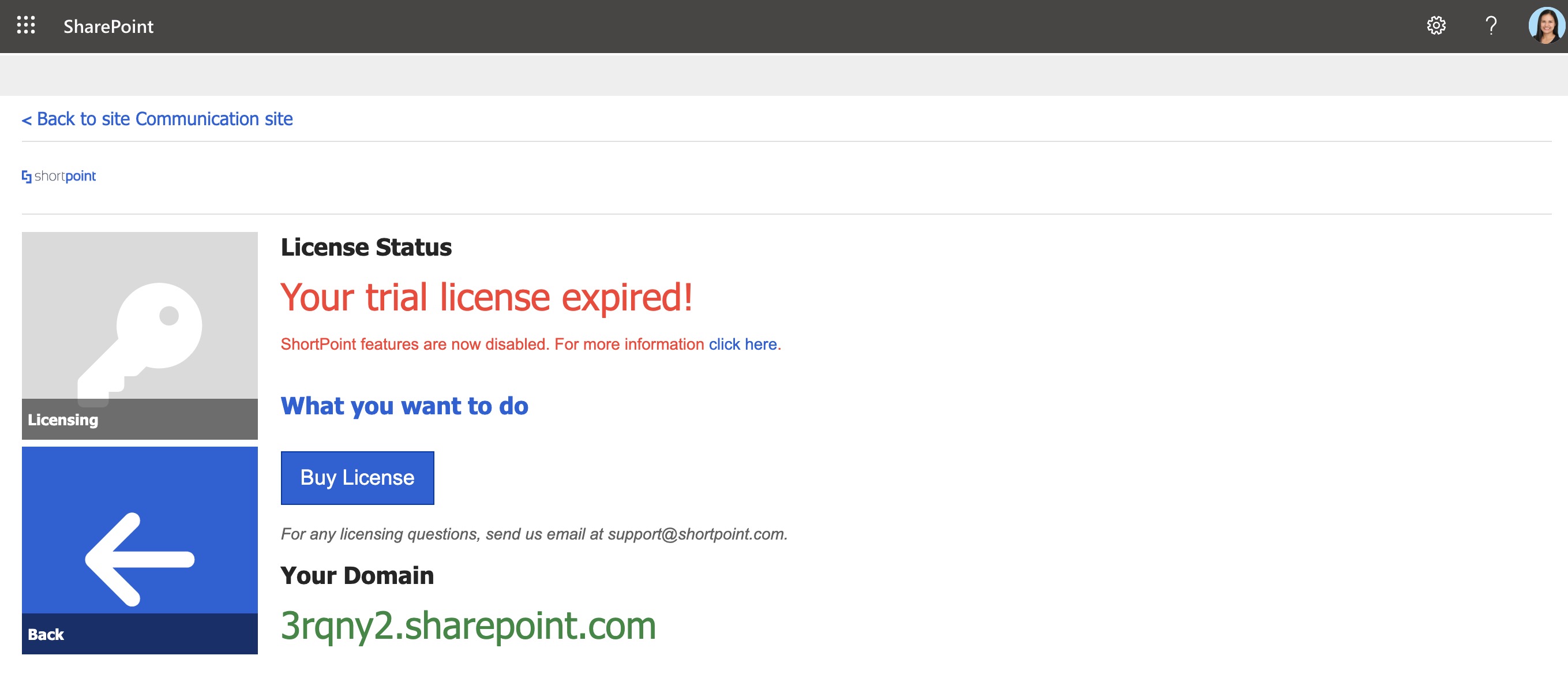
- On your page, in edit mode, you will see an alert at the top of your page notifying you that the ShortPoint license has expired. The same will be indicated on the Licensing page, which you can access through the ShortPoint Dashboard.
- To continue using ShortPoint, you can purchase a license by clicking the Buy License button or request a trial extension by connecting with our support team at support@shortpoint.com.
Did you find it helpful?
Yes
No
Send feedback Sorry we couldn't be helpful. Help us improve this article with your feedback.
 Try ShortPoint now