Try ShortPoint now
Starting with ShortPoint SPFx version 9.4.5.0, the Facebook and X design elements are no longer available in the Design Elements Library. You can't add them to new pages anymore, but any Facebook or X elements that are already on your pages stay where they are, and you can still edit, copy, and paste them. New Social Media Design Elements are also in the works to help you showcase your socials on your SharePoint page.
This article explains what changed, why, and what you can do instead.
TABLE OF CONTENTS
- What Changed?
- Why Are the Facebook and X Design Elements Being Deprecated?
- What Happens to Facebook and X Elements Already on My Pages?
- What Can I Use Instead?
- Frequently Asked Questions
- Can I still add a Facebook or X design element to my page?
- Will my existing Facebook and X elements be deleted?
- Can I copy an existing Facebook or X element to another page?
- My Facebook element only shows the header and no posts. How do I fix it?
- Is ShortPoint releasing new social media design elements?
- Are the Instagram, LinkedIn, and Viva Engage design elements also being removed?
- I still need help. Who can I contact?
What Changed?
In ShortPoint SPFx version 9.4.5.0, we removed the Facebook design element from the Design Elements Library in Live Mode and Grid Mode. The X design element was already removed from the selector in an earlier release, after it stopped loading content reliably.
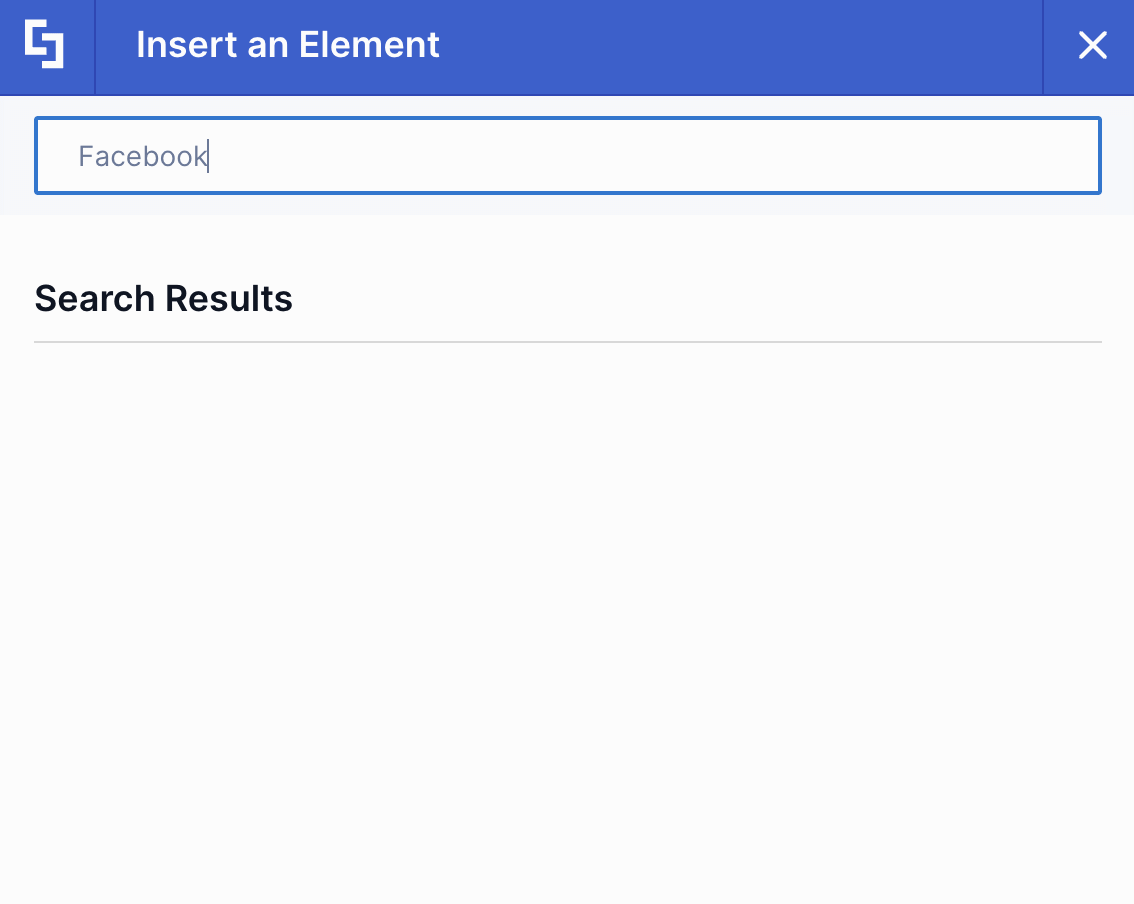
This means that you won't find Facebook or X when you browse the element selector or its Social category, and searching for "Facebook", "X", or "Twitter" in the element selector won't return these elements, either.
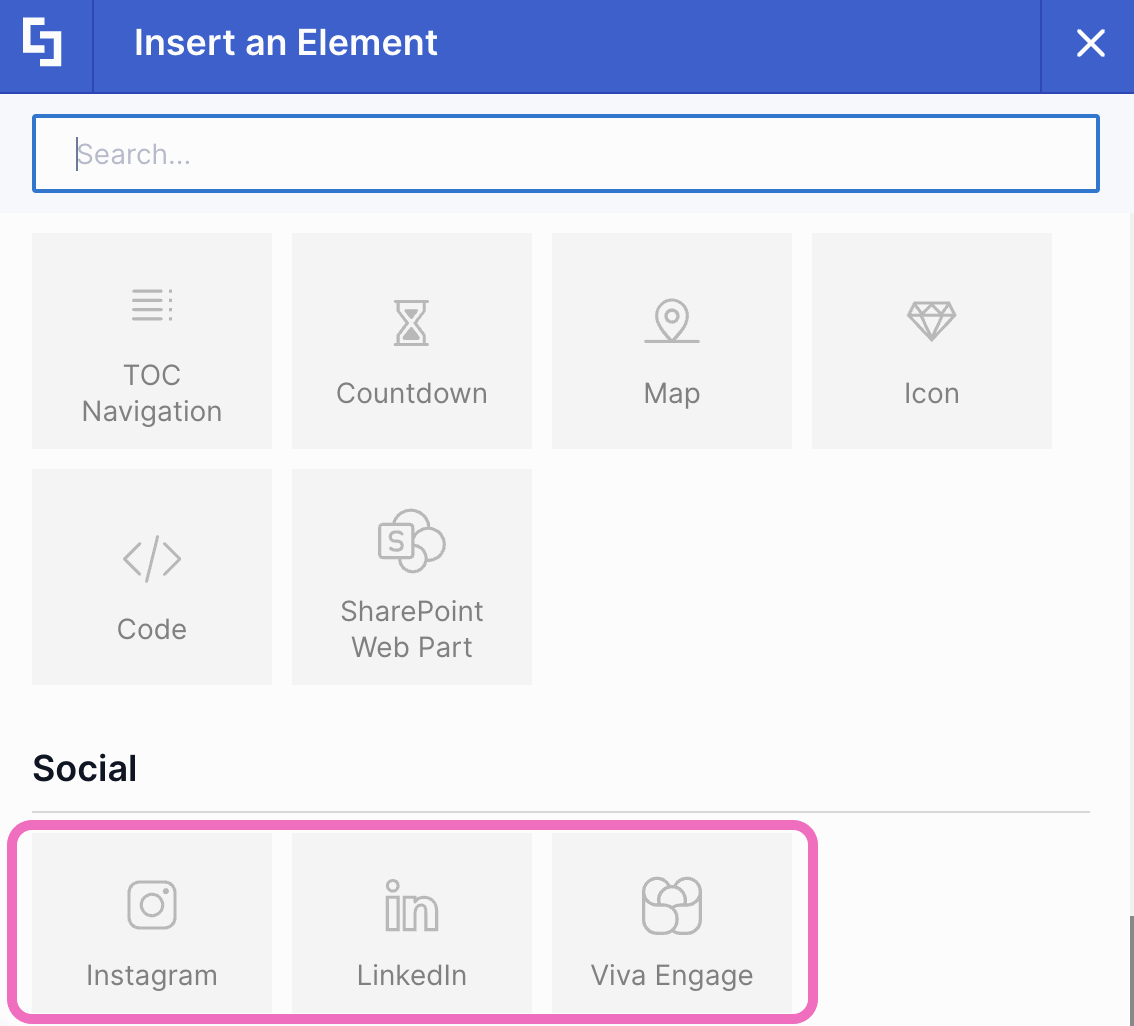
However, other social design elements, Instagram, LinkedIn, and Viva Engage, are still available as usual.
NOTETo see which version you have, follow How to Check Your Current ShortPoint SPFx Version. To get the latest version, see How to Update to New ShortPoint SPFx Versions.
Why Are the Facebook and X Design Elements Being Deprecated?
Both elements depend on tools provided by Facebook and X to display content on your page. Lately, you may have noticed that your Facebook or X element only shows the page header (the page name, follower count, and the Follow Page and Share buttons), while the area below it, where the posts should be, stays blank.
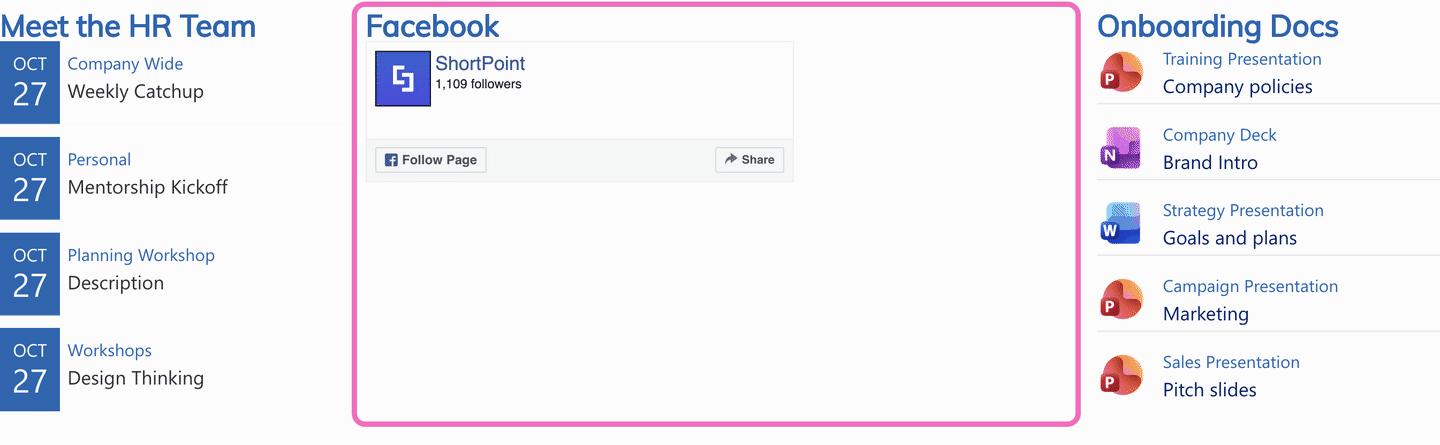
This is caused by a change on Facebook and X's side, not by ShortPoint or your ShortPoint version. It affects all ShortPoint versions, so updating or reinstalling ShortPoint won't bring the posts back. This is one of the reasons we're deprecating them. Instead, we're building new social media design elements that will give you better design flexibility and options. They're almost ready, and we'll share more details once they're released.
What Happens to Facebook and X Elements Already on My Pages?
Nothing is removed from your pages. If you already have a Facebook or X element on a page, you can still edit it and change its settings. You can also copy and paste it to another spot on the same page or to a different page. All of this works in both Live Mode and Grid Mode, the same way it did before.
However, because the Facebook and X elements may not display content correctly anymore, check the pages where you use them. If an element looks empty, you may want to replace it with one of the options below.
What Can I Use Instead?
While the new social media design elements are on the way, here are a few options:
- Use another social design element. If your organization is on Instagram or LinkedIn, the Instagram and LinkedIn design elements are still available. For internal conversations, try the Viva Engage design element.
- Link to your Facebook or X page. Add a button or image that opens your Facebook or X page in a new tab, so readers can still find you.
- Wait for the new social media design elements. We'll update this article once they're released.
Frequently Asked Questions
Can I still add a Facebook or X design element to my page?
No. Starting with ShortPoint SPFx version 9.4.5.0, the Facebook and X design elements are no longer in the element selector in Live Mode or Grid Mode, so you can't add new ones from there.
Will my existing Facebook and X elements be deleted?
No. They stay on your pages. You can still edit, copy, paste, and delete them in Live Mode and Grid Mode.
Can I copy an existing Facebook or X element to another page?
Yes. Copying and pasting existing Facebook and X elements still works, both on the same page and to other pages.
My Facebook element only shows the header and no posts. How do I fix it?
Unfortunately, this can't be fixed on the ShortPoint side. The problem comes from a change made by Facebook, and it affects every ShortPoint version. We recommend replacing the element with one of the options in What Can I Use Instead?
Is ShortPoint releasing new social media design elements?
Yes. New social media design elements are almost ready and will replace the Facebook and X elements. We'll update this article when they're released.
Are the Instagram, LinkedIn, and Viva Engage design elements also being removed?
No. They're still available in the element selector and work as usual.
I still need help. Who can I contact?
Submit a ticket, and our support team will be happy to help.
Related articles: