Try ShortPoint now
TL;DR: To prepare for ShortPoint On-Prem Modern (version 9.5.0.0 onwards), SharePoint 2019 and SE designers need to do two things. First, convert any Classic pages to Modern pages. Second, manually update ShortPoint from the ShortPoint Dashboard, because 2019/SE sites stay on 9.4.x.x even with auto upgrade turned on. Pages that stay on ShortPoint On-Prem LTS (versions below 9.5.0.0) will keep working, but they’ll only get security patches and critical bug fixes. New features like AI Designer, the Template Library, Live Mode and Wireframe Mode are only available on Modern pages.
ShortPoint SPFx version 9.5.0.0 is here! With this update, we are introducing a clearer distinction between our long-term support offerings and our modern innovation pipeline.
If your organization is currently running SharePoint 2019 or SharePoint Server Subscription Edition (SE), this guide walks you through what this update means for your site collections, why modernizing your pages is essential, and what actionable steps you should take next.
TABLE OF CONTENTS
- ShortPoint On-prem LTS vs. On-prem Modern Releases
- Why You Need to Move to Modern Pages
- What You Miss Out On by Staying on Classic Pages
- Action Plan: What You Need to Do
- Need Help?
ShortPoint On-prem LTS vs. On-prem Modern Releases
To take your intranet design experience to the next level, ShortPoint is categorizing releases into two distinct tracks starting with version 9.5.0.0: ShortPoint On-Prem LTS and ShortPoint Modern releases.
<screenshot of ShortPoint Dashboard with on-prem LTS and modern>
What is ShortPoint On-Prem LTS?
ShortPoint On-Prem Long-Term Support (LTS) refers to all ShortPoint versions below version 9.5.0.0.
Your existing pages will continue to run smoothly, and you can still utilize your current suite of ShortPoint features, including Grid Mode. However, please note that Classic pages on this track will no longer receive new feature updates, remaining focused exclusively on key security patches and critical bug fixes.
What is ShortPoint On-Prem Modern?
ShortPoint On-Prem Modern covers version 9.5.0.0 onwards. Built exclusively for Modern SharePoint pages, this track gives you full access to all new ShortPoint features, modern design elements, performance upgrades, and workflow enhancements. As a result, to give you the best experience, Classic Theme Builder will be deprecated in this version. Only Modern Theme Builder will work for your pages once you update to this version.
The legacy Grid Mode editor has also been completely retired, and the main focus is on bringing you a seamless, real-time editing experience with Live Mode. However, if you love using Grid Mode, you don’t have to worry! You can still get the same experience with Wireframe Mode.
NOTEWant to learn more about Wireframe Mode? Check out What is Wireframe Mode.
Why You Need to Move to Modern Pages
Starting with version 9.5.0.0, all new ShortPoint design features and capabilities will be built exclusively for Modern SharePoint pages. While your existing Classic pages will continue to function smoothly on the LTS maintenance track, they won't be able to run new ShortPoint innovations. Additionally, the Classic Theme Builder will be deprecated.
NOTENeed more reasons to move to modern? Check out Stay Ahead of the Curve: Why It's Time to Move Your SharePoint 2019/SE Classic Pages to Modern.
What You Miss Out On by Staying on Classic Pages
Remaining solely on Classic pages means sticking to maintenance mode. Here is a snapshot of the innovative tools you will miss out on:
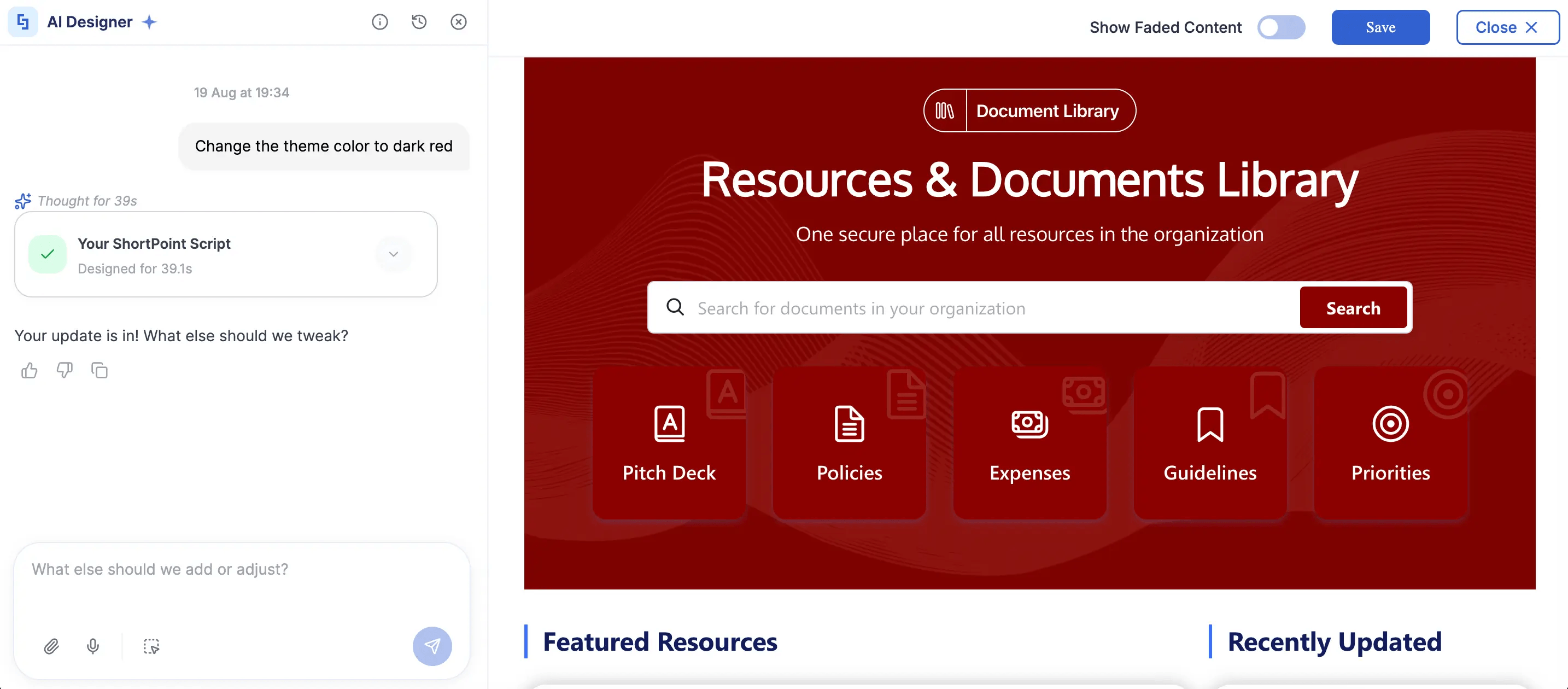
- AI Designer: Generate, refine, and apply site layouts or section styles instantly using simple conversational prompts.
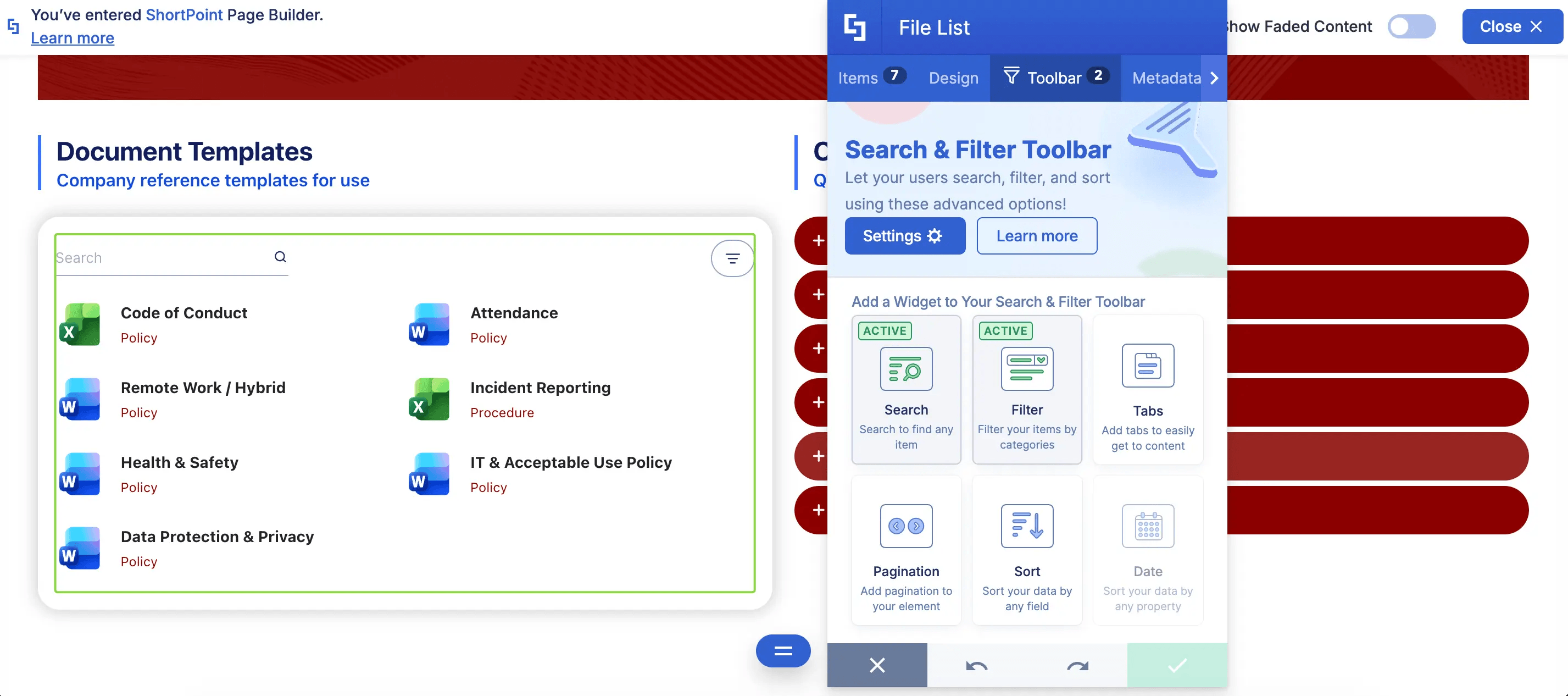
- Search & Filter Toolbar: Provide users with interactive, intuitive search and filtering tools for document libraries and lists.
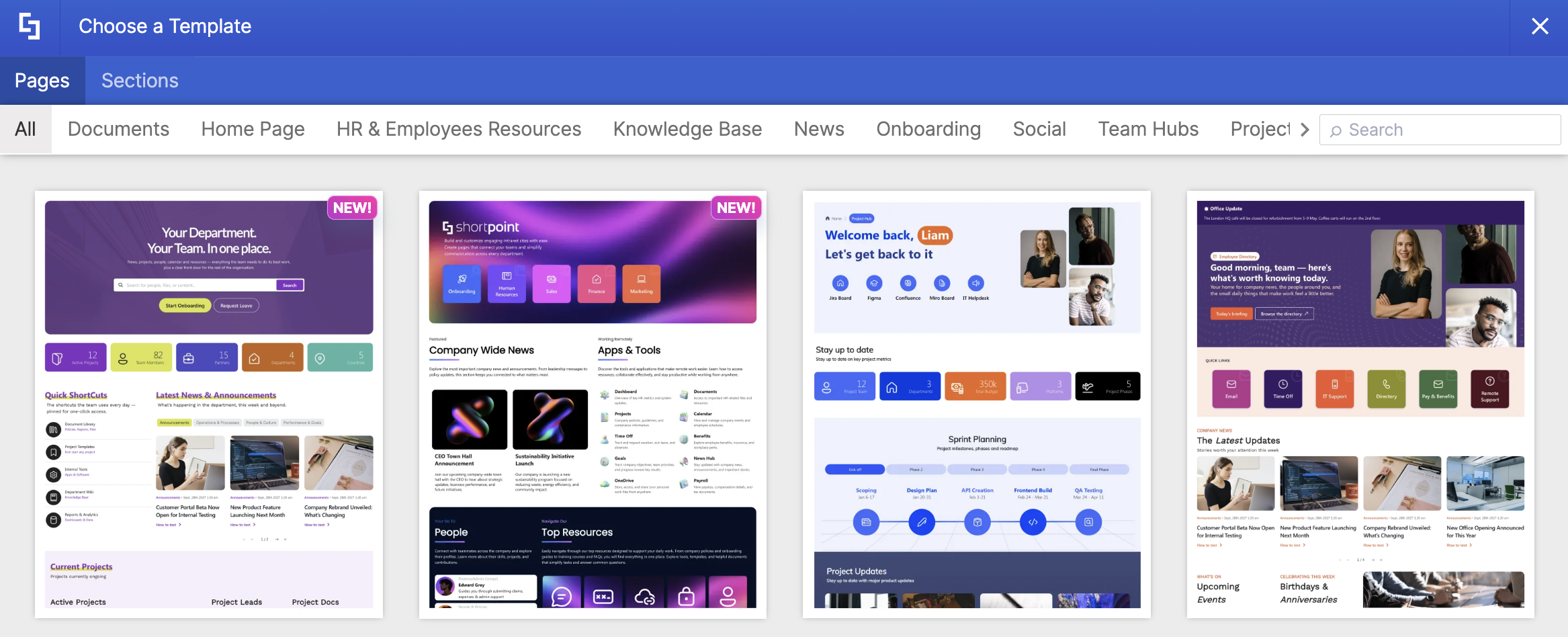
- Template Library: Instant access to 100+ professionally designed intranet templates and pre-built sections.
- New Design Elements: Access to modern visual elements such as Lottie animations, dynamic Rotating Text, Dual Buttons, Organization Chart, and so much more.
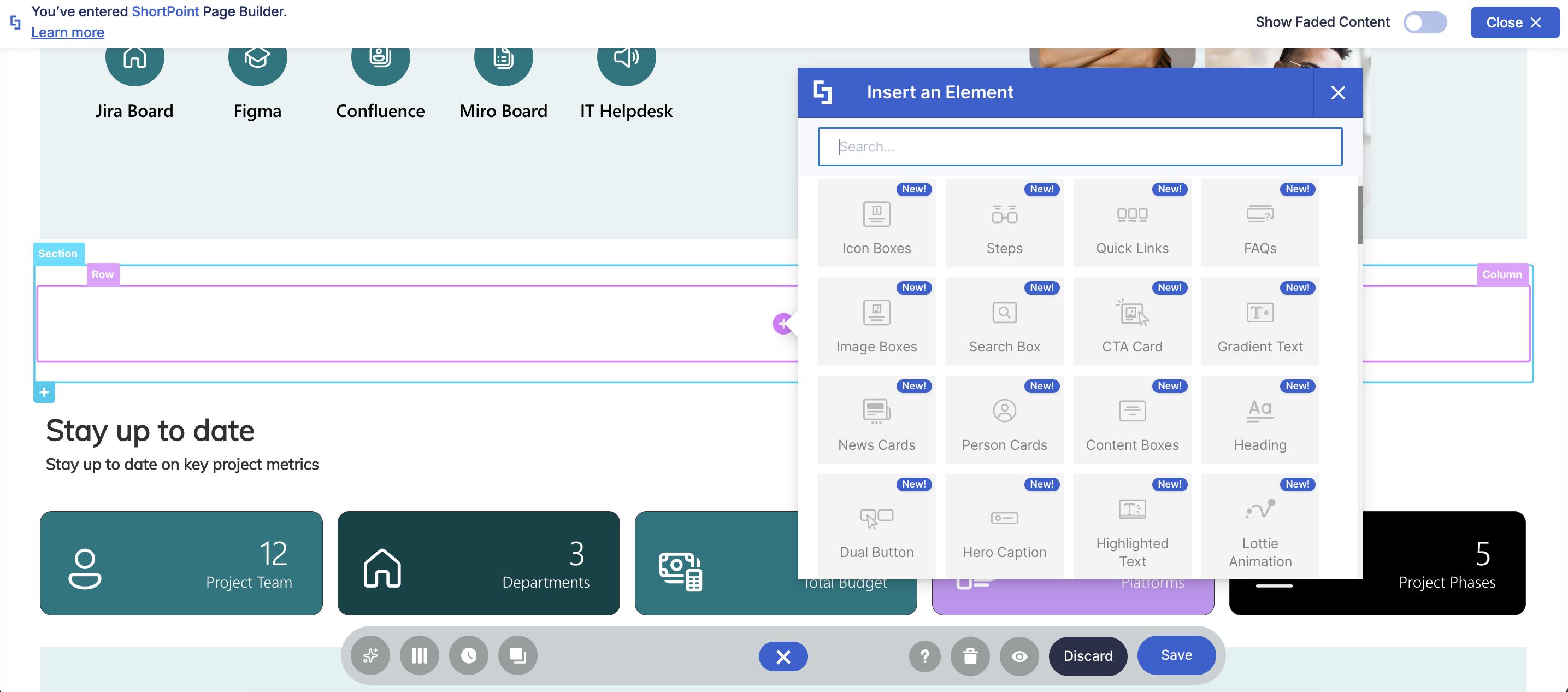
- Live Mode & Modern Editing: Direct, real-time visual page editing experience with zero preview-switching hassle.
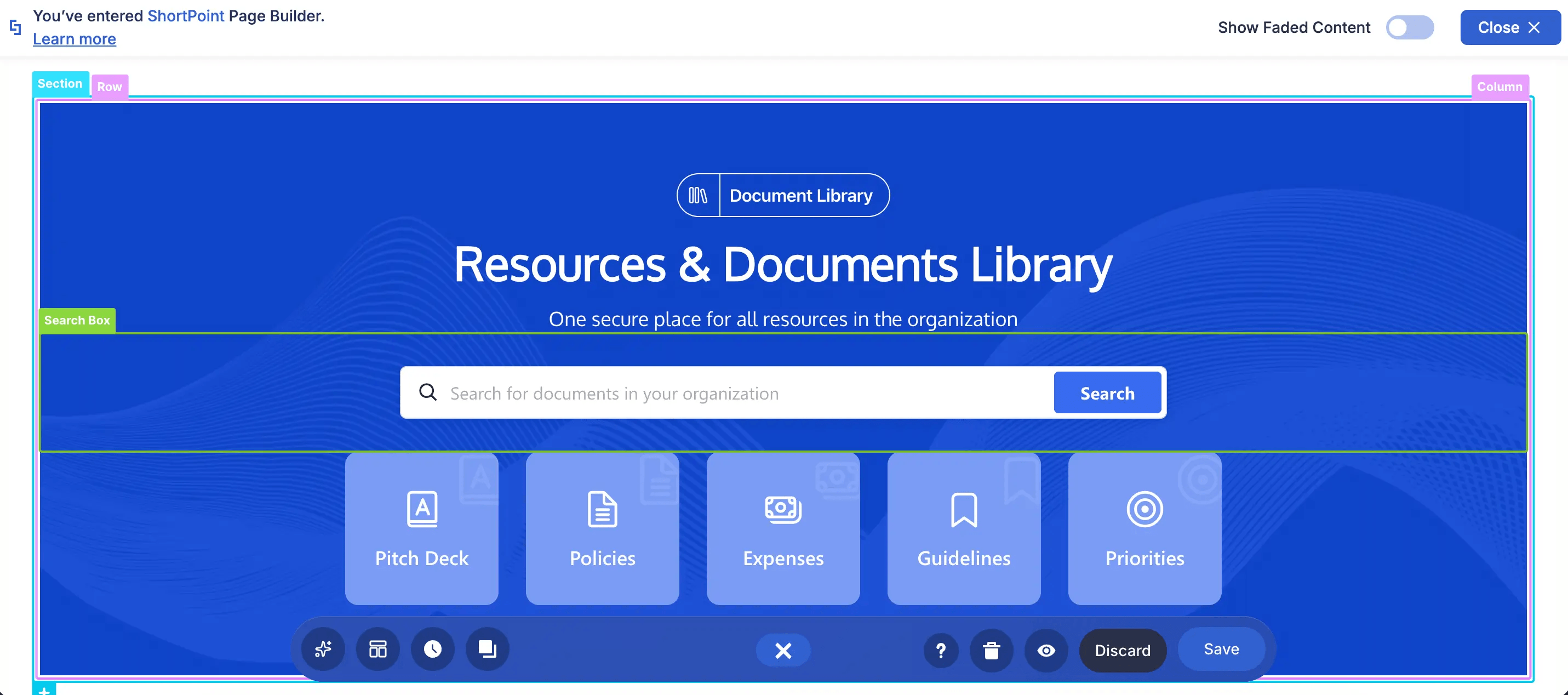
- Grid Mode, Reinvented: Get the all-familiar Grid Mode experience with Wireframe Mode.
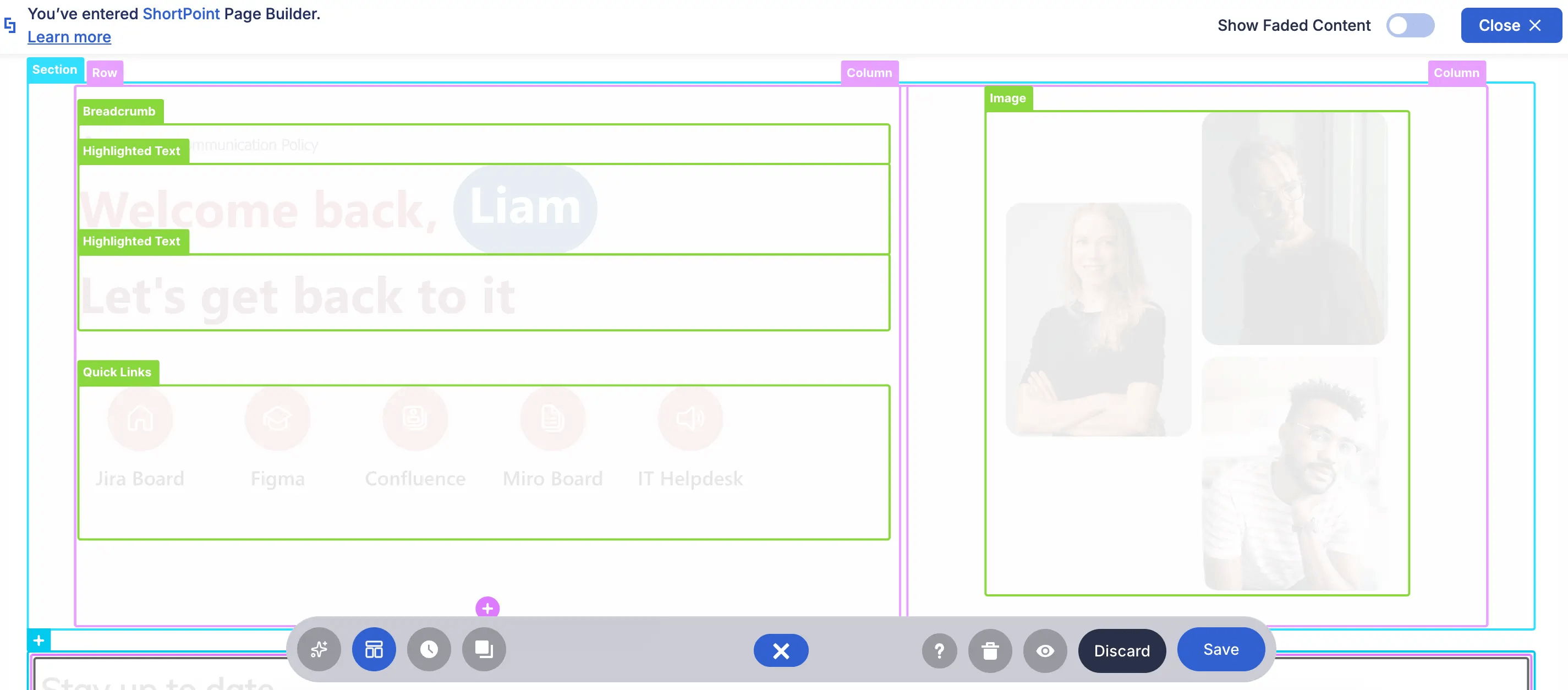
NOTEWant to see everything ShortPoint Modern has in store for you? Check out ShortPoint Says Goodbye to Grid Mode: Welcome to a Faster, Seamless Live Mode Experience.
Action Plan: What You Need to Do
To make sure your team doesn't miss a feature, you only need to accomplish two things:
If you still have SharePoint 2019/SE Classic pages, you need to convert them to modern. This ensures that you won’t miss out on any new features.
For a step-by-step guide on how to accomplish this, go to How to Convert Your SharePoint 2019/SE Classic Pages to Modern
PART 2: Update to ShortPoint On-Prem Modern (v9.5.0.0+)
Once your pages are converted to Modern pages, you need to manually update to version 9.5.0.0 or higher from the ShortPoint Dashboard. This instantly unlocks all upcoming ShortPoint Modern releases.
You can go to How to Update ShortPoint On-Prem LTS to ShortPoint On-Prem Modern for SharePoint 2019/SE Designers to learn how.
NOTEAll SharePoint 2019/SE Designers will automatically remain at version 9.4.x.x even with auto upgrade enabled. If you wish to update to version 9.5.0.0 you will need to do the steps in the article manually. Once done, you can then re-enable auto upgrade for future releases.
Need Help?
We want to make this transition as easy as possible for you. If you need any assistance, don’t hesitate to reach out to our support team. They will guide you every step of the way.