 Try ShortPoint now
The Announcements Design Element is a fantastic way to keep your team in the loop with the latest news and updates. In its default setup, it sits neatly as part of your page.
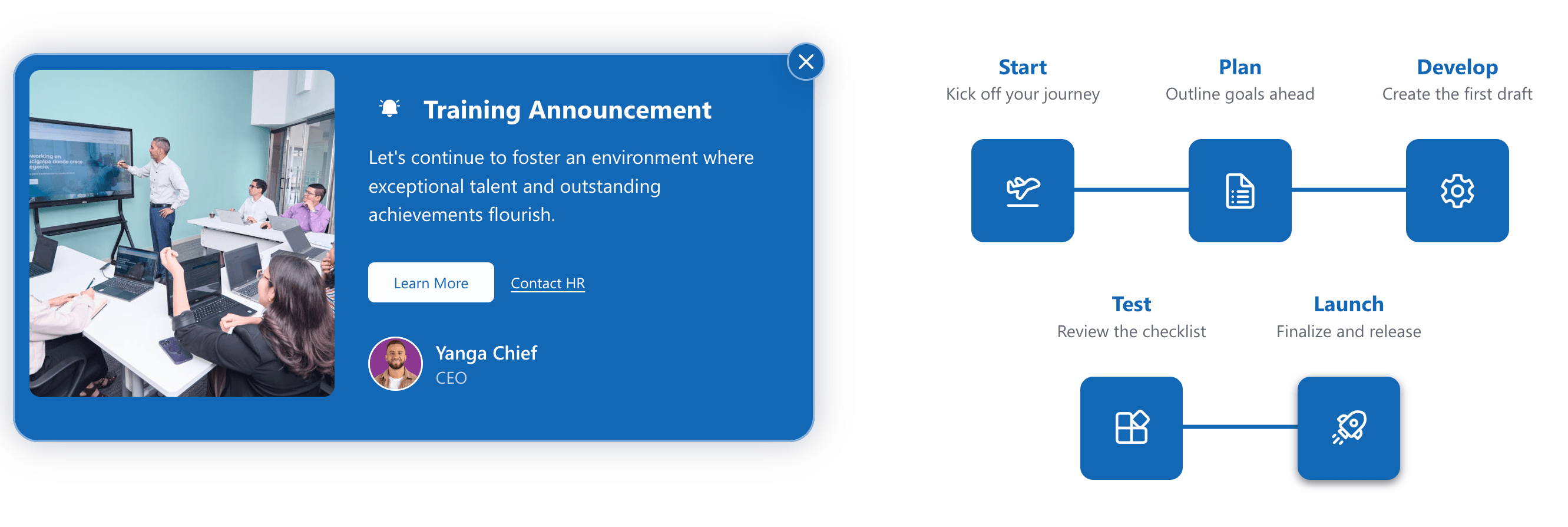
But here's a great trick: did you know you can turn your announcements into pop-ups? It's a simple change that makes a big impact. By displaying announcements as pop-ups, you make them impossible to miss, ensuring that important messages actually get seen by everyone who needs to see them.
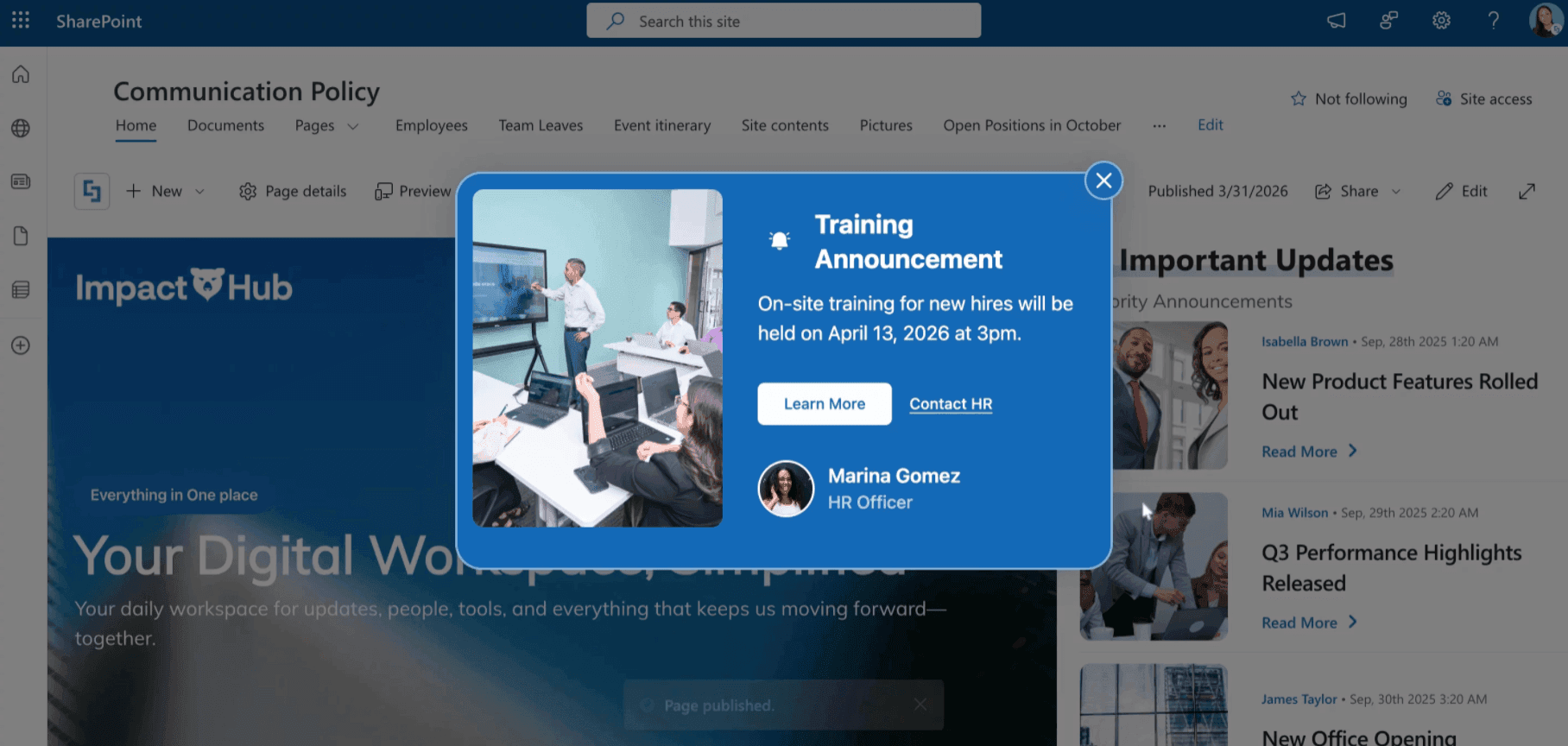
TABLE OF CONTENTS
Prerequisites
- You must have the latest version of ShortPoint SPFx installed.
- You must be a ShortPoint Designer with an active license.
Interactive Tutorial
Start the interactive tutorial to start turning Announcements into Pop-ups:
Step-by-step Tutorial
Follow the detailed guide below to turn announcements into pop-ups:
Step 1: Edit the ShortPoint Web Part
- Go to the SharePoint page you want to use and click Edit.
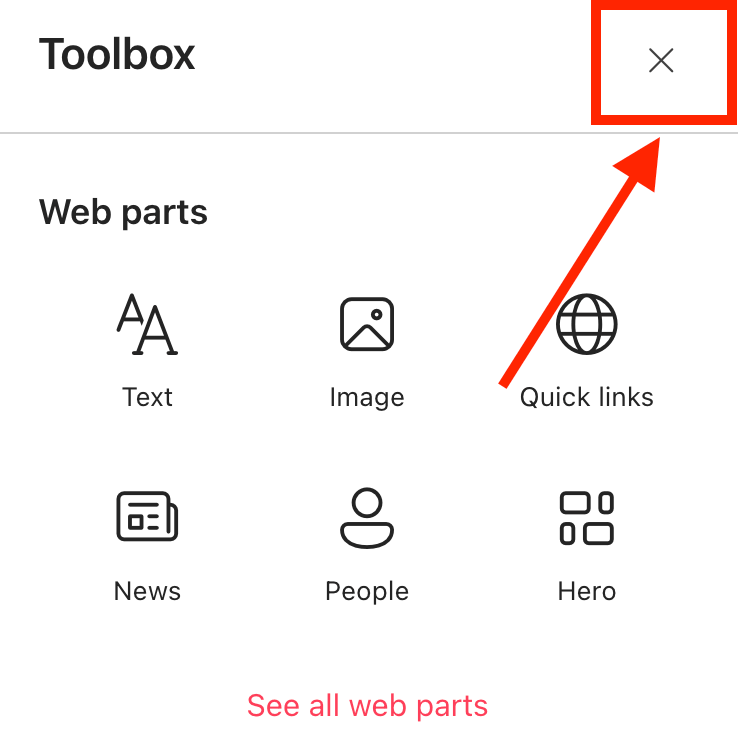
- Close the Toolbox:
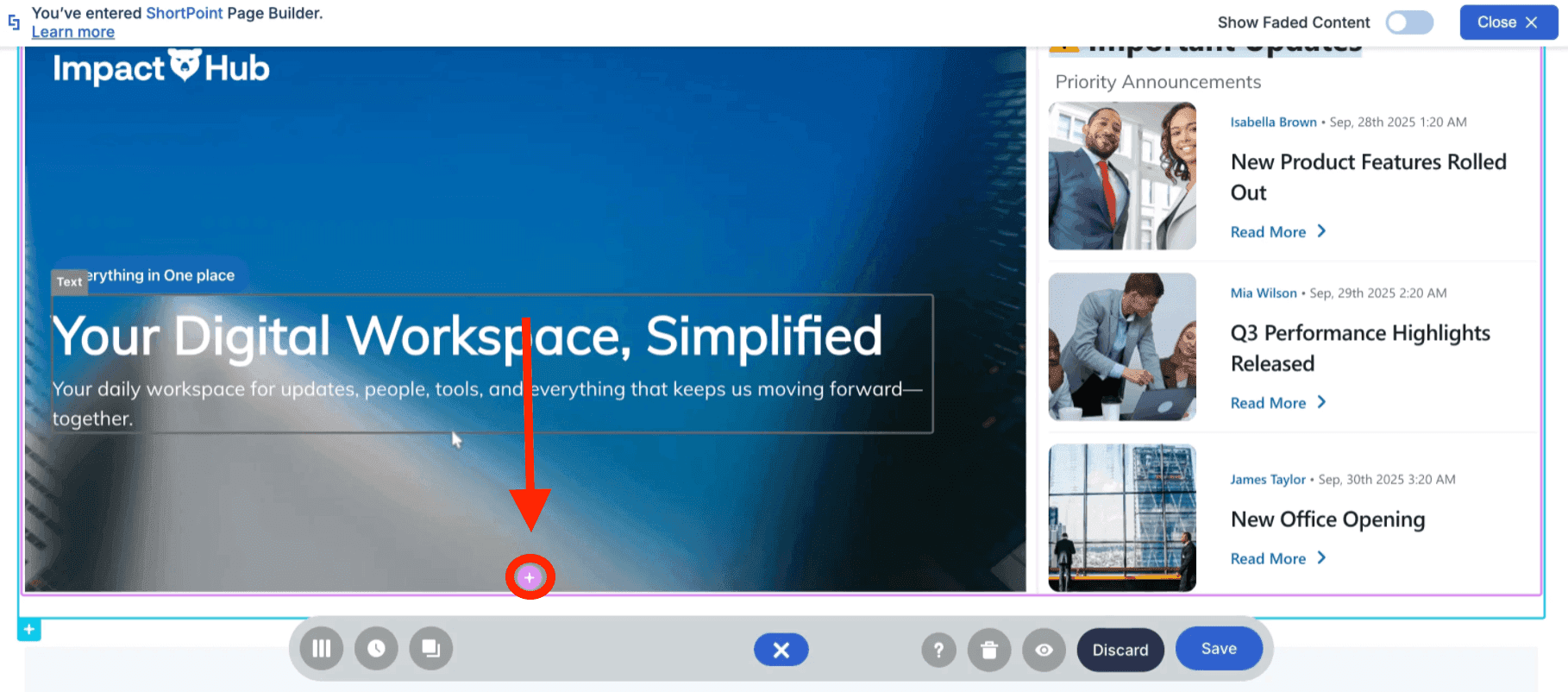
- Edit the ShortPoint web part:

Step 2: Add the Announcement Design Element
- Click the plus icon:
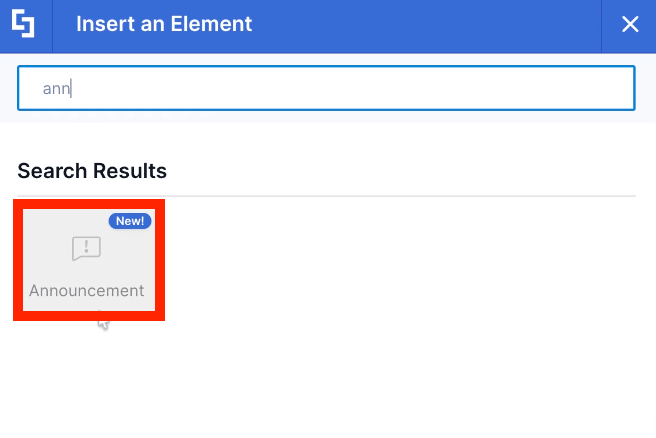
- Use the search bar to look for Announcements and select it:
Step 3: Add Content
- In the content tab, modify the content to your liking.
Step 4: Modify Design
- Go to the Design tab.
- Customize the Announcements design to your preferences.
Step 5: Enable PopUp Feature
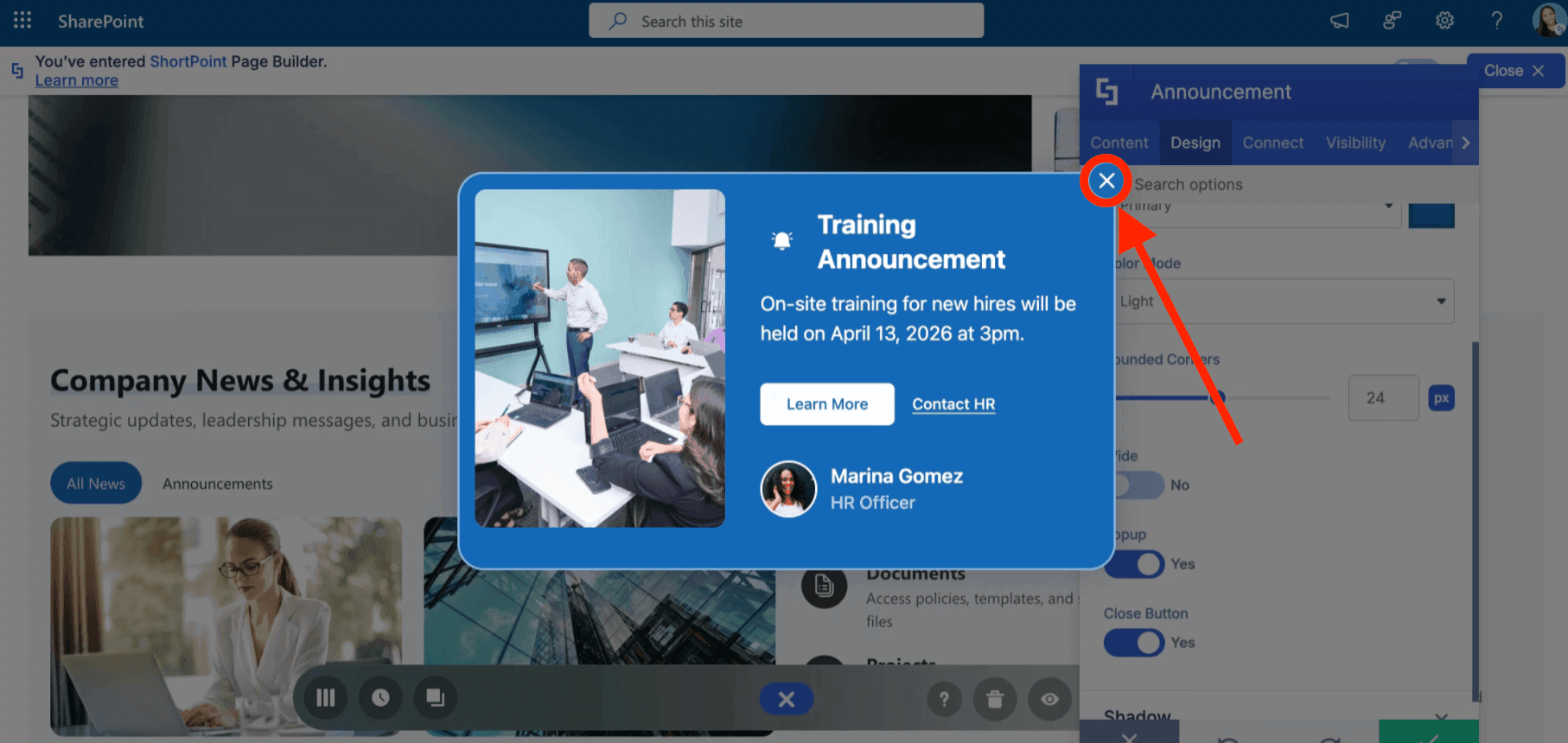
- Look for the PopUp option and enable it:

- You will see a preview of the PopUp announcement. Close it for now:
Step 6: Add Dates
- Go to the Advanced tab.
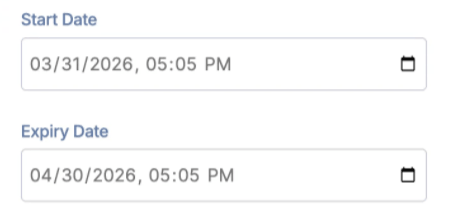
- Configure when the pop-up will be shown (start and end dates).
Step 7: Save
- Once done, click the green checkmark.
- Save your changes:

- And publish your page:

Well done! You can now create pop-up announcements on your SharePoint page.
Related articles:
