 Try ShortPoint now
Something exciting has just landed! ShortPoint is proud to introduce 7 brand-new Design Elements to our ever-growing library of SharePoint site design tools. From displaying global time zones to gathering employee testimonials, these new Design Elements cover a wide range of use cases that organizations have been asking for. And the best part? No coding required, as always.
Let's take a closer look at what's new!
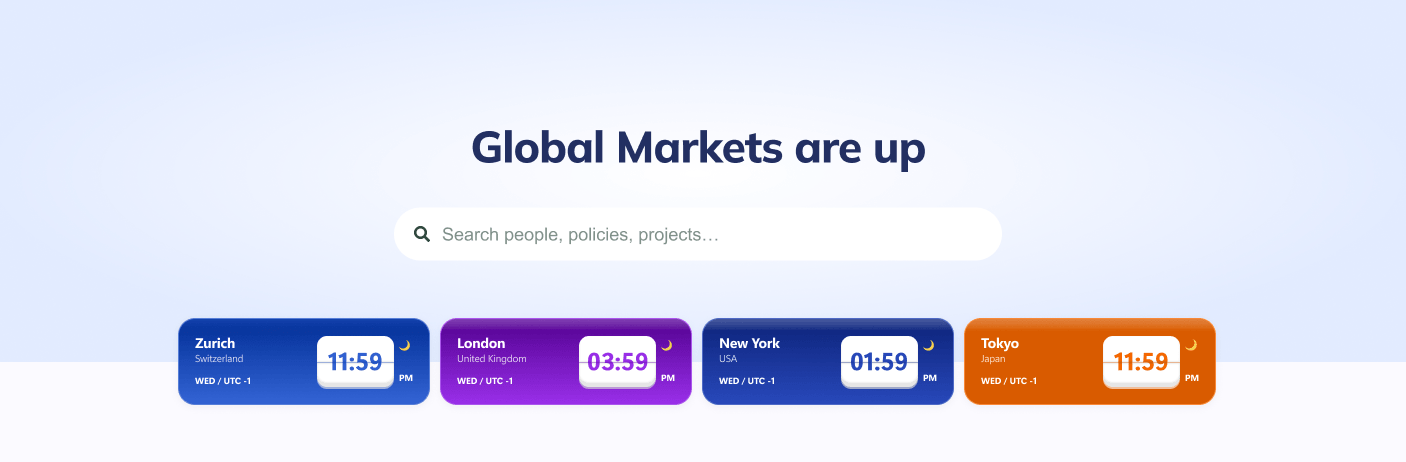
World Clock
Working across time zones? The World Clock Design Element lets you display multiple clocks from different cities and regions on a single SharePoint page. It's a small but powerful feature that provides easy access to global time information, making a big difference for business teams. You won't have problems scheduling meetings or checking in with colleagues on the other side of the world anymore, enhancing collaboration and improving your organization's process.
Announcement
Sometimes you need to make sure a message gets seen. The Announcement Design Element gives you a bold, attention-grabbing way to share important news posts, updates, alerts, or notices with your team. Place it prominently on any SharePoint page and customize it to match your site theme, so nothing critical slips through the cracks.

FlipBoxes
Add a layer of interactivity to your SharePoint pages with the FlipBoxes Design Element. These cards flip on hover to reveal additional content — whether that's a description, a link, a team member's contact details, or a fun fact about your organization. It's an elegant way to present more information without cluttering your page layout and enhances the overall user experience on your SharePoint site.
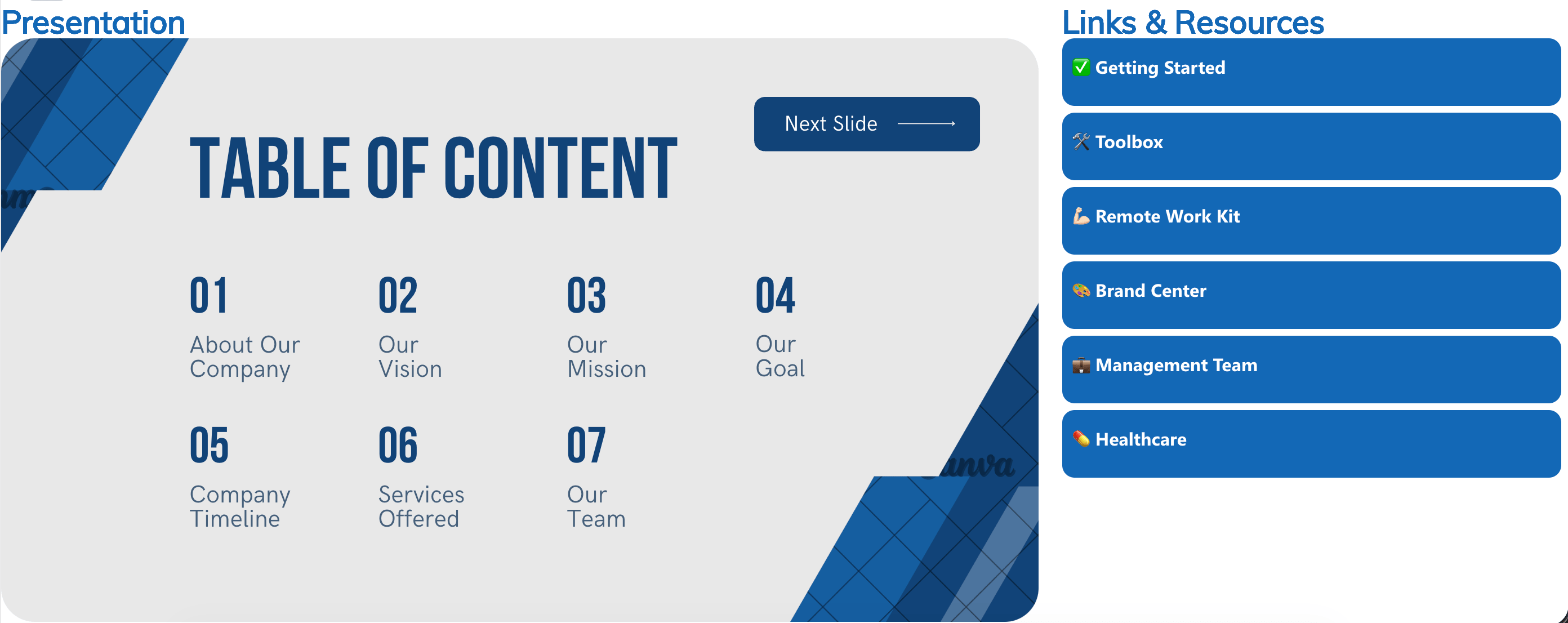
Canva
Already using Canva to design graphics, presentations, or reports? Now you can bring that content directly into your SharePoint pages with the Canva Design Element. Embedding your Canva creations has never been this seamless. You can now keep your SharePoint intranet looking polished with designs you've already put the work into, enhancing your site's functionality and user experience.
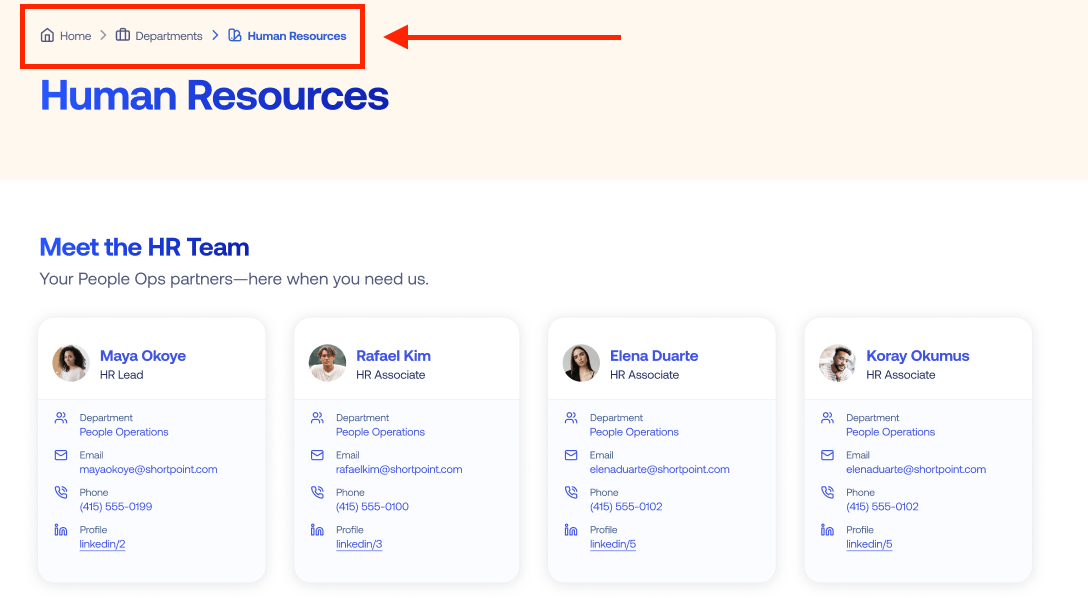
Breadcrumb
Help your users always know where they are and how to get back. The Breadcrumb Design Element adds intuitive navigation trails and page anchors to your SharePoint pages, improving the overall browsing experience and reducing the frustration of getting lost in deep site contents and complex site designs.
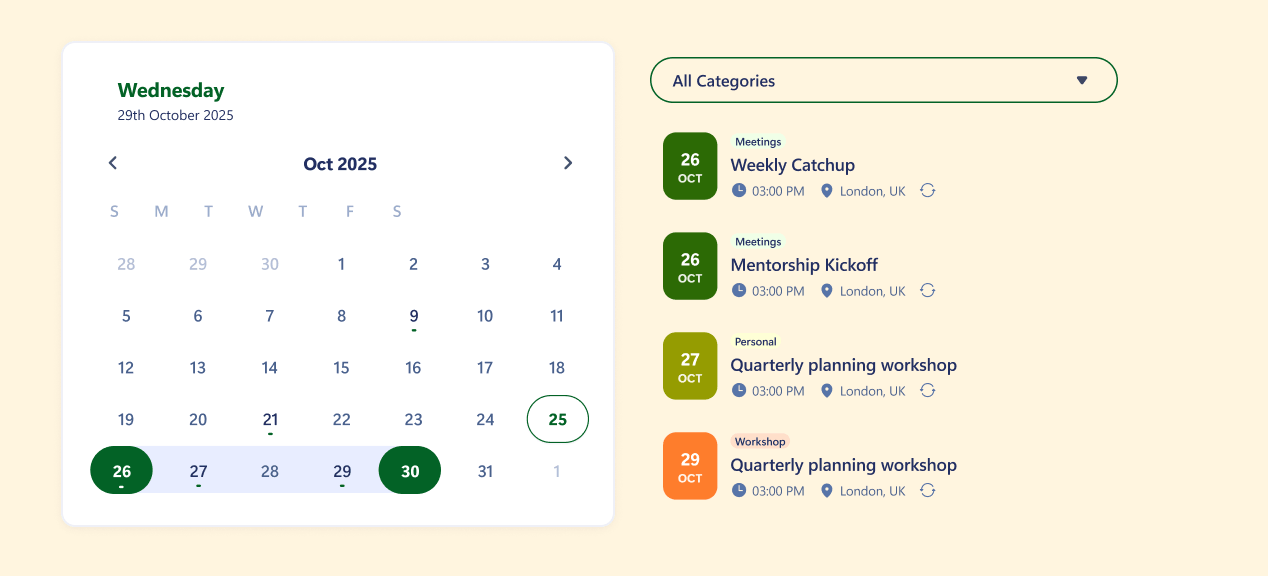
Calendar
Keep your team informed and organized with a beautifully designed calendar display. This Design Element makes it effortless to showcase team events, important dates, deadlines, and company activities directly on your SharePoint Online sites, improving overall team collaboration.
Testimonial
Build trust and showcase success with elegance. The Testimonials Design Element makes it easy to display customer feedback, employee testimonials, or success stories on your SharePoint sites, providing an effective way to engage users.

Ready to Explore?
These 7 new Design Elements are available now and ready to transform your SharePoint sites. They were built with real teams in mind — practical, flexible, and as easy to use as everything else in the ShortPoint library.
If you're already a ShortPoint Designer, simply update to the latest version of ShortPoint SPFx 8.8.4.0, and you'll find all 7 elements waiting for you in the Design Elements library.
Not yet using ShortPoint? No worries at all! You can try all of these new additions and everything else ShortPoint has to offer by starting a FREE 15-day trial. Or if you'd prefer to chat first, feel free to reach out to our team. We're always happy to help you figure out the best way to take your SharePoint intranet to the next level.
Related articles:
- How to Add an Online World Clock to SharePoint Sites Using the World Clock Design Element
- How to Embed Canva into SharePoint Using the Canva Design Element
- How to Create a FlipBox in SharePoint Using the FlipBoxes Design Element
- How to Create a Breadcrumb Navigation in SharePoint Online Using the Breadcrumb Design Element
- How to Add Customer Testimonials to SharePoint Using the Testimonials Design Element
- How to Create SharePoint Calendar Using the Calendar Design Element
- How to Create SharePoint Announcements Using the Announcement Design Element
