 Try ShortPoint now
By default, your SharePoint site has an App Bar. The App Bar is the side menu found on the left side of your screen, where you can easily access important resources and content.
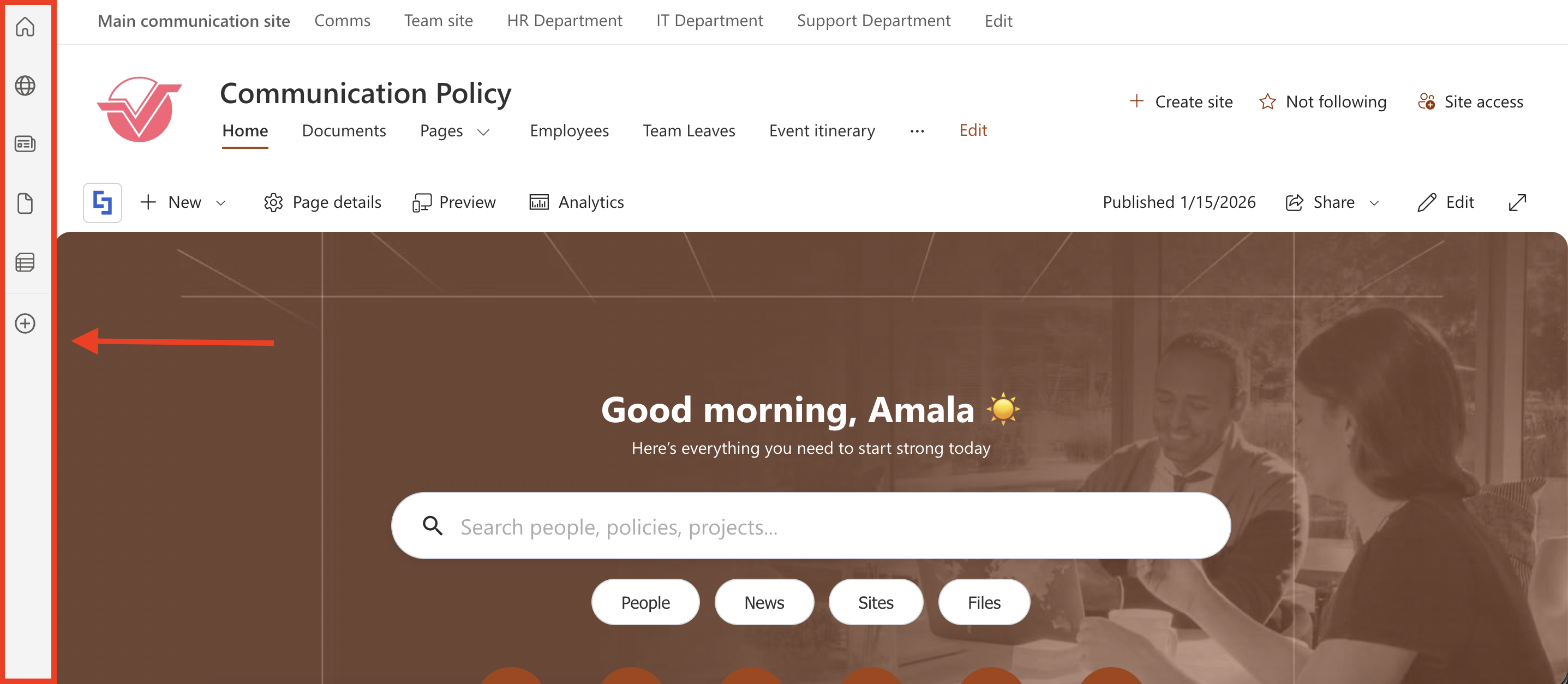
With ShortPoint Theme Builder, you can hide the App Bar by adding a Custom CSS code. This article will show you how.
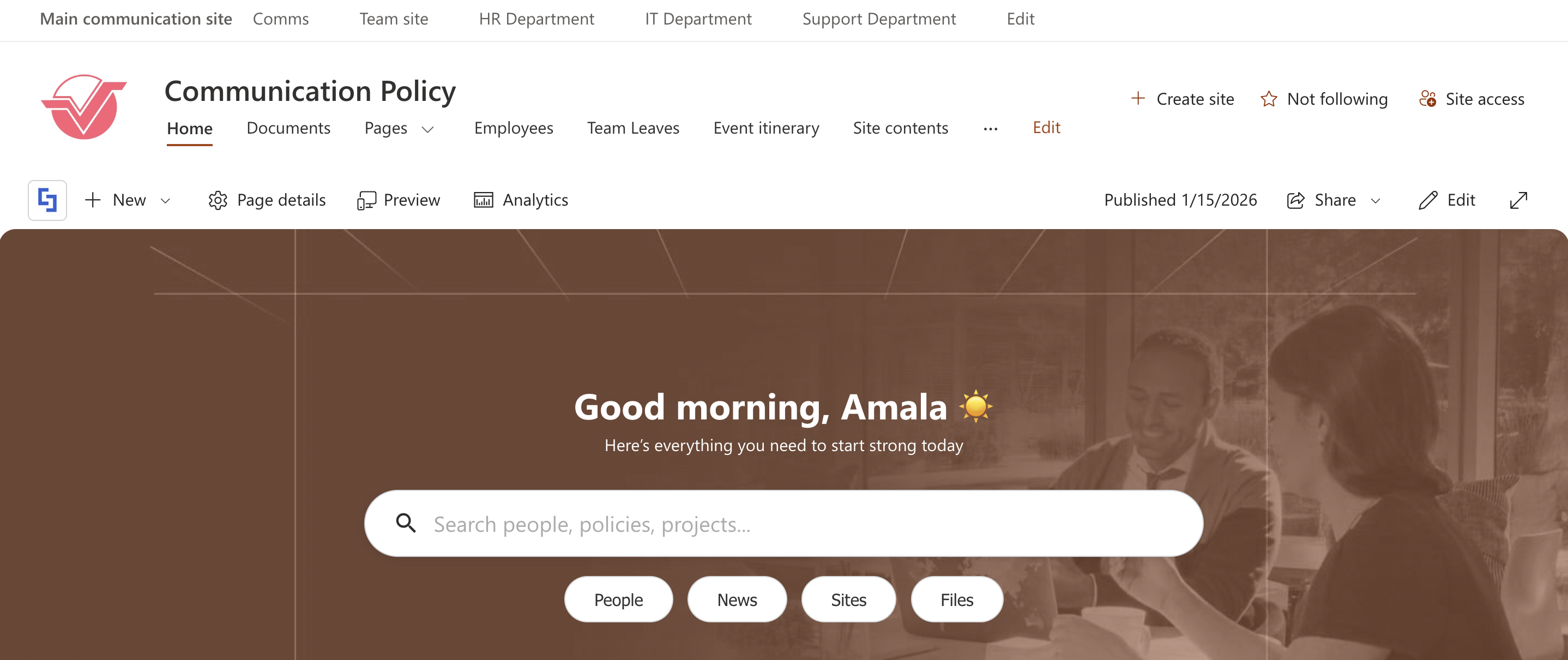
TABLE OF CONTENTS
Prerequisites
- You must have the latest version of ShortPoint SPFx installed in your SharePoint environment.
- To add Custom CSS in Theme Builder, you must be a ShortPoint Designer with either a Pro or Enterprise License. For more details, check out Licensing Options.
Interactive Tutorial
Start the interactive tutorial to hide the SharePoint App Bar:
Below is the Custom CSS code used in the tutorial:
#sp-appBar {
  display: none !important;
}
Step-by-step Tutorial
Follow the detailed guide below:
Step 1: Open the ShortPoint Theme Builder
- Go to the SharePoint page where ShortPoint is installed and click the ShortPoint logo:

- Select Theme Builder:

Step 2: Copy Code
- Copy the Custom CSS code below:
#sp-appBar {
  display: none !important;
}
Step 3: Paste Code
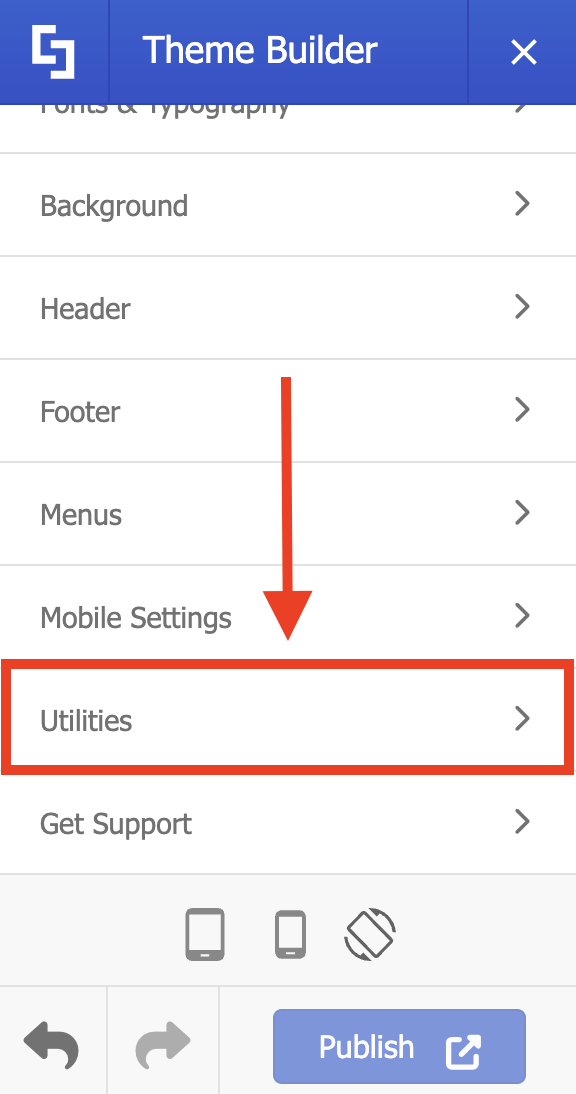
- Look for Utilities and select it:
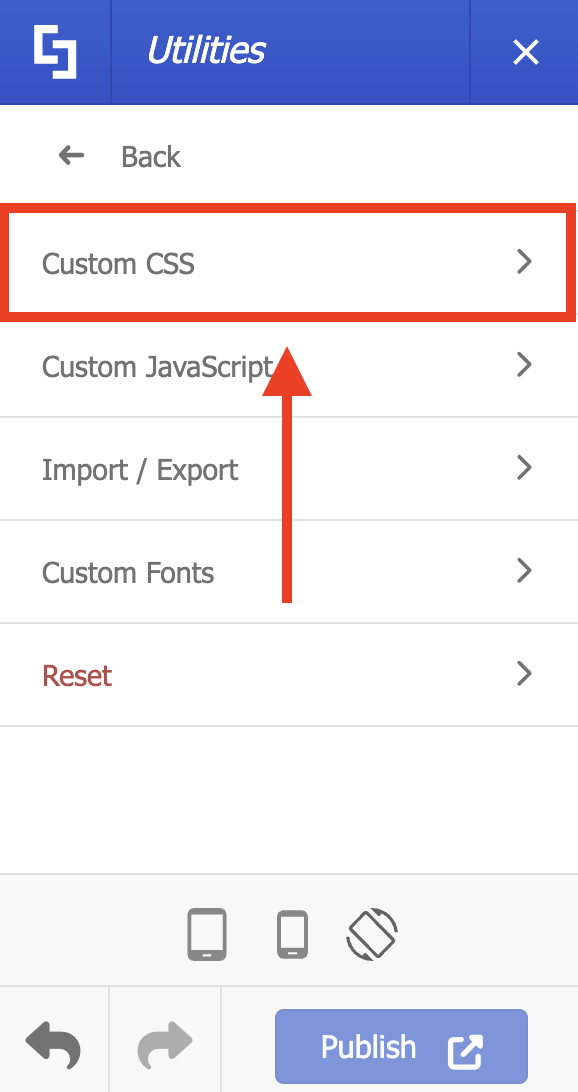
- Choose Custom CSS:
- Paste the code in the field provided.
- Click Apply:
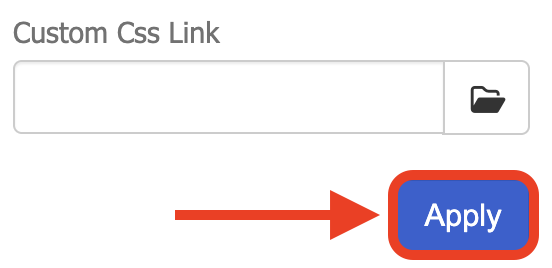
- Publish your changes.
Congratulations! You’ve successfully hidden the SharePoint App Bar.
Related articles:
