Try ShortPoint now
TL;DR: To get started with Power Apps in SharePoint, use the ShortPoint Power Apps Design Element to embed your existing Power Apps app straight onto your page, without code or iframe setup. You need the latest ShortPoint SPFx version, a ShortPoint Designer with a Pro or Enterprise license, and a Power Apps license for everyone who will use the app. Add the element in the ShortPoint Page Builder, paste in your app’s ID from the Power Apps portal, choose the layout and size, and publish. It works on SharePoint Online and SharePoint On-Premise.
Already have a Power Apps custom application? If you do, you'd be happy to learn that with the ShortPoint Power Apps Design Element, you can easily integrate your apps into your SharePoint sites.
The Power Apps Design Element acts as a bridge between custom-built Microsoft Power Apps and your ShortPoint-designed SharePoint pages. Let's break down what Microsoft Power Apps is, how this ShortPoint element connects it to your intranet, four practical reasons it's useful, and common questions.
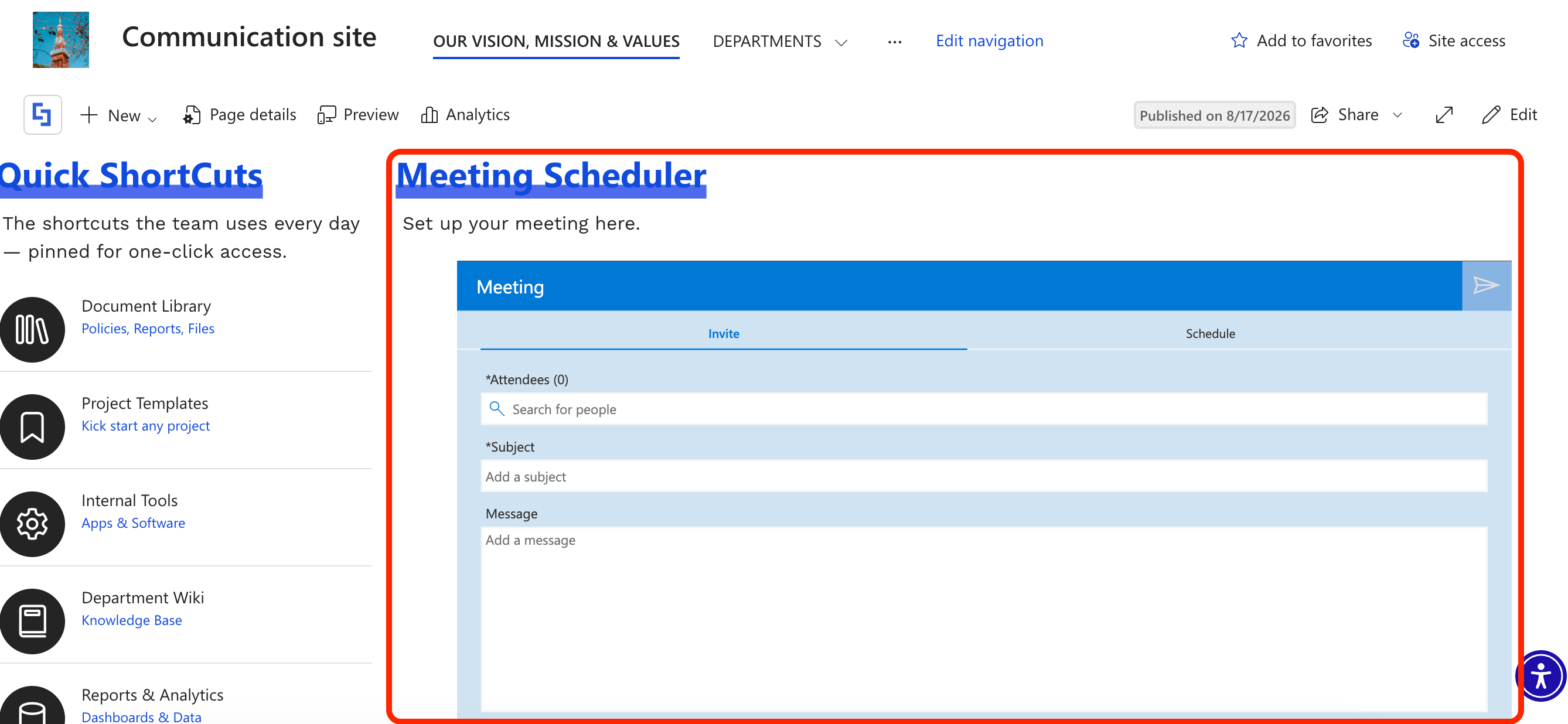
TABLE OF CONTENTS
- Prerequisites
- What Is Microsoft Power Apps?
- What Is the ShortPoint Power Apps Design Element?
- Add Power Apps in SharePoint
- Practical Use Cases
- Frequently Asked Questions
- Do I need a Power Apps license to use the embedded app in SharePoint?
- Can I customize the size and layout of Power Apps within SharePoint?
- Is it possible to use Power Apps with SharePoint On-Premises as well as SharePoint Online?
- How does Power Apps improve collaboration and workflow automation in SharePoint?
- What are the benefits of embedding Power Apps in SharePoint using ShortPoint?
- Is it difficult to set up?
Prerequisites
To integrate Power Apps using ShortPoint, you will need the following:
- You have the latest ShortPoint SPFx version installed on your SharePoint environment.
- You are a ShortPoint Designer with either a Pro or Enterprise License. For more information, check out Licensing Options.
- You must have the appropriate Power Apps license. To learn more, check out Power Apps Licensing.
What Is Microsoft Power Apps?
Before diving into the integration itself, it helps to understand what Microsoft Power Apps actually does.
Power Apps is a low-code application development platform built by Microsoft (part of the Microsoft Power Platform suite). It allows organizations to quickly build custom, business-driven applications without needing a team of full-stack software developers.
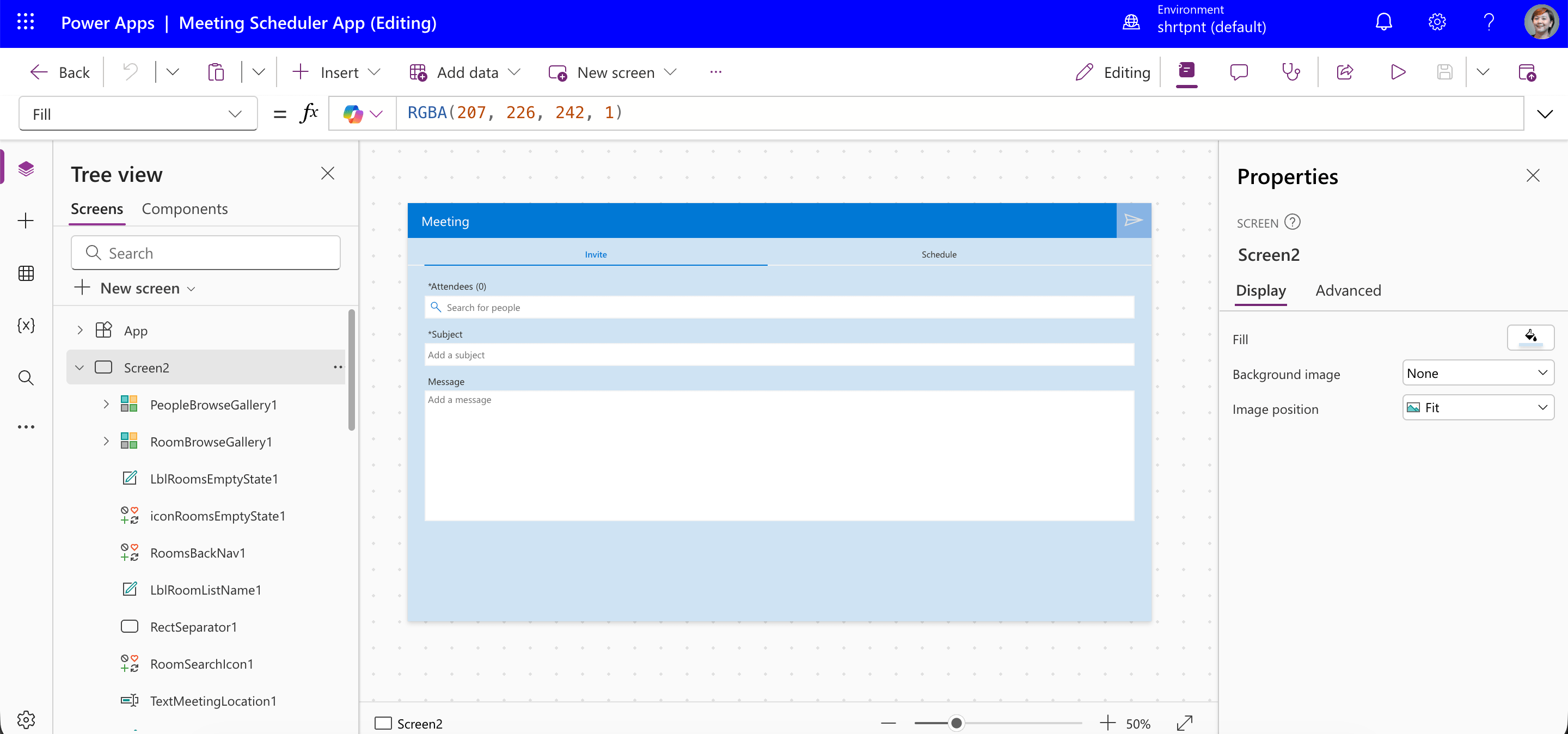
Instead of writing thousands of lines of code, users can build custom forms, dashboards, and operational tools using visual drag-and-drop interfaces and simple formulas (similar to Excel). Power Apps seamlessly connects to the business data your team already uses, such as SharePoint lists, Microsoft 365 data, SQL databases, or custom APIs. In short, it empowers teams to replace slow, manual paperwork and chaotic email chains with clean, secure internal software tools.
What Is the ShortPoint Power Apps Design Element?
While Power Apps handles the functional side of internal tools, ShortPoint handles the visual integration on your SharePoint intranet.
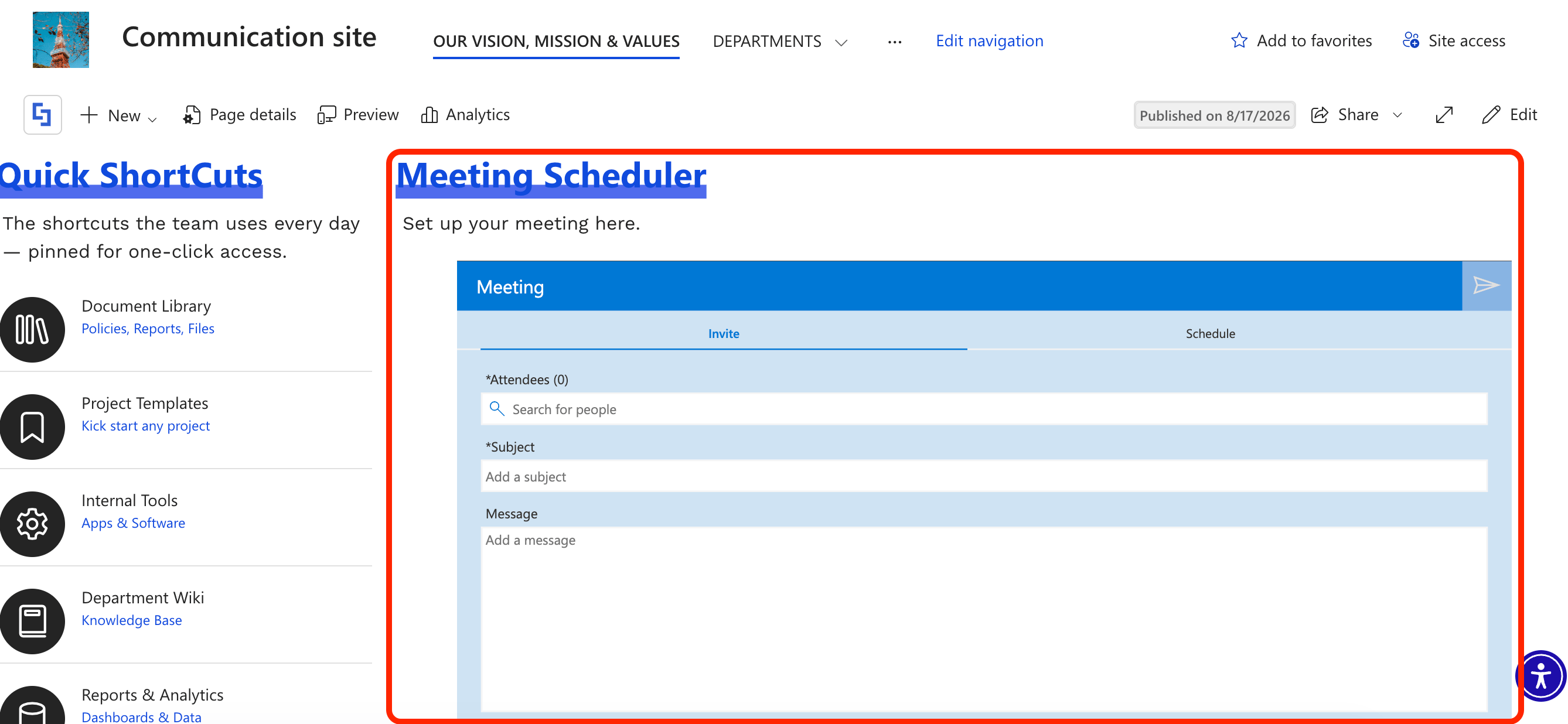
The Power Apps Design Element is a native ShortPoint component that lets you embed custom Microsoft Power Apps directly into your SharePoint pages without writing a single line of code.
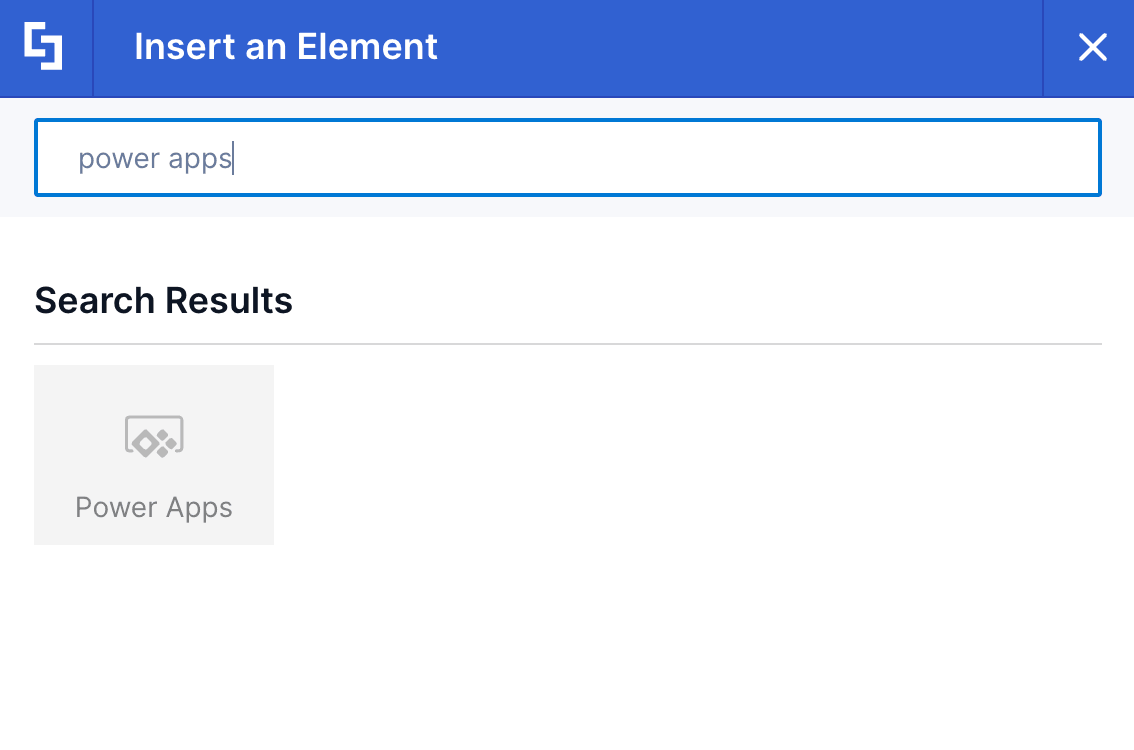
With it, you don't have to wrestle with clunky iframe configurations that break your page's layout or send employees away from your intranet. You can simply add your Power Apps ID, and voilà, your app is in your SharePoint site, allowing you to position custom applications cleanly alongside your team news, quick links, and so much more.
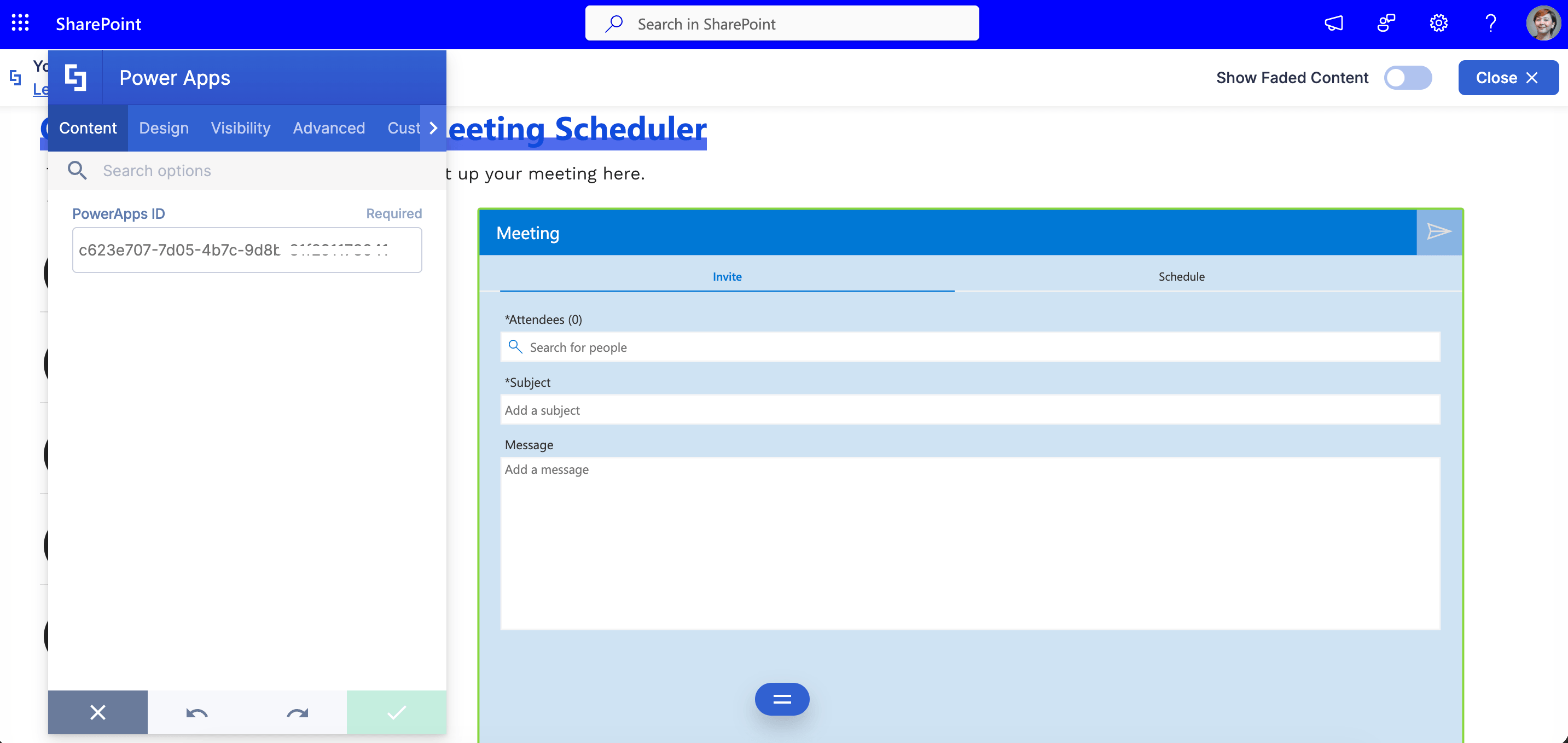
And, starting from ShortPoint SPFx version 9.5.0.0 and onwards, you can set everything up in Live Mode. It turns your intranet from a static bulletin board into an interactive workspace where users can fill out forms, trigger workflows, and interact with live data right on the page.
Add Power Apps in SharePoint
Ready to start adding your custom apps to your SharePoint sites? Follow our in-depth guide: How to Add Power Apps in SharePoint Using the Power Apps Design Element.
Practical Use Cases
Embedding custom apps sounds great in theory, but why is it valuable to have them directly on your SharePoint pages? Here are four practical scenarios where bringing Power Apps into your ShortPoint design makes a measurable difference:
Desk & Workspace Booking Systems
With hybrid work as the norm, team members frequently need to reserve hot desks, quiet pods, or conference rooms. Having this functionality embedded directly onto your Facilities page transforms it from a static info directory into an active operational hub. Employees can check room availability and secure a workspace on the fly while catching up on campus updates, eliminating the friction of navigating to a separate booking portal or juggling third-party apps.
HR Helpdesk & Leave Request Forms
Nobody likes hunting through deep site hierarchies or external portals just to submit a time-off request or open an HR ticket. Placing an HR request app right on your central Employee Hub page captures users where they already spend their time. It drastically cuts down on administrative friction, encourages timely submissions, and ensures HR inquiries are logged properly into structured workflows rather than getting lost in email threads.
IT Equipment & Asset Requests
When a team member needs a second monitor, a hardware replacement, or access to new software, they need a clear, immediate place to go. Integrating an asset request tool onto your IT Support page allows you to pair interactive forms with helpful troubleshooting guides on the exact same screen. Users can try self-service fixes first; if those fail, they can immediately request equipment without losing their place, reducing duplicate support tickets.
Interactive Feedback & Pulse Surveys
Getting honest, consistent feedback from employees requires making the submission process as low-effort as possible. Embedding a lightweight survey app directly into your intranet’s home page or sidebar captures authentic, top-of-mind responses. Because employees don't have to click away to an external link or fill out a bulky form, response rates jump significantly. This gives your leadership real-time insights into team sentiment.
Frequently Asked Questions
Do I need a Power Apps license to use the embedded app in SharePoint?
Yes. While you can embed Power Apps directly into your SharePoint pages using the ShortPoint Power Apps Design Element, all users interacting with the app must have the appropriate Microsoft 365 or Power Apps standalone license.
Can I customize the size and layout of Power Apps within SharePoint?
Absolutely. ShortPoint allows you to control the display mode, including portrait or landscape, and set custom dimensions for width and height. This ensures your embedded Power Apps are user-friendly and responsive across mobile devices and browsers.
Is it possible to use Power Apps with SharePoint On-Premises as well as SharePoint Online?
Yes. The integration supports both SharePoint Online (Microsoft 365) and SharePoint On-Premises environments like SharePoint 2019, making it a versatile solution for enterprise and business needs.
How does Power Apps improve collaboration and workflow automation in SharePoint?
Power Apps enables you to build custom apps and automate workflows that streamline workflows. Using ShortPoint, you can then display them directly within SharePoint. This leads to seamless collaboration, improved productivity, and tailored solutions for your team's tasks and business rules.
What are the benefits of embedding Power Apps in SharePoint using ShortPoint?
Embedding Power Apps via ShortPoint creates a seamless collaboration experience on your intranet, allowing users to interact with live data, automate workflows, and access tailored solutions without leaving your SharePoint environment.
Is it difficult to set up?
Not at all! You simply add the Power Apps element via ShortPoint Page Builder, grab the App ID from your Power Apps portal, paste it into the element settings, and publish.
Related articles: